Features and Benefits

Memogram is designed to be a seamless and efficient solution for collecting and sharing event memories. Below is a detailed outline of its key features:

Event Creation & Customization

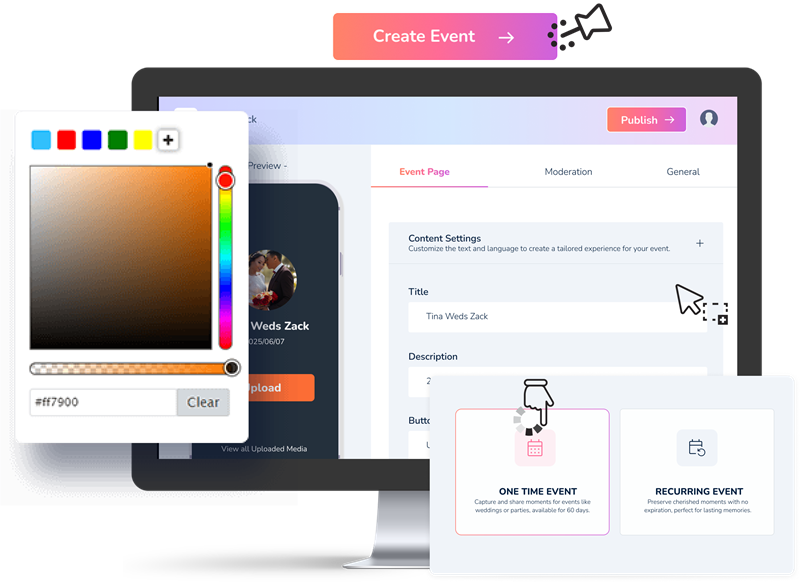
Create personalized event pages with details like name, date, location, and description. Choose from Various themes or design templates to match the style of your event (e.g., weddings, birthdays, corporate events).

QR Code and Link Generation

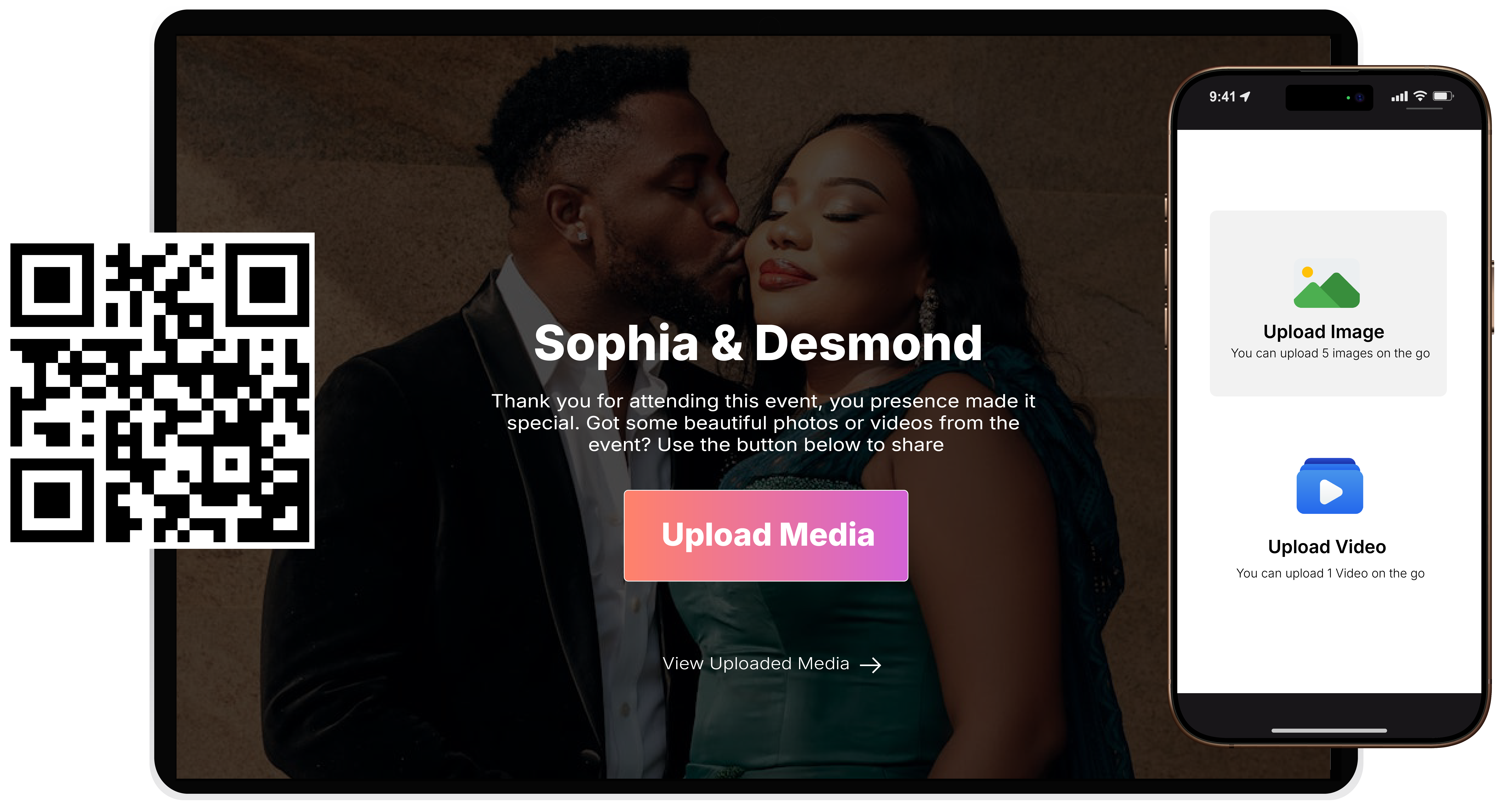
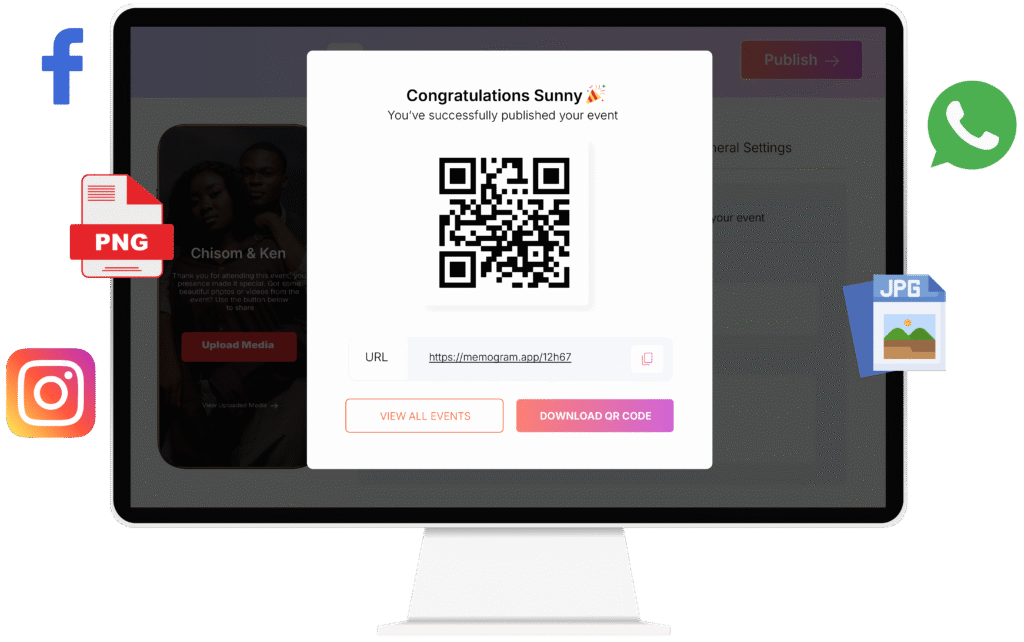
Generate a unique QR code for each event, which can be printed, shared on invitations, or displayed digitally.

Guests scan the QR code with their phone’s camera or any QR Code Scanner App to instantly access the event’s media-upload platform. Unique links are also generated, and can be shared across Social media platforms (Facebook, Instagram, Whatsapp etc)

Seamless Media Uploading

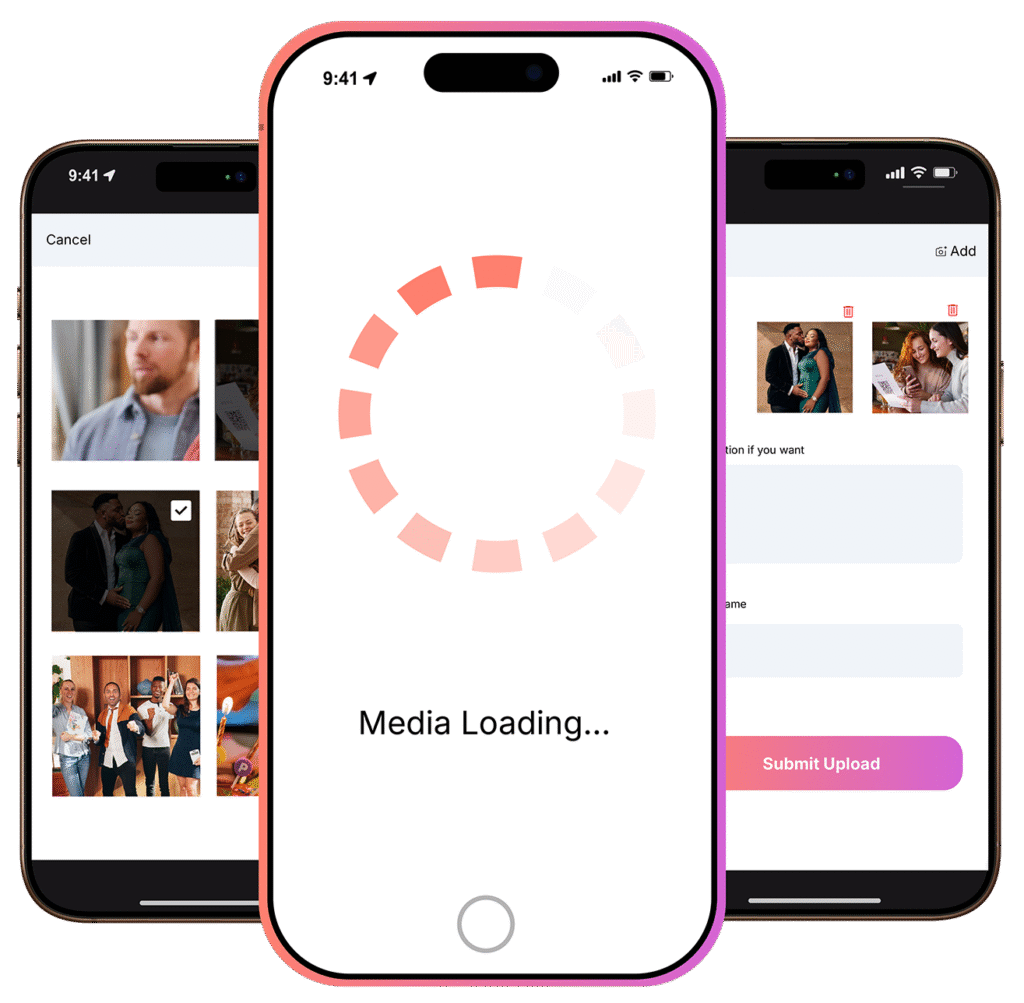
Memogram supports the upload of multiple media files at once, which means guests can select and submit all their photos or videos from the event in a single batch rather than uploading them one by one. This saves time and enhances the user experience.

Guests also have the option to add Captions to personalize their media and share thoughts.

Centralized Media Gallery

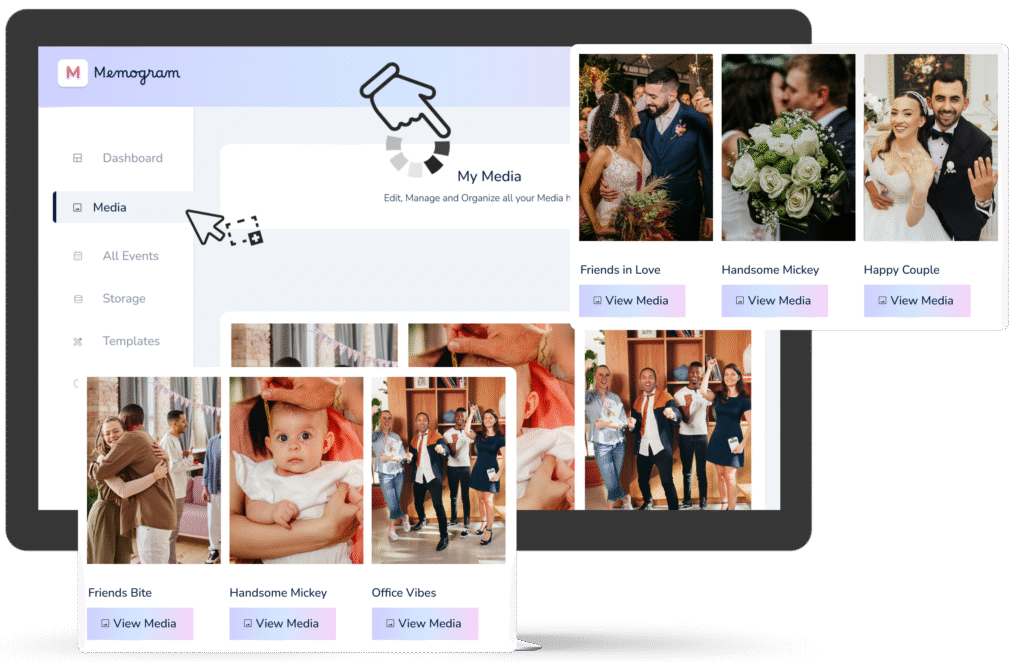
All uploaded photos and videos are stored in a central, easy-to-navigate gallery that’s accessible to the celebrant and authorized users.

Photos and videos are also automatically optimized for quality, while retaining their original resolution.

Password Protection

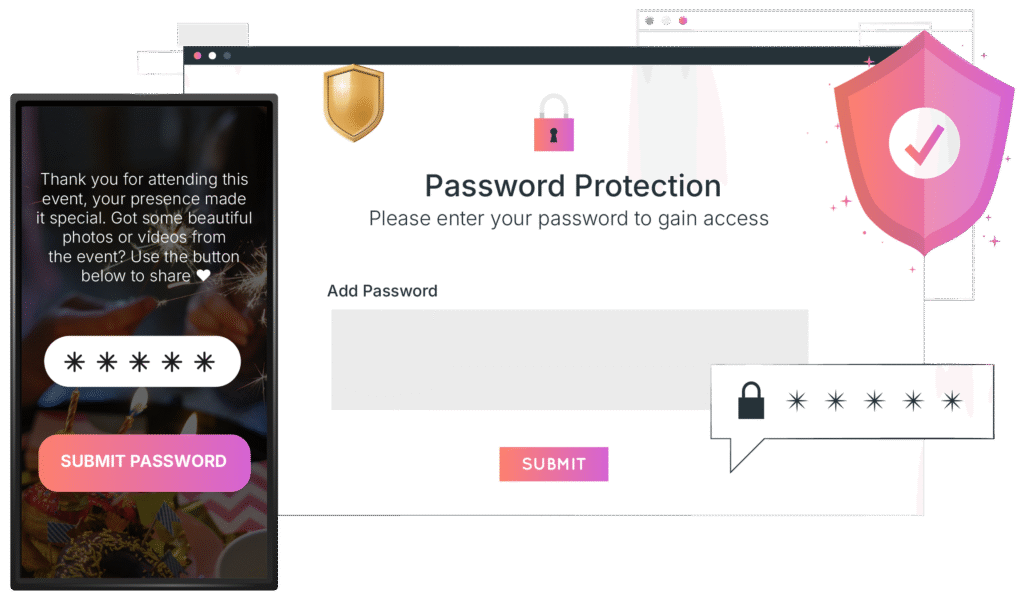
Event Host can add Password protection to manage guests who can upload and view media files.

This is ideal for private events or to prevent unauthorized individuals from entering the media gallery. 

Media Viewing and Downloading Permissions

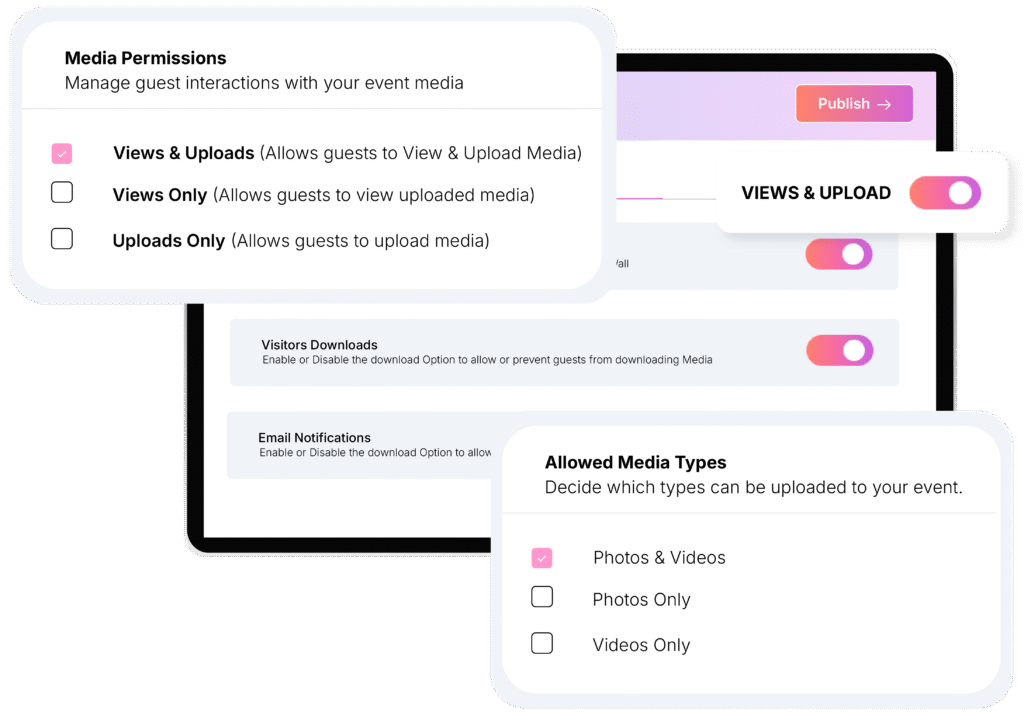
Event Host has the option to allow guest view and download media files (photos and videos) uploaded by other guests.
Multi-Platform Support
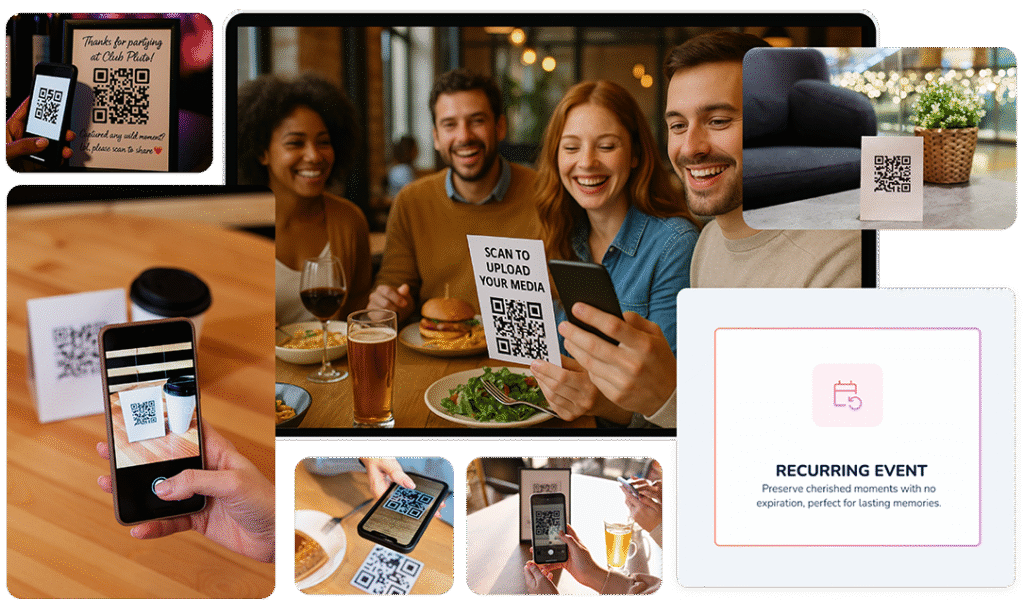
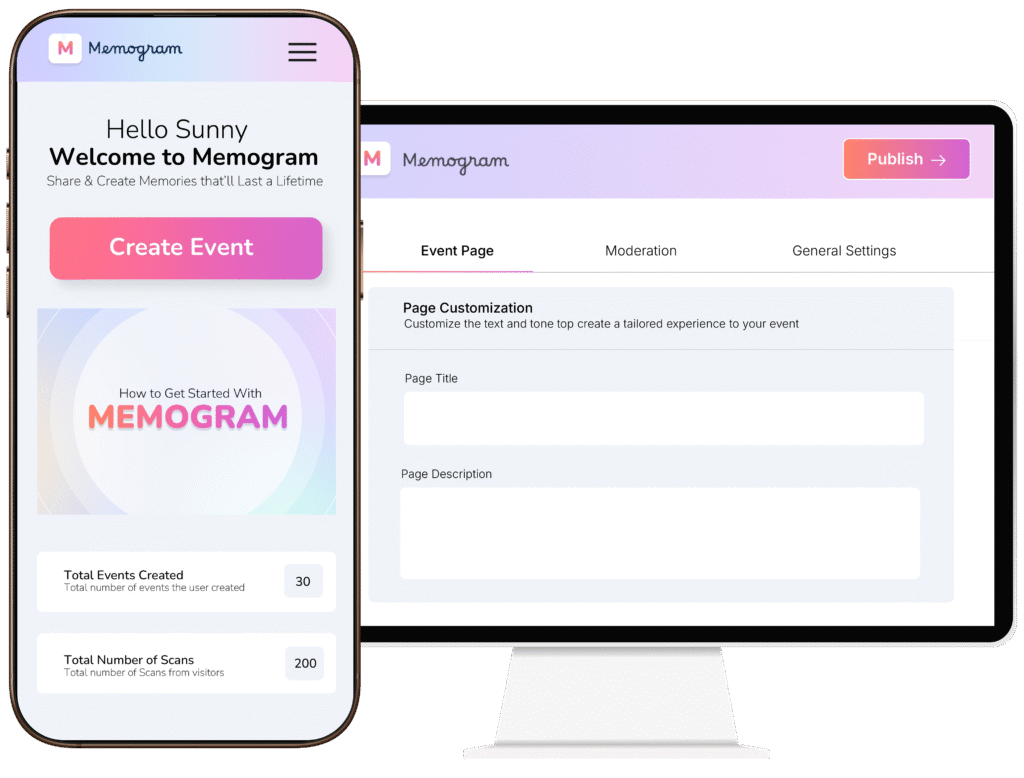
Memogram provides a unique QR Code and and Link, which can be accessed via web browsers and mobile phones, making it convenient for users to upload and view media from any device.

Media uploads and updates are instantly synced across all devices, ensuring a consistent experience for all users.

Reoccurring Events

This is a premium feature designed for businesses and venues with frequent, ongoing events or daily foot traffic like Restaurants and Cafes, Nightclubs and lounges, offices, hotels, resorts etc. 

It allows guests to upload photos and videos anytime without worrying about page expirations, offering a consistent flow of user-generated content.

Event Creation & Customization

Create personalized event pages with details like name, date, location, and description. Choose from Various themes or design templates to match the style of your event (e.g., weddings, birthdays, corporate events).

QR Code and Link Generation

Generate a unique QR code for each event, which can be printed, shared on invitations, or displayed digitally.

Guests scan the QR code with their phone’s camera or any QR Code Scanner App to instantly access the event’s media-upload platform. Unique links are also generated, and can be shared across Social media platforms (Facebook, Instagram, Whatsapp etc)

Seamless Media Uploading

Memogram supports the upload of multiple media files at once, which means guests can select and submit all their photos or videos from the event in a single batch rather than uploading them one by one. This saves time and enhances the user experience.

Guests also have the option to add Captions to personalize their media and share thoughts.

Centralized Media Gallery

All uploaded photos and videos are stored in a central, easy-to-navigate gallery that’s accessible to the celebrant and authorized users.

Photos and videos are also automatically optimized for quality, while retaining their original resolution.

Media Viewing and Downloading Permissions

Event Host has the option to allow guest view and download media files (photos and videos) uploaded by other guests.

Custom Domain Setup

Every event page can live under your unique domain, instead of Memogram’s domain. This builds trust and professionalism, ensuring your clients feel like it’s an exclusive service provided directly by you.

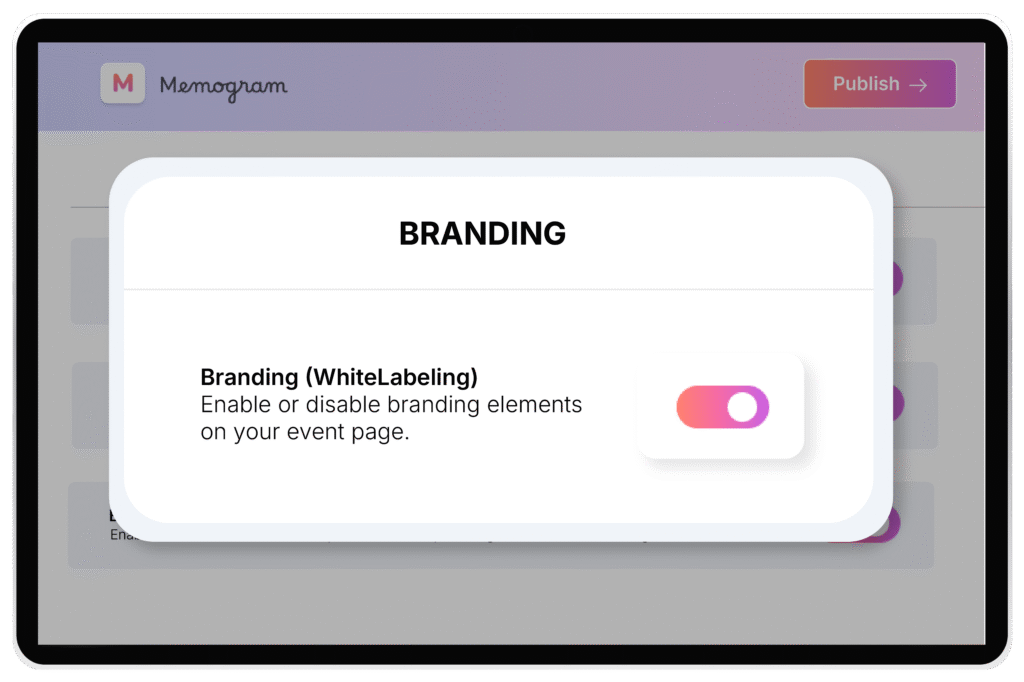
White-Label Event Pages

Remove all Memogram branding from event pages. Clients and guests won’t see “Memogram” anywhere — just a clean, distraction-free event page.
This makes it easy for planners and agencies to present the platform as their own service without outside branding. In coming updates, we’ll allow Enterprise users to Add their Brand Logo across the event pages.

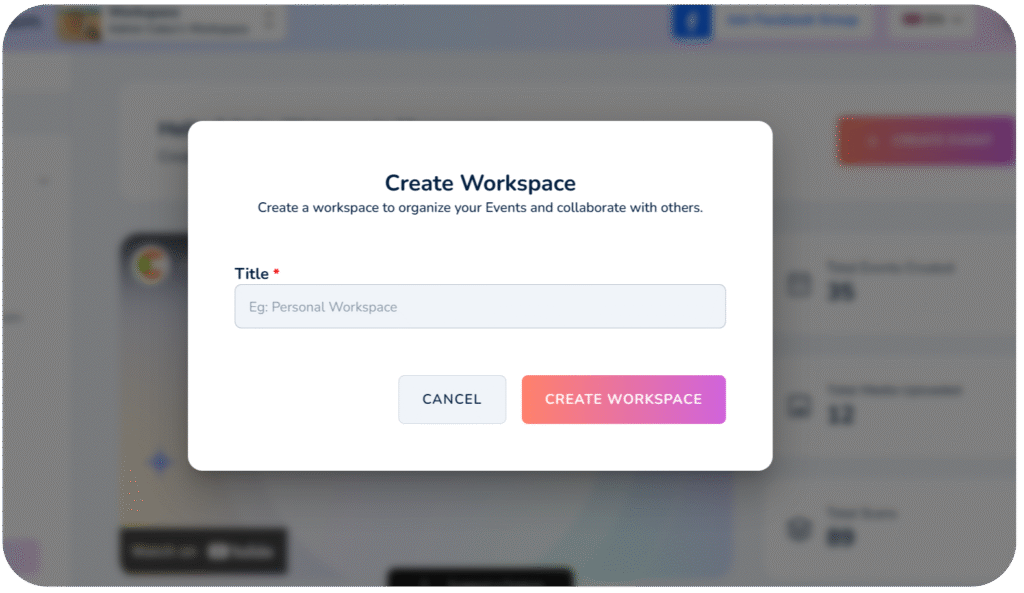
Unlimited Workspaces

Create dedicated workspaces for multiple clients or events. Keep each event fully separate and organized, which is perfect for planners managing several weddings, birthdays, and corporate events at the same time.

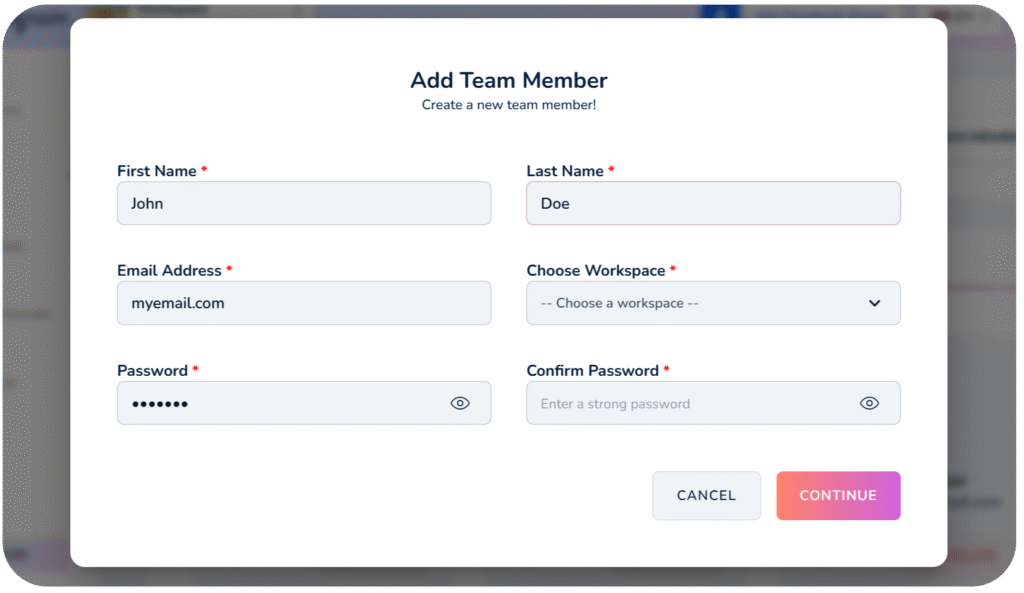
Unlimited Sub-User Access

Memogram provides a unique QR Code and and Link, which can be accessed via web browsers and mobile phones, making it convenient for users to upload and view media from any device.

Media uploads and updates are instantly synced across all devices, ensuring a consistent experience for all users.

Reoccurring Events

This is a premium feature designed for businesses and venues with frequent, ongoing events or daily foot traffic like Restaurants and Cafes, Nightclubs and lounges, offices, hotels, resorts etc. 

It allows guests to upload photos and videos anytime without worrying about page expirations, offering a consistent flow of user-generated content.

Multi-Platform Support

Memogram provides a unique QR Code and and Link, which can be accessed via web browsers and mobile phones, making it convenient for users to upload and view media from any device.

Media uploads and updates are instantly synced across all devices, ensuring a consistent experience for all users.
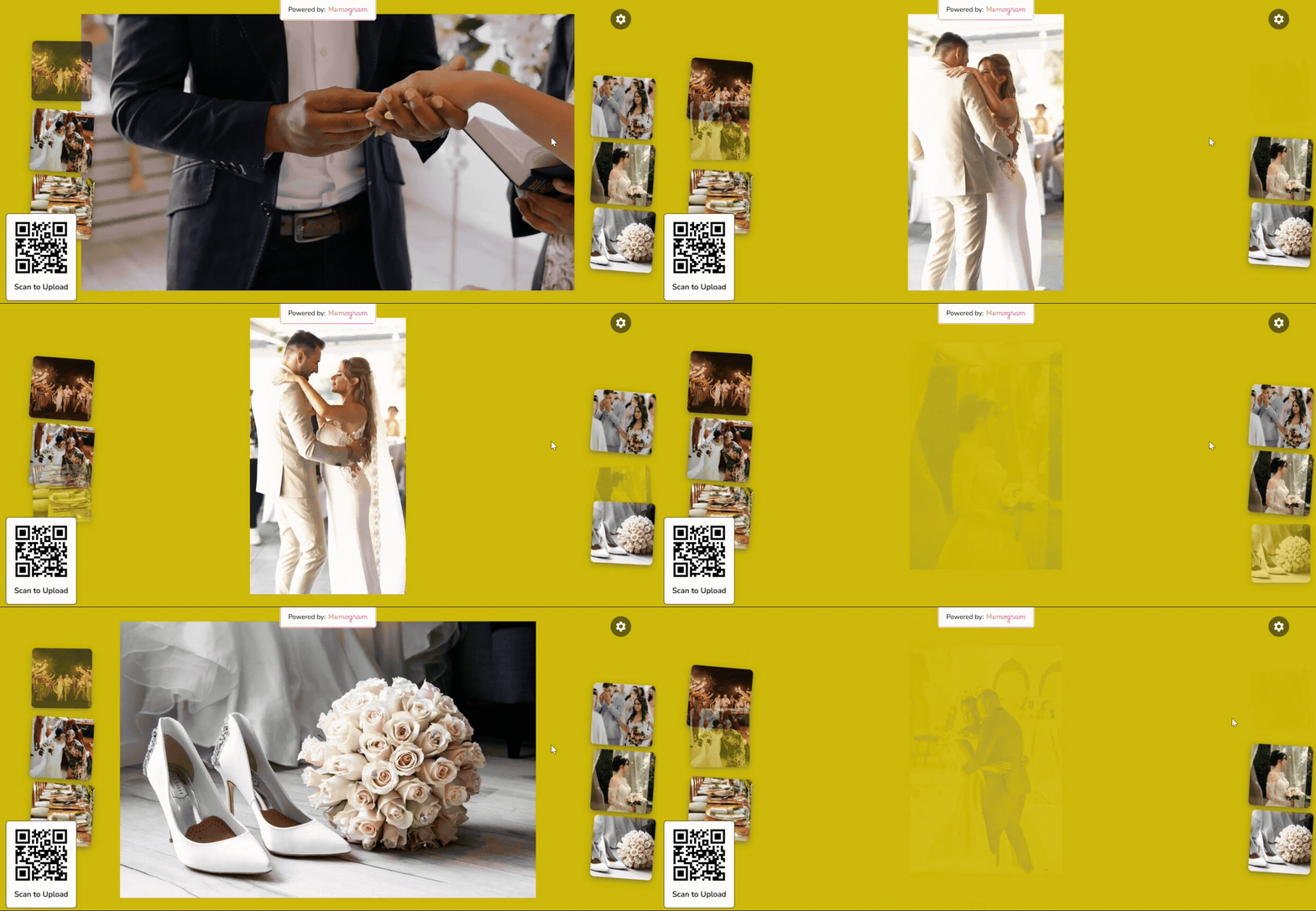
Event Screencast

Display every upload in real time on TVs, projectors, or LED screens at the venue. Guests love seeing their photos appear instantly in a live slideshow, which creates excitement and makes your events interactive and memorable

Text Note

A standalone post option that allows guests to leave messages and express themselves without uploading photos and videos.

Think of it like WhatsApp text status or Instagram story text.

Frequently Asked Questions

Do guests need to download an app to upload photos and videos?

No! Guests can upload their media instantly by scanning the QR code using their phone’s camera or browser—no app download required.

No matter the plan you choose, all uploaded media (photos and videos) will expire 30 days after the upload date.

For example, if a guest uploads a photo or video on January 1st, it will automatically expire and be permanently deleted from Memogram’s database on January 30th.

🔴 Once expired, media cannot be recovered.

To keep your precious memories safe, be sure to download them before the expiration date!

Your Event Page is available based on the plan you choose.

Once it reaches its expiration date (calculated from your event date):

✅ Guests will no longer be able to access the upload page.
✅ No new photos or videos can be added.

Make sure to download all your collected memories before your Event Page expires!

Memogram lets you connect your Google Drive account, allowing you to automatically store media uploaded by your guests even after it expires on Memogram.

Absolutely! Memogram provides a one-click bulk download feature so you can save all your event media instantly in high quality.
It depends on the host’s settings. The event host can choose whether guests can only upload media or also view and download shared content.
Yes! Businesses like event venues, wedding planners, and clubs can use Memogram to collect media from customers and guests, creating valuable engagement and promotional content.
Yes! You can personalize your event page with a custom event name, cover photo, and even branding (for businesses).
Yes, our app works globally, across different devices (mobile phones, tablets, laptop and Desktops). All your guests need is an internet connection.