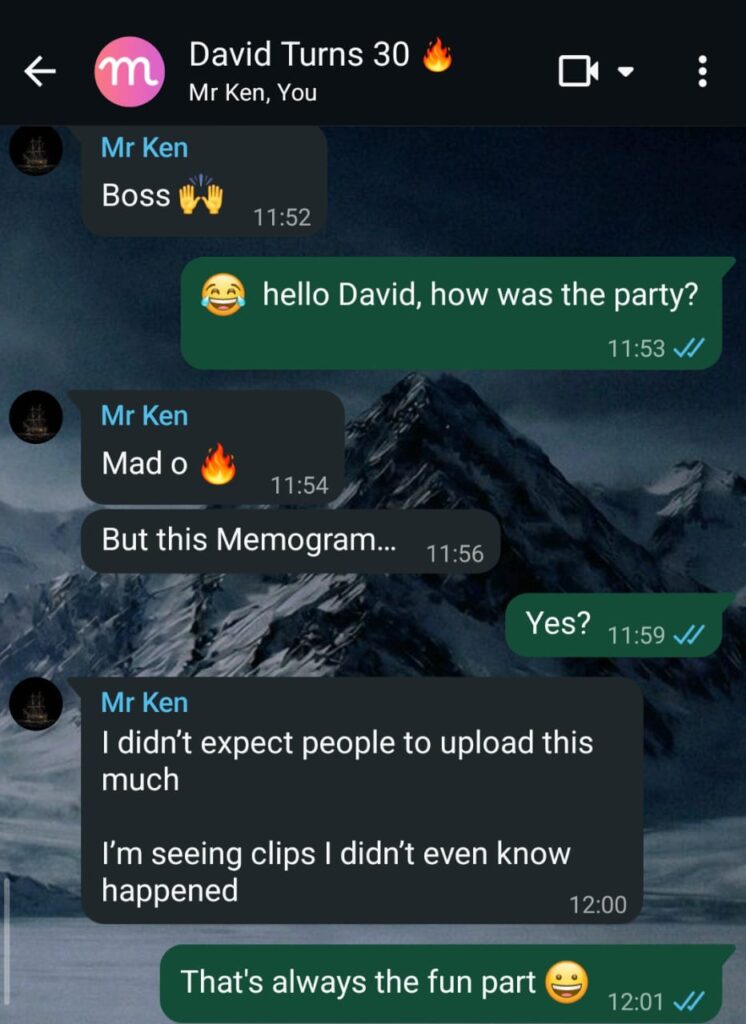
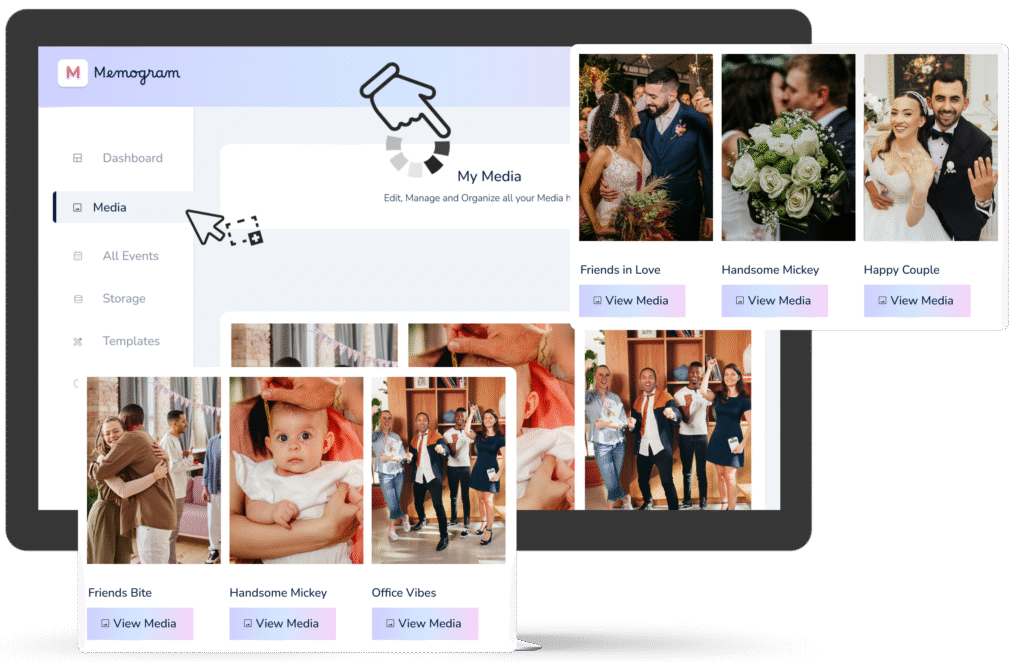
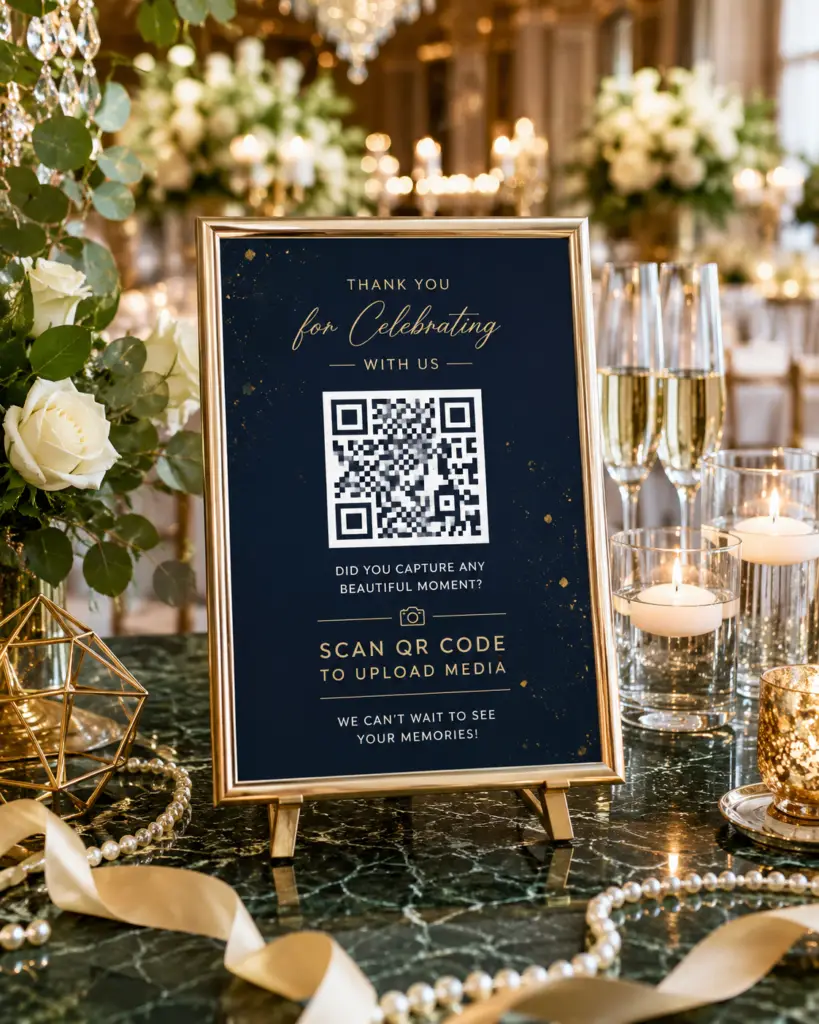
Want to spice up your Event? Display the photos and videos uploaded by your guests in real time on TVs, projectors, or LED screens at the venue. Your guests will love it sooooo much!
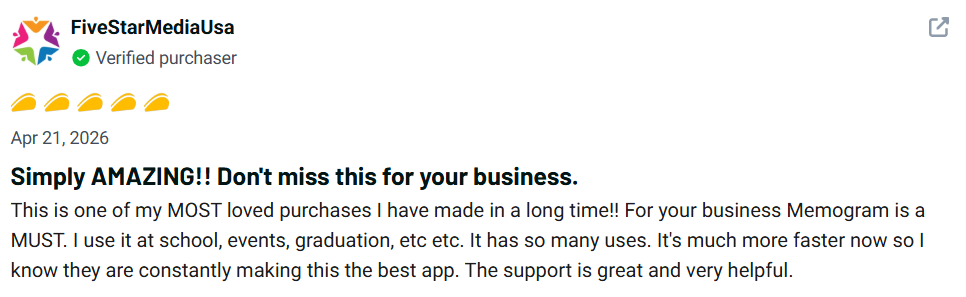
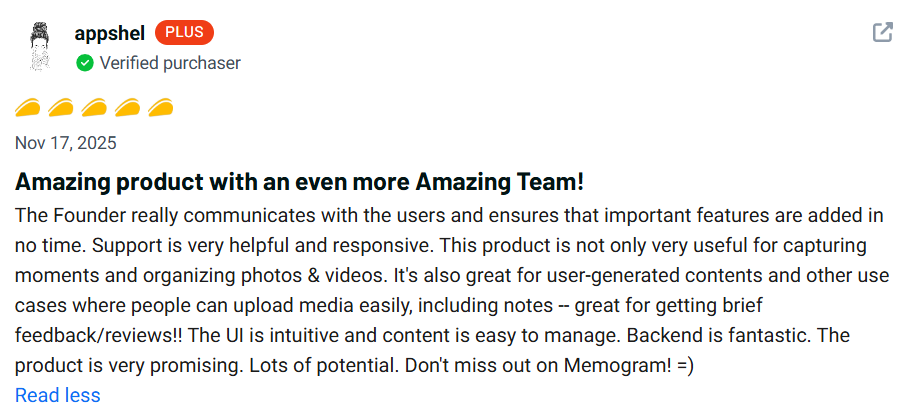
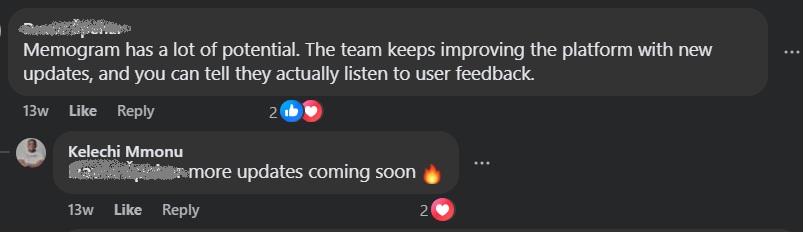
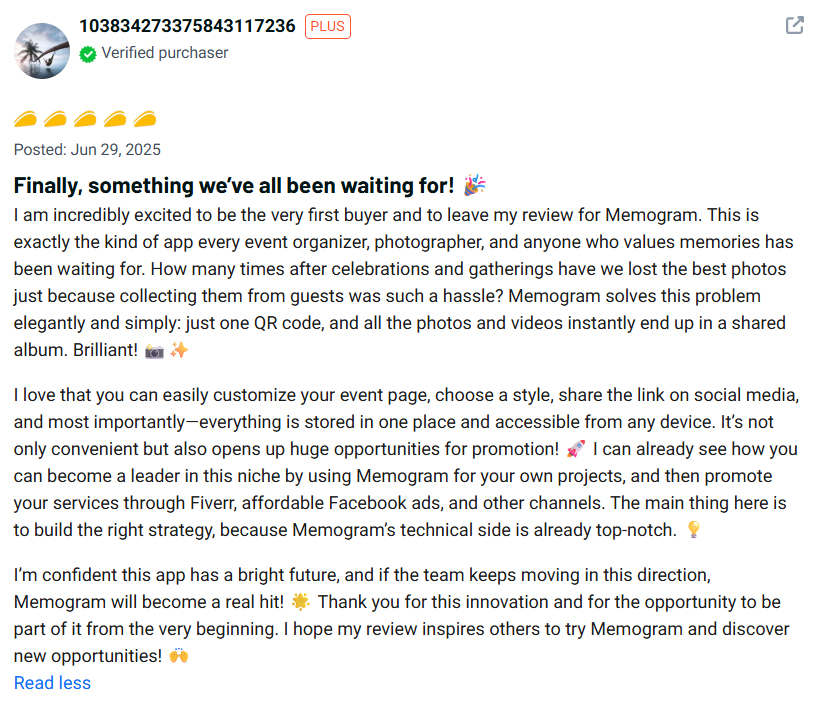
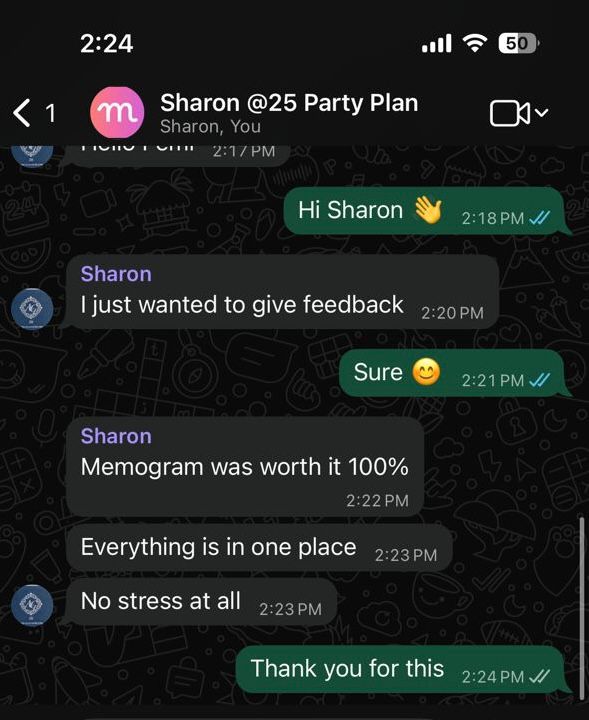
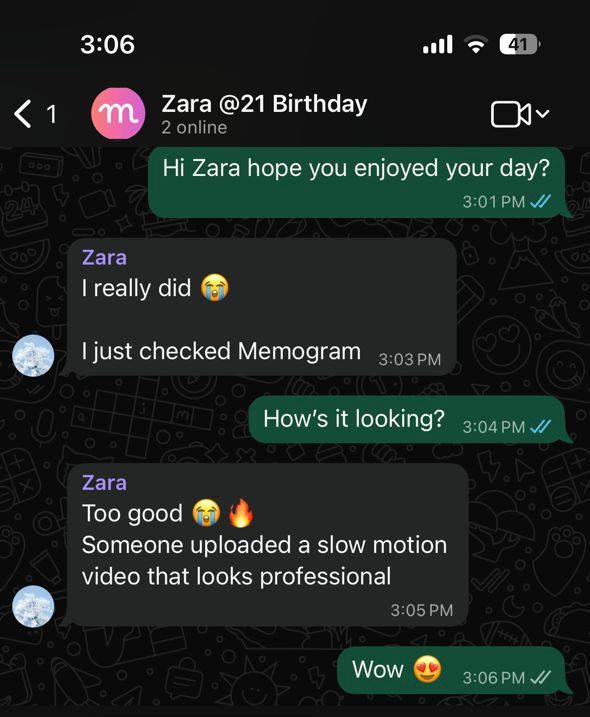
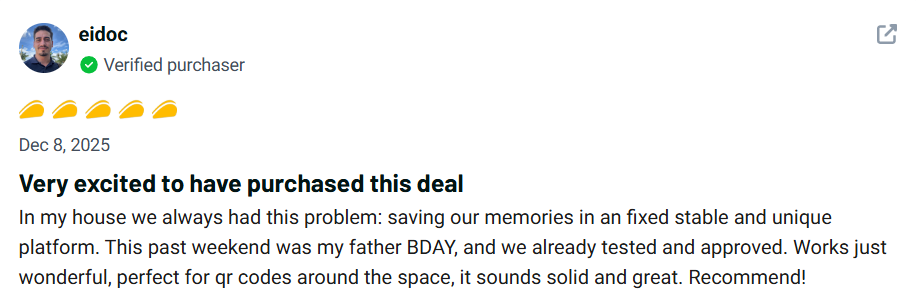
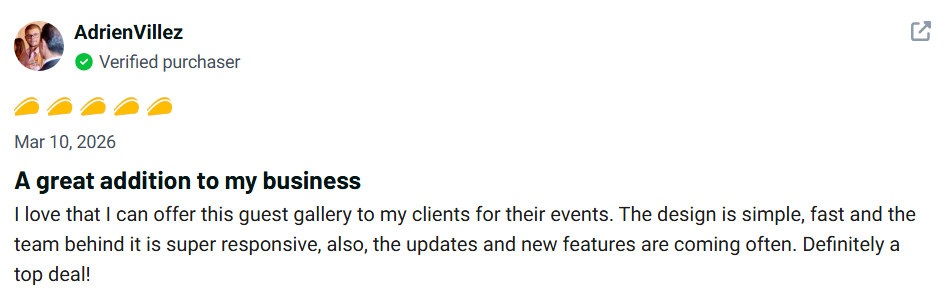
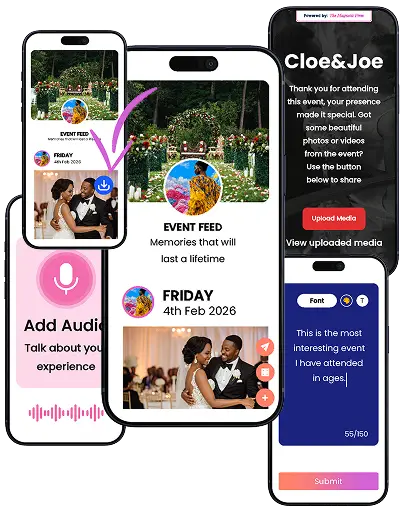
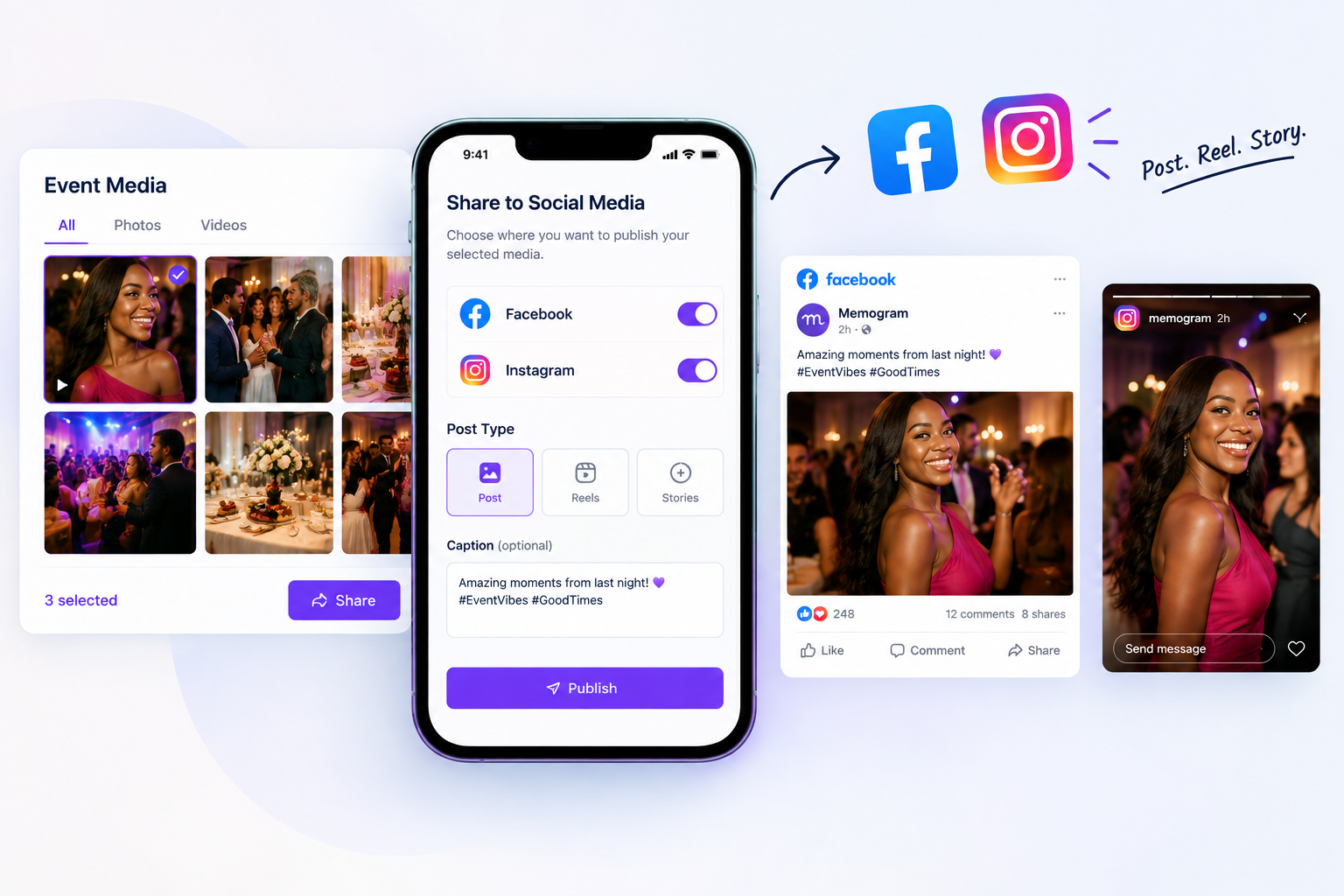
Memogram seamlessly gathers stunning memories across every celebration or event you host
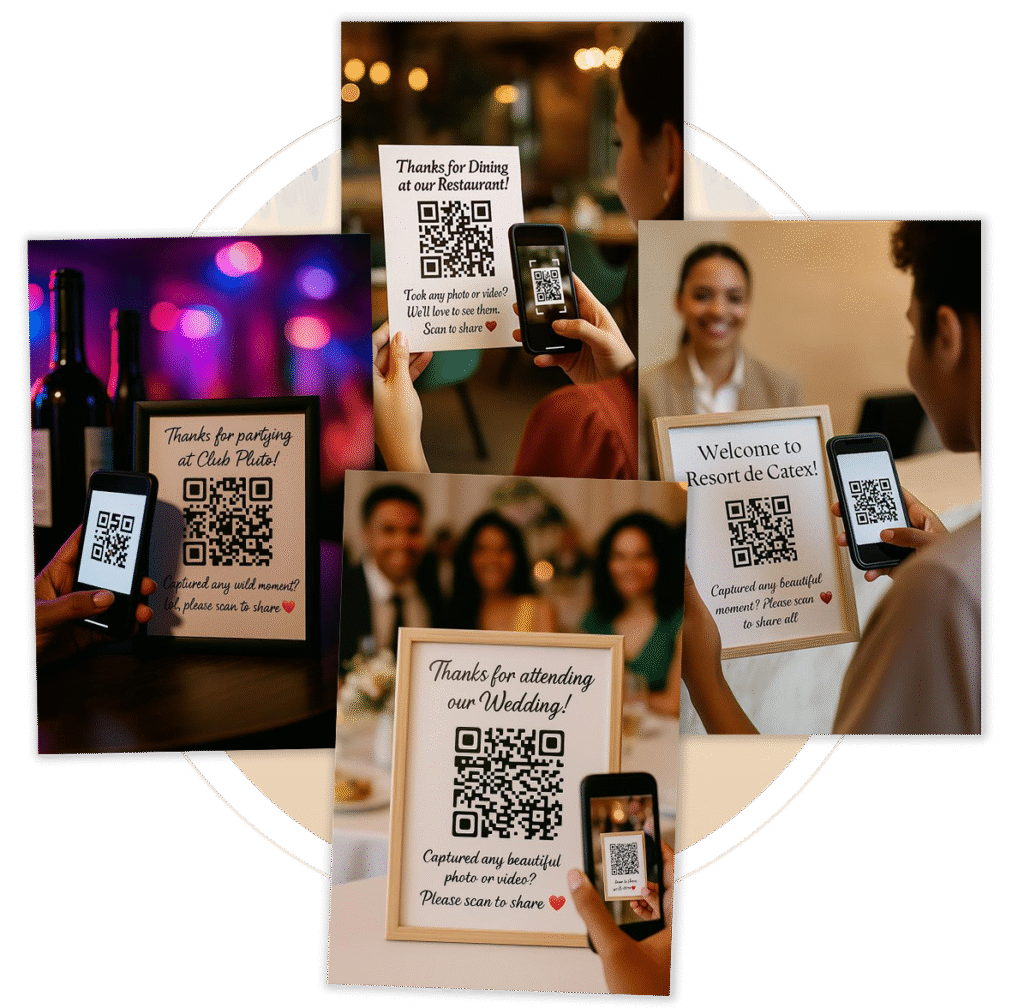
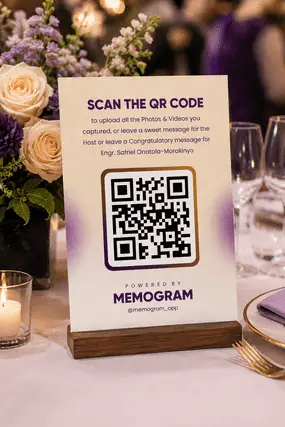
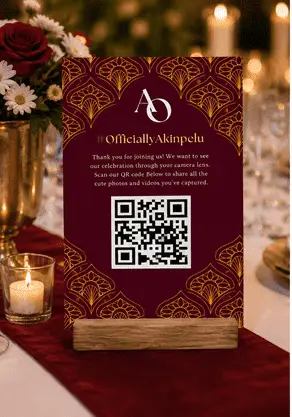
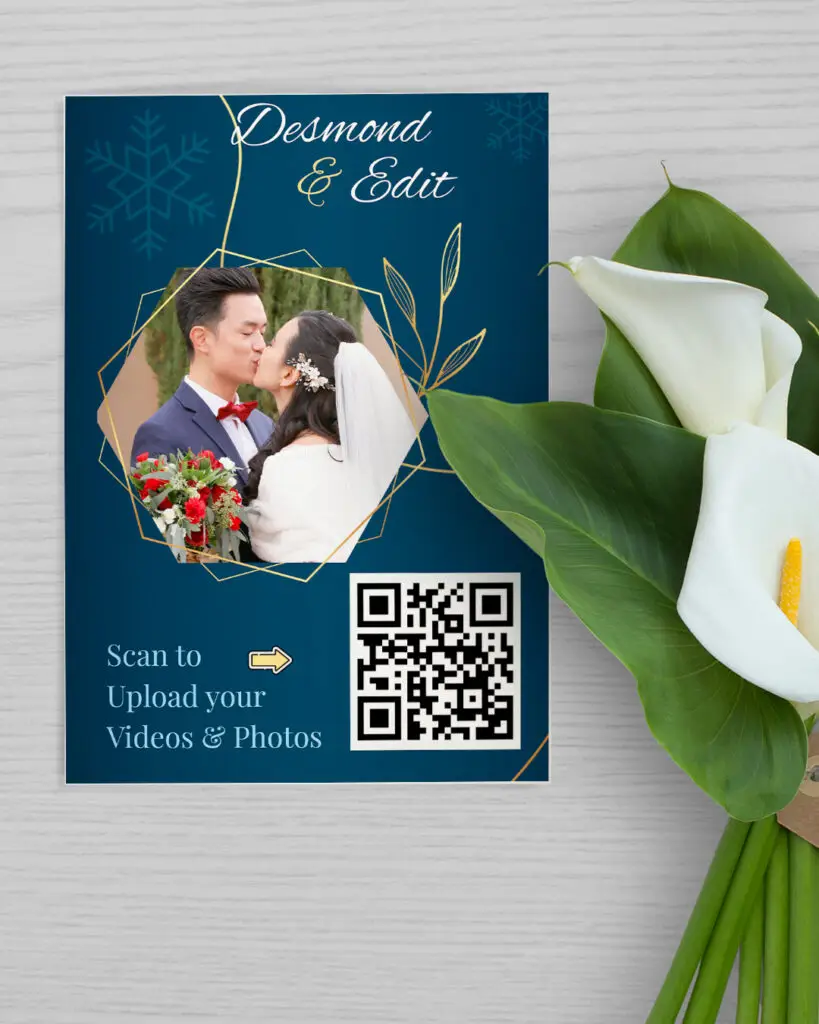
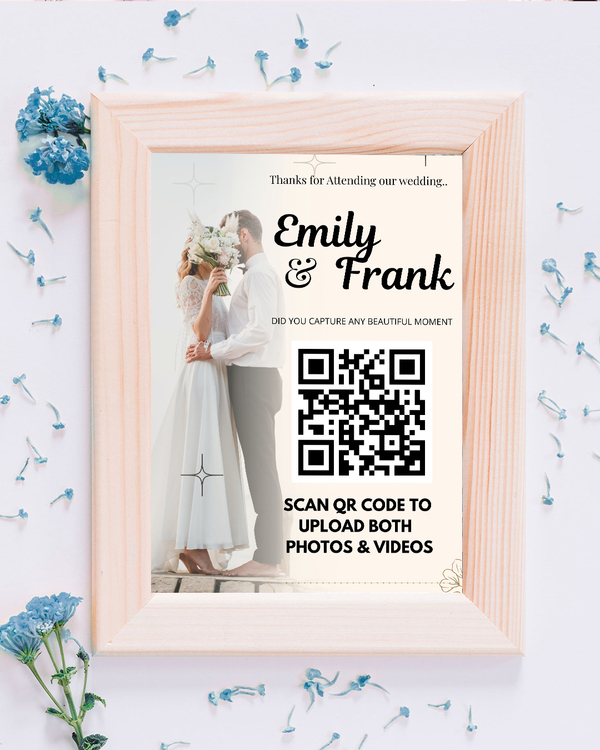
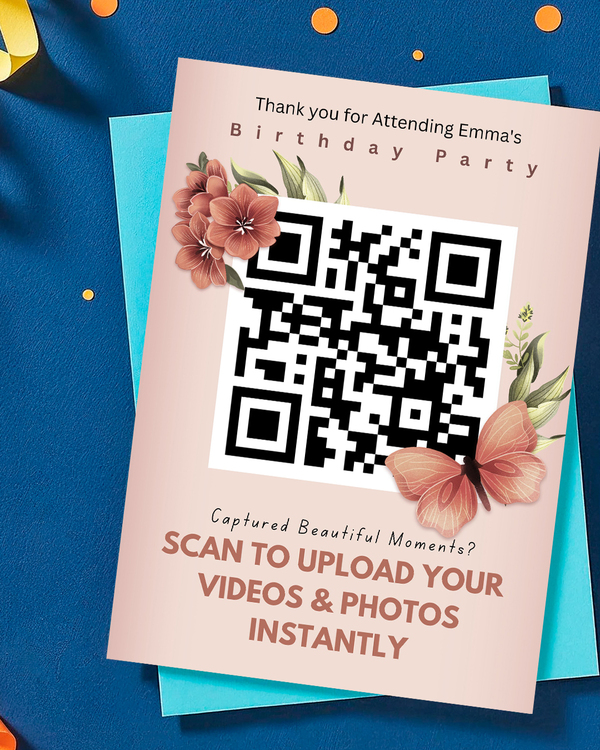
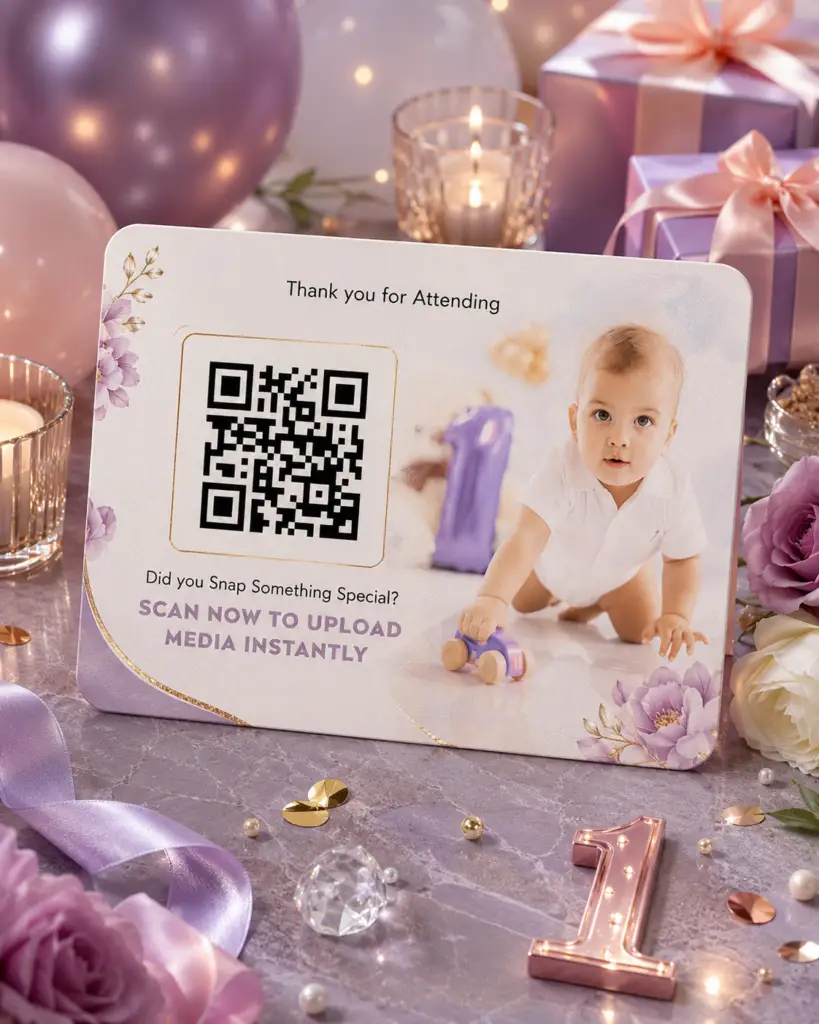
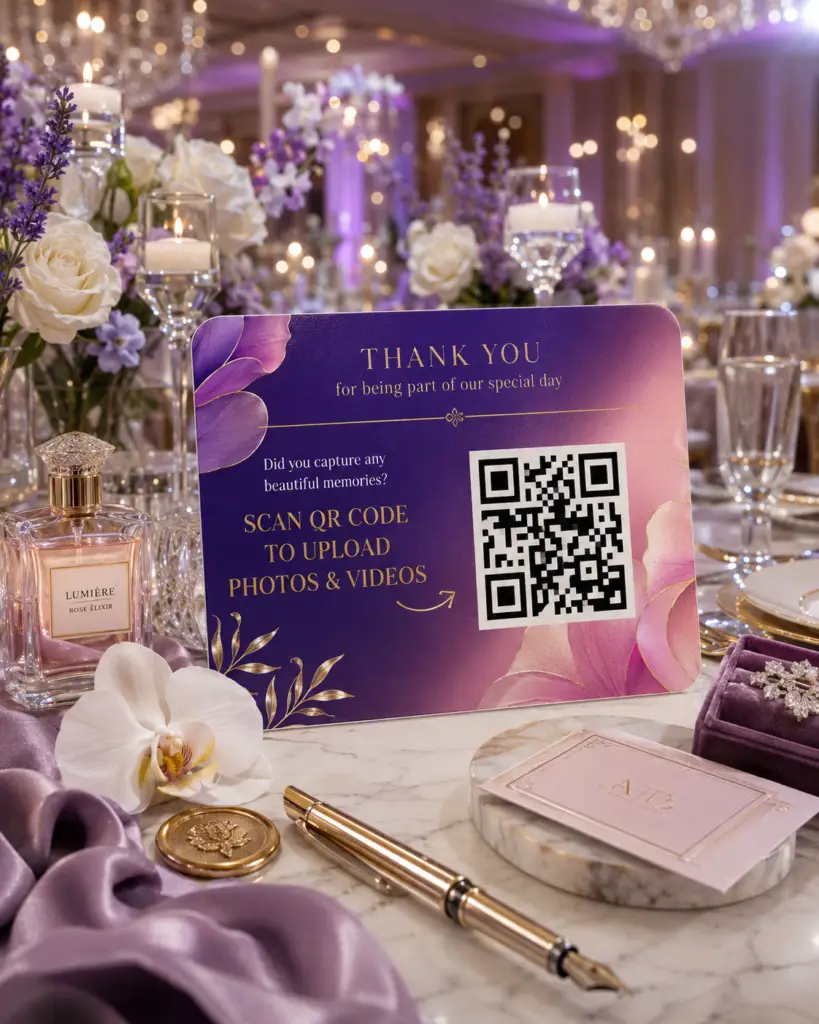
Get instant access to over 100 professionally designed QR code card templates for weddings, restaurants, conferences, hotels, nightclubs, corporate events, and more. Simply customize with your QR code and details, then print or display – no design skills required
We’re so confident you’ll love Memogram that every purchase comes with a solid 7-day money-back guarantee.
Take your time to explore Memogram, test the features, and get everything ready before your big day.
If you’re not completely satisfied, simply contact our support team within 7 days of your purchase and request a full refund – provided your request is made at least 24 hours before your scheduled event date.
No stress. No risk. Just peace of mind.
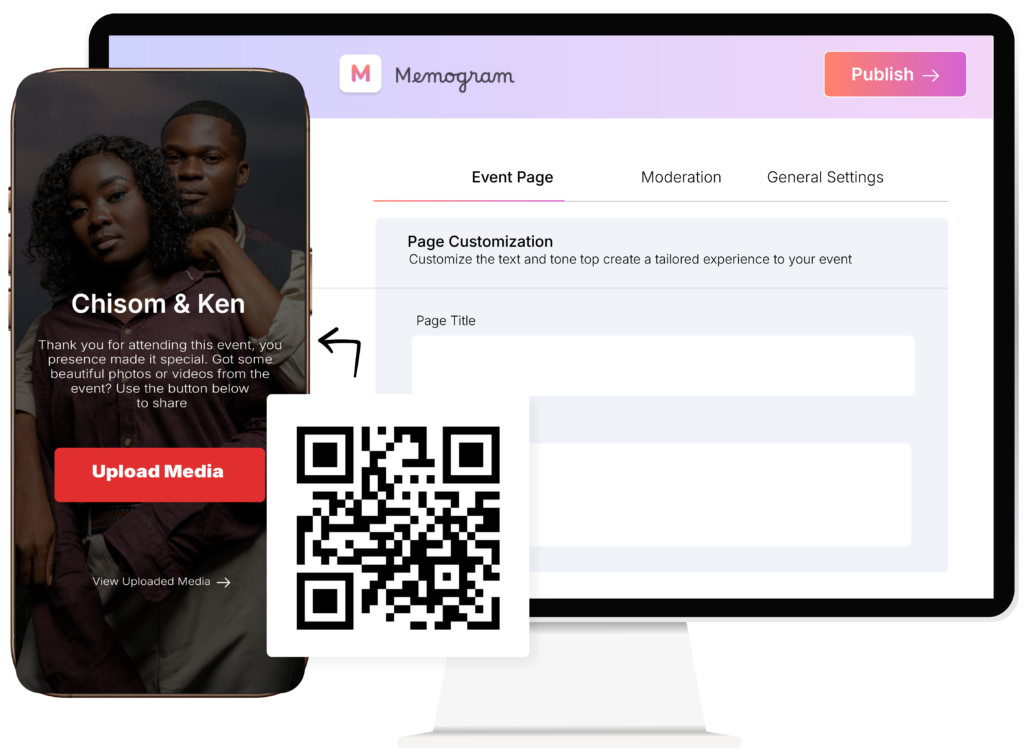
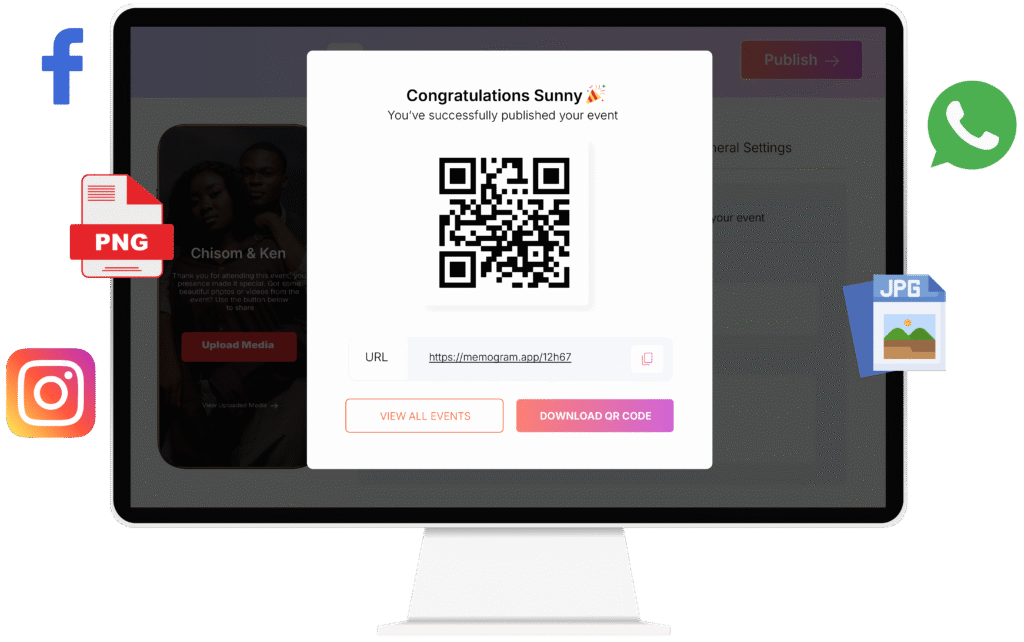
Scan the QR Code below or CLICK HERE to open the Upload page.
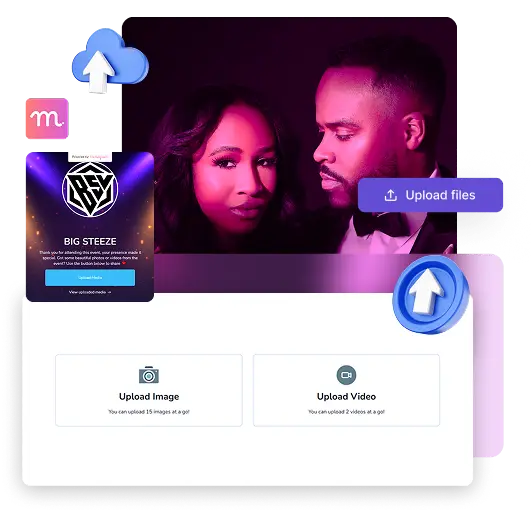
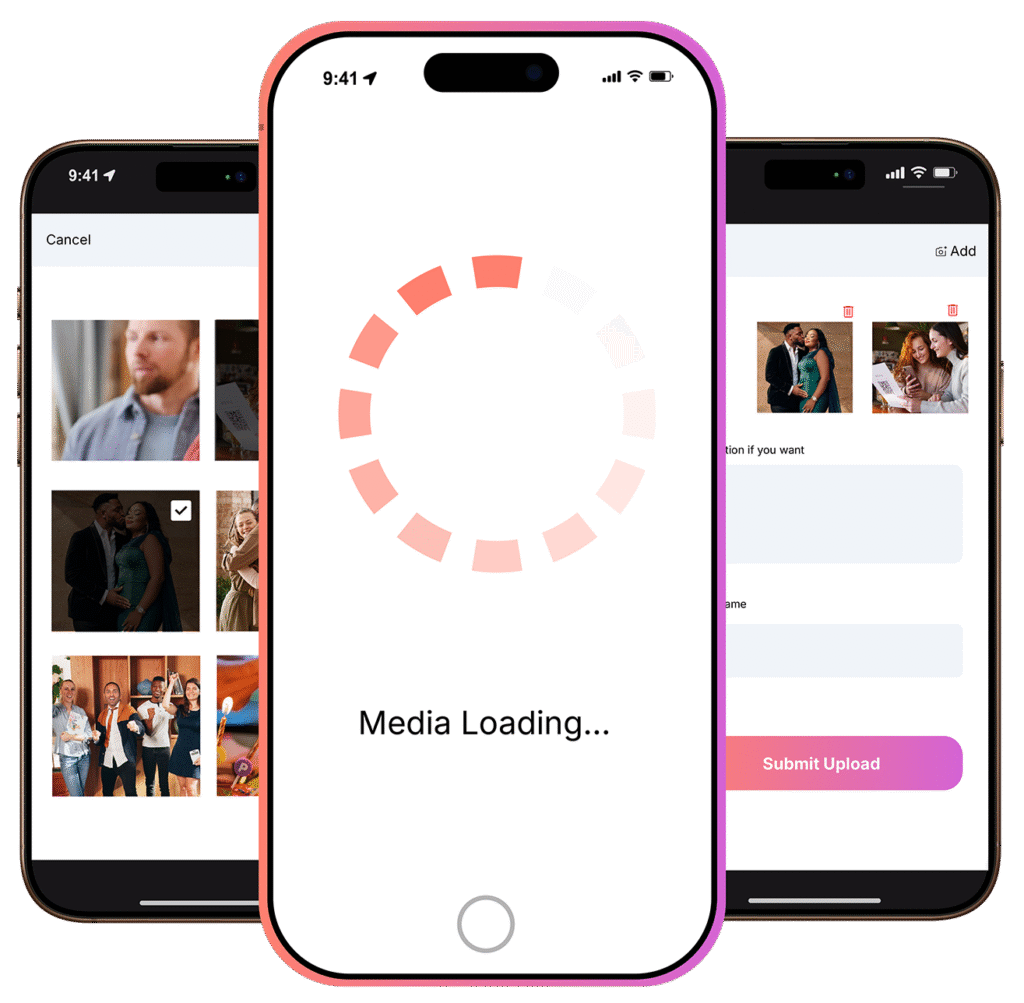
Upload photos/Videos from your Device to enjoy the Memogram Experience.
Checking secure payment provider...
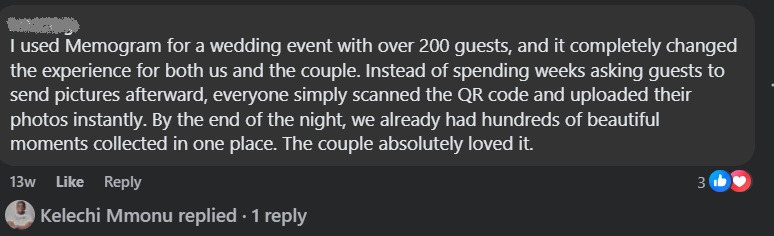
Memogram is a platform that allows event hosts to collect and share photos and videos taken by guests during events. Guests can upload media by scanning a unique QR code or visiting a link, without the need to download an app.
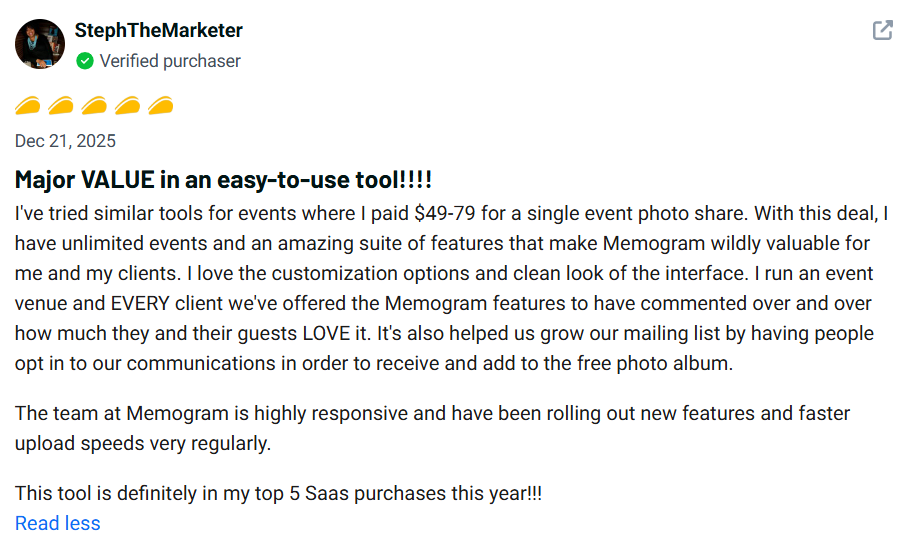
While those options may seem convenient, they often result in lost files, compressed media, poor organization, and low participation. Memogram provides a centralized, professional system that makes it easier for customers and guests to upload content while helping you collect, organize, and manage everything in one place.
Guests can upload media by scanning the event’s unique QR code with their phone’s camera or any QR code scanner app, which directs them to the event’s media-upload platform.
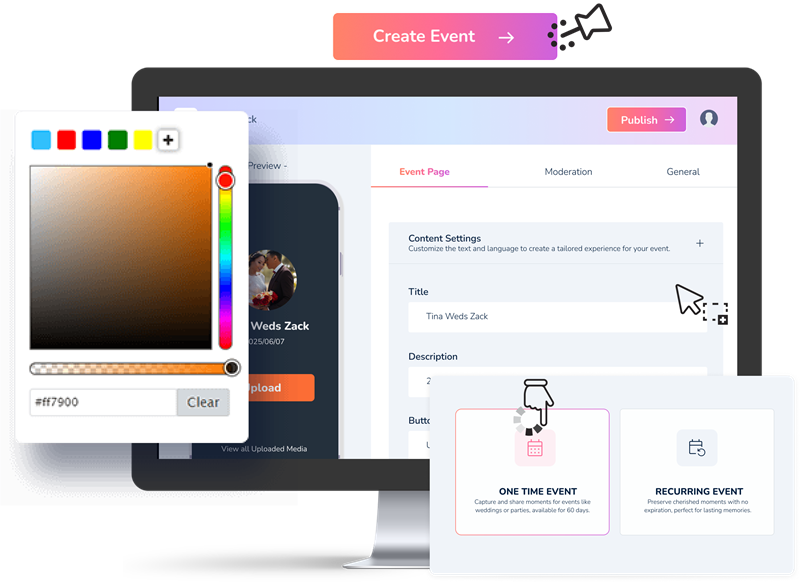
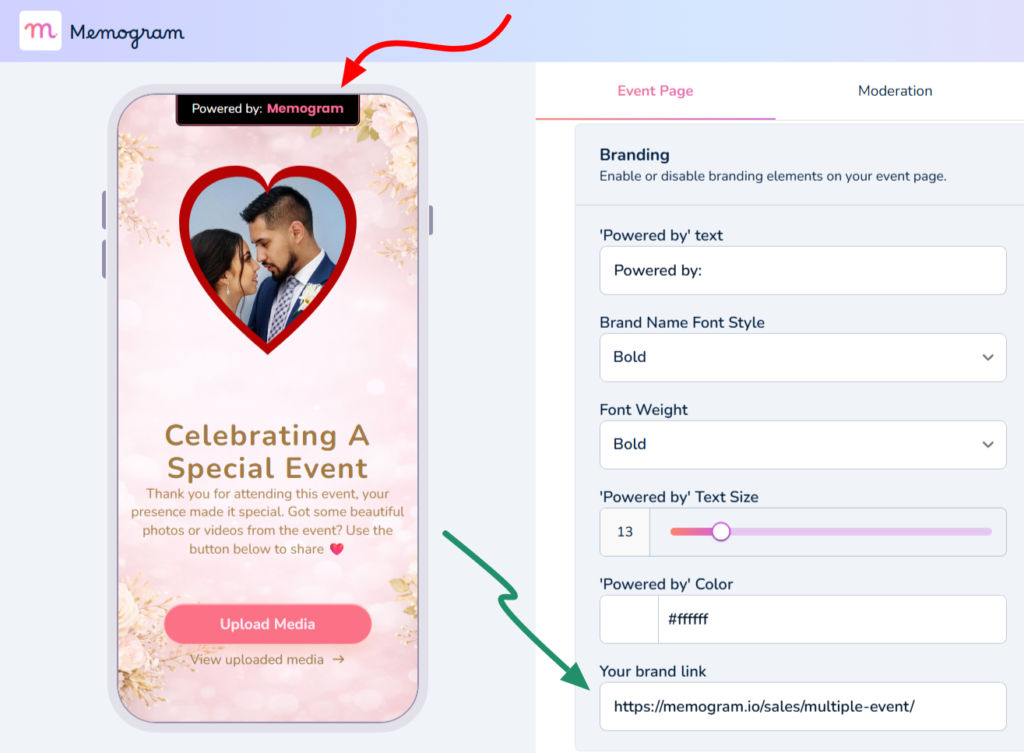
Yes, Memogram allows you to personalize your event page with unique themes, colors, and layouts to match the style of your event.
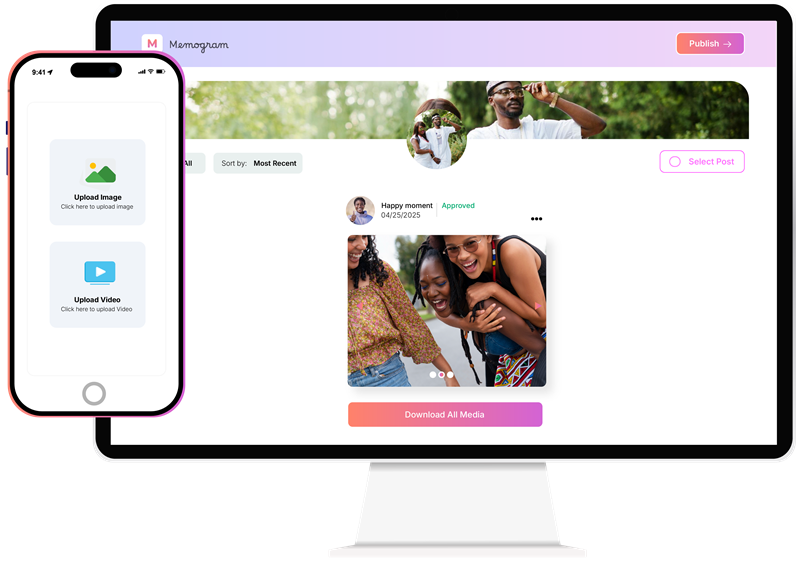
Yes, Memogram provides a one-click bulk download feature, allowing you to save all your event media instantly in high quality.
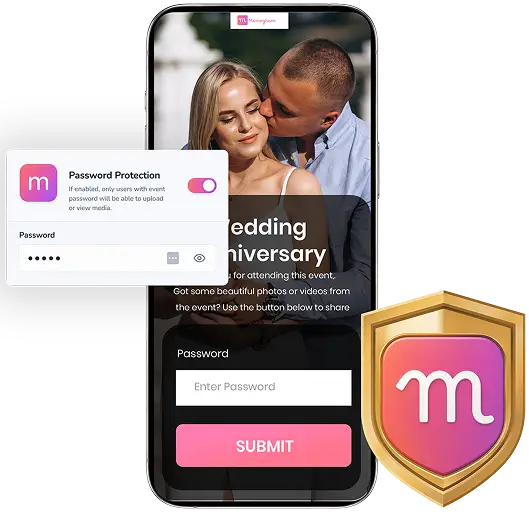
It depends on the host’s settings. The event host can choose whether guests can only upload media or also view and download shared content.
Memogram’s Screencast (Photo Wall) feature allows you to display all photos and videos uploaded by your guests on a large screen in real-time. You can set it up using a TV, projector, or any screen with internet access, and a device that can open a web browser.
No, guests can upload their media instantly by scanning the QR code using their phone’s camera or browser—no app download required.
No! Guests can upload their media instantly by scanning the QR code using their phone’s camera or browser—no app download required.
Yes! You can personalize your event page with a custom event name, background image, description etc
Your event page is open and available for 14 days after the event Date chosen.
For example, if you choose 1st of January as your Event Date, it will remain active for uploads until the 14th of January.
Upon Page Expiration, No new Photo or Video can be uploaded by Guests.
You can reach out to the support Team via the Live chat option inside the Software or email [email protected]
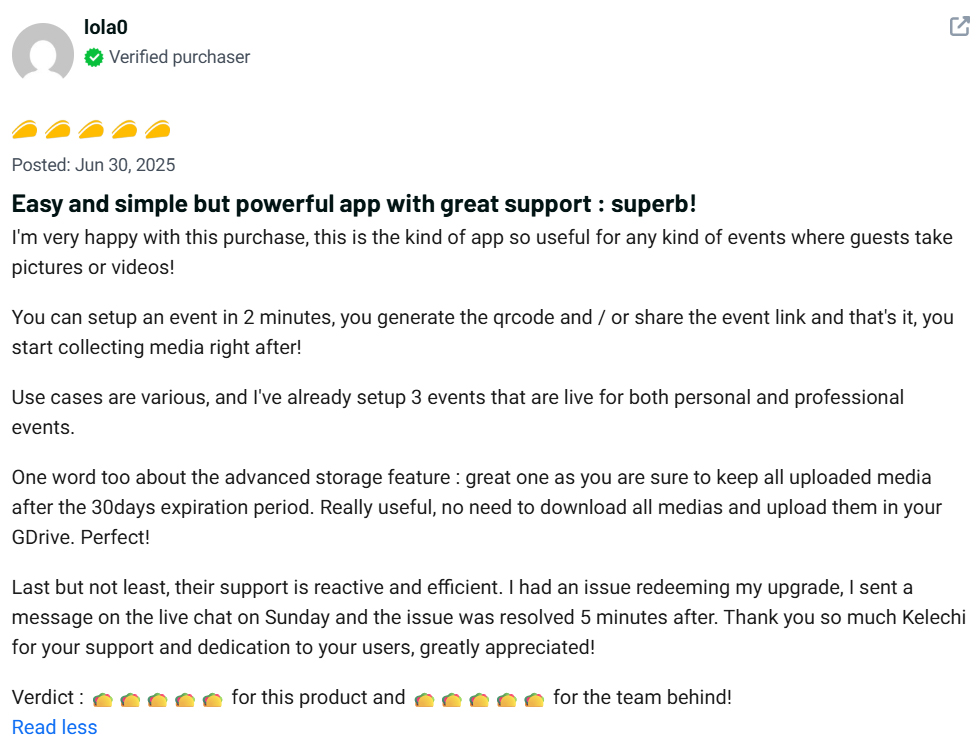
All uploaded media (photos and videos) will expire 30 days after the upload date.


For example, if a guest uploads a photo or video on January 1st, it will automatically expire and be permanently deleted from Memogram’s database on January 30th.
Once expired, the media cannot be recovered.
To keep your precious memories safe, be sure to download them before the expiration date!
Every Moment Captured. Every Memory Preserved
© Copyright 2025 Memogram. All Rights Reserved.