Effortlessly Collect all the PHOTOS & VIDEOS Taken by your customers - Automatically
One QR Code. Unlimited Guest Content.
One QR Code. Unlimited Guest Content.
- Perfect for Restaurants, Hotels, Clubs, Resorts & the likes
- 2 Mins Easy Setup - Even a 79 years Old Grandma can do it!
- HD Media- No Blurry or cropped photos & Videos
- No Guest Signups or App Download needed



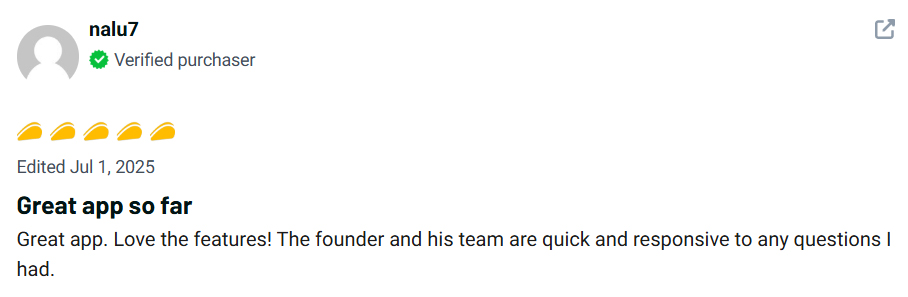
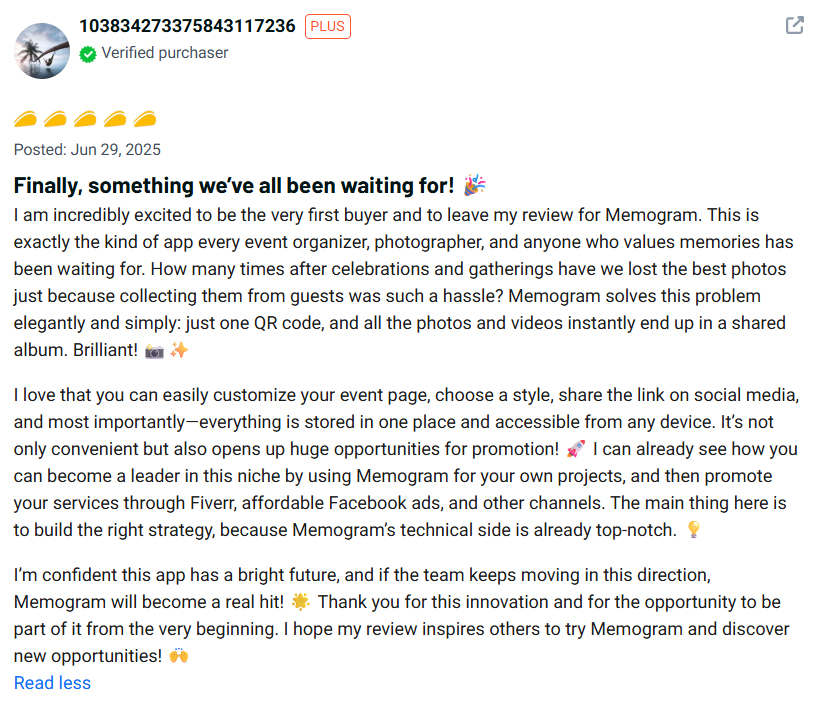
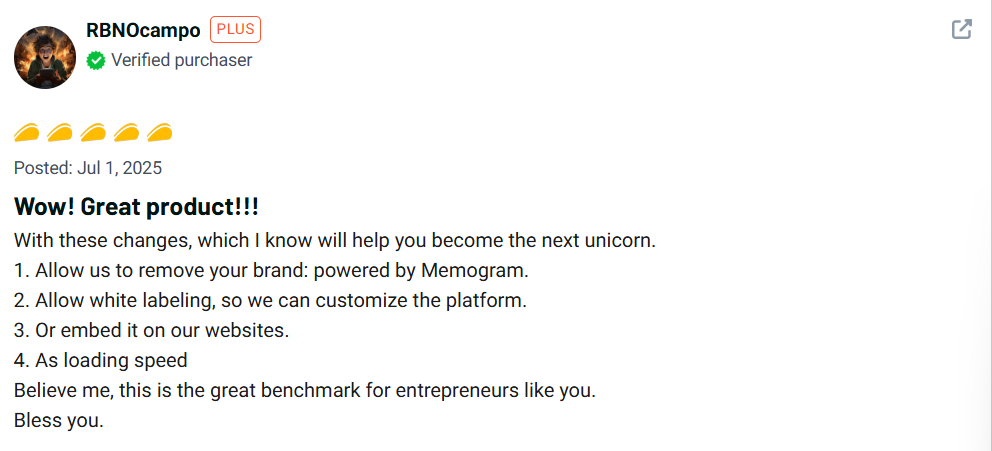
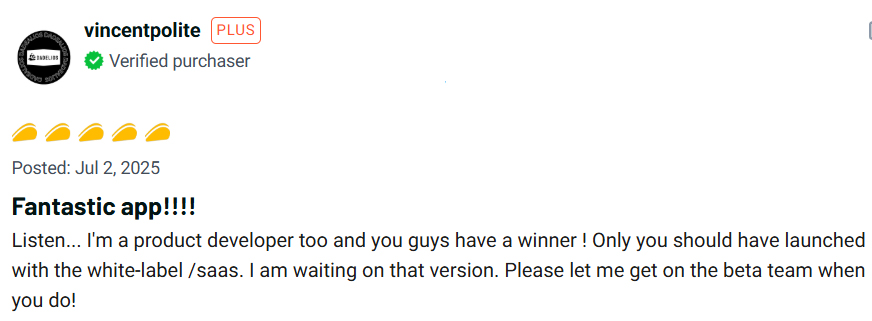
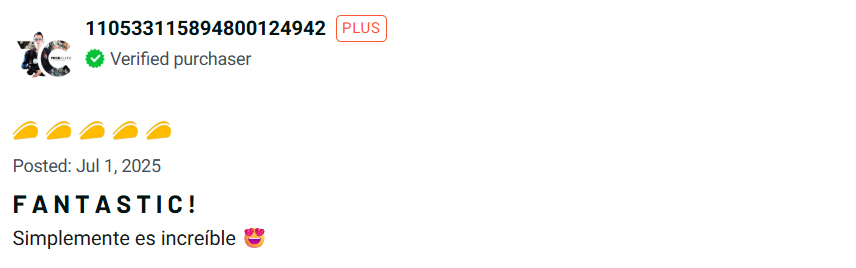
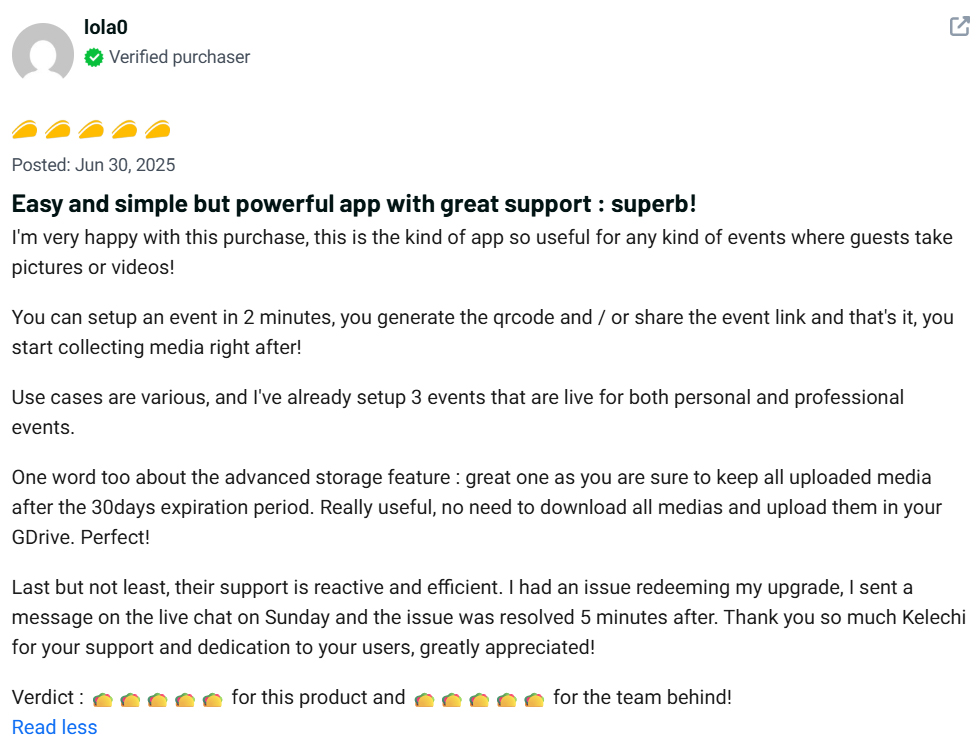
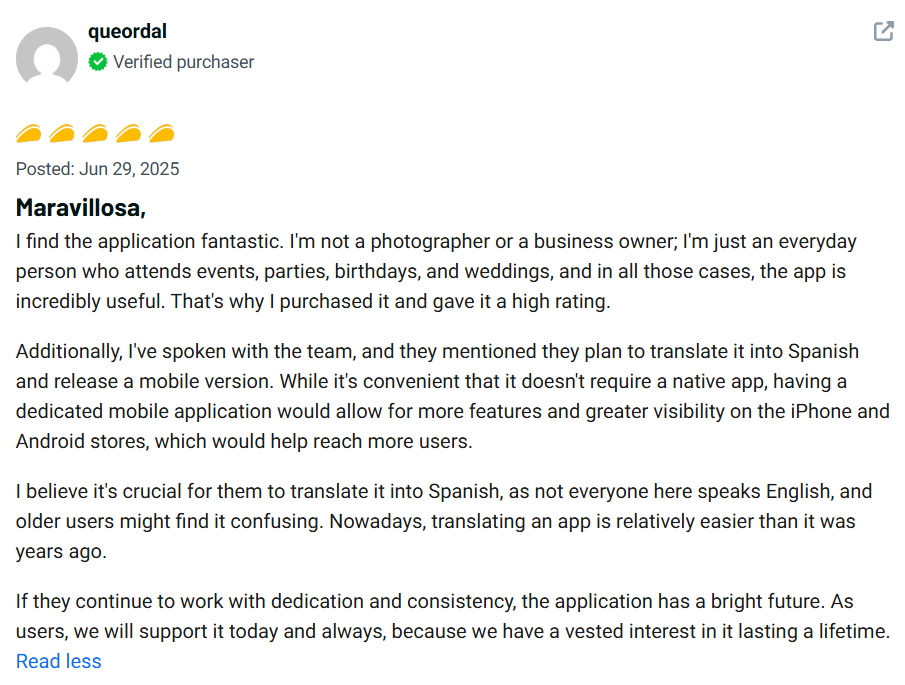
See What Our Users Are Saying!
Your customers & guests took Amazing Photos & video

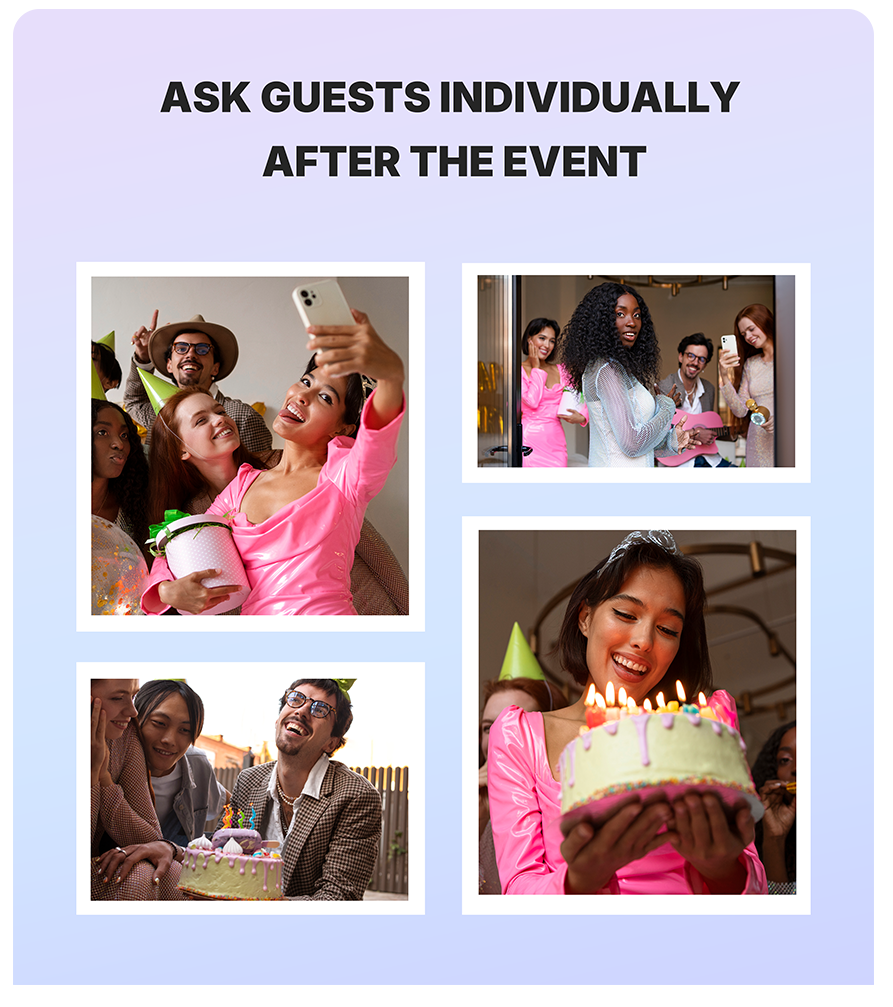
Every day, your guests & customers pull out their phones.
They snap photos of your food.
Record videos of your ambience.
Capture moments by the pool, at the bar, on the dance floor, in their rooms.
They post some on social media.
They keep most on their phones.
That content is gone forever.
And when they leave?They keep most on their phones.
Meanwhile, you’re spending money on:
- Influencers
- Professional shoots
- Content creators
…while the most authentic, trust-building content your business could ever use is being created for free by your guests — and disappearing.
This Is the Hidden Marketing Leak Costing You Sales
Let’s be honest…
You’ve probably told your customers at least one of these:
- “Can you tag us when you post?”
- “Please send the pictures.”
- “Share the videos with us later.”
But later never comes.
Your guests are busy.
WhatsApp compresses quality.
DMs get ignored.
Files get lost.
There’s no simple system that makes it easy for guests to hand over what they’ve already captured.
Until Now…
Step 3
Download, and Relive
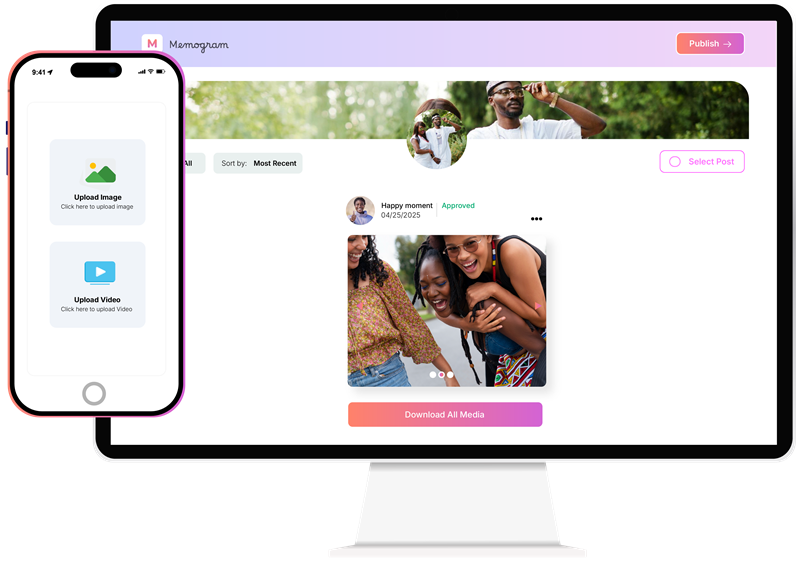
At any time, you can view all the photos and videos uploaded by your guests. Download them (individually or in bulk), share on Social media and relive the event forever.
Try Memogram for yourself
Scan the QR Code below or CLICK HERE to open the Upload page.
Upload photos/Videos from your Device to enjoy the Memogram Experience.
Scan with your phone’s camera OR any scanning app
Memogram is perfect for all events!
No matter the kind of gathering or Occasion, Memogram works great to help collect beautiful memories
Weddings 💍
Birthday Parties 🎂
Restaurant🍽️
Baby Showers & Gender Reveal Parties 👶
Corporate Events & Conferences 🏢
Proposal & Engagement Parties 💍
Concerts & Music Festivals 🎶
Award Nights & Gala Dinners 🏆
Fashion Shows & Runway Events 👗
Nightclubs & Lounge Events 🍾
School Reunions & Alumni Events 🎓
Sporting Events & Tournaments ⚽
Traditional & Cultural Festivals 🎭
Political Rallies & Campaigns 🗳️
Bridal & Baby Dedication Ceremonies 🍼
Carnival & Street Parties 🎉
Housewarming & Private Gatherings 🏡
Religious Gatherings & Crusades 🙏
In just 3 simple steps...
You can collect, relive, and cherish all the photos and videos taken by guests at your event.
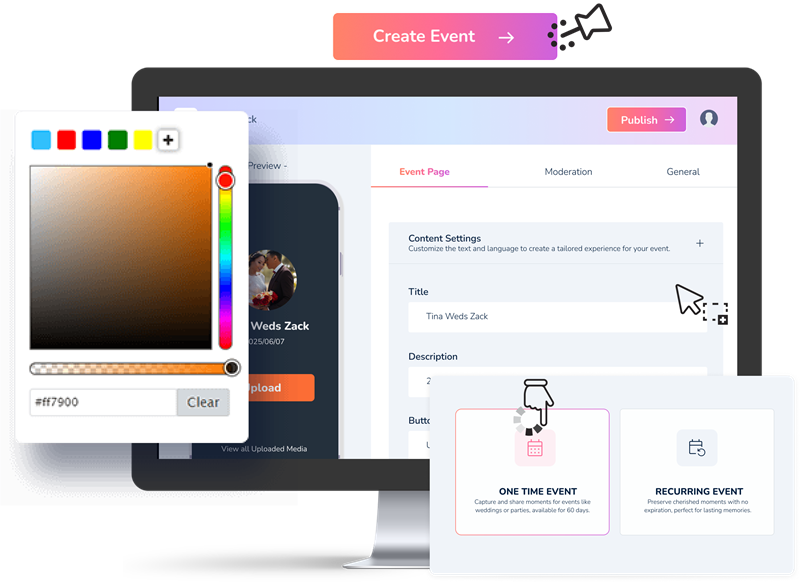
Step 1
Setup your Event
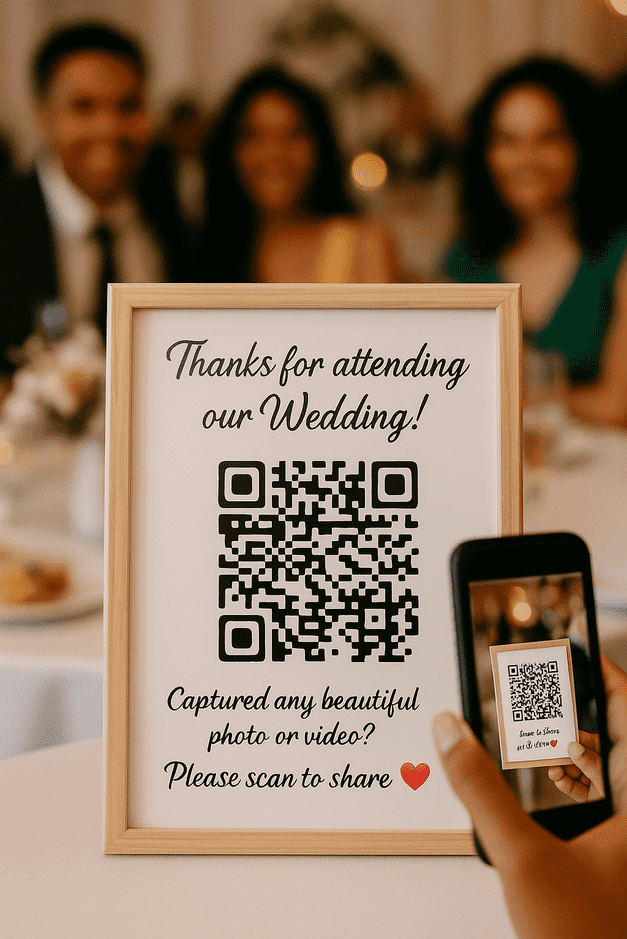
Step 2
Share with Guests
Step 3
Download, and Relive
🚨 Don’t Host Your Next Event Without Memogram!
Your Guests Took the Best Photos & Videos – Why Haven’t You Seen Them Yet?
Try Memogram for yourself
Scan the QR Code below or CLICK HERE to open the Upload page.
Upload photos/Videos from your Device to enjoy the Memogram Experience.
Scan with your phone’s camera OR any scanning app
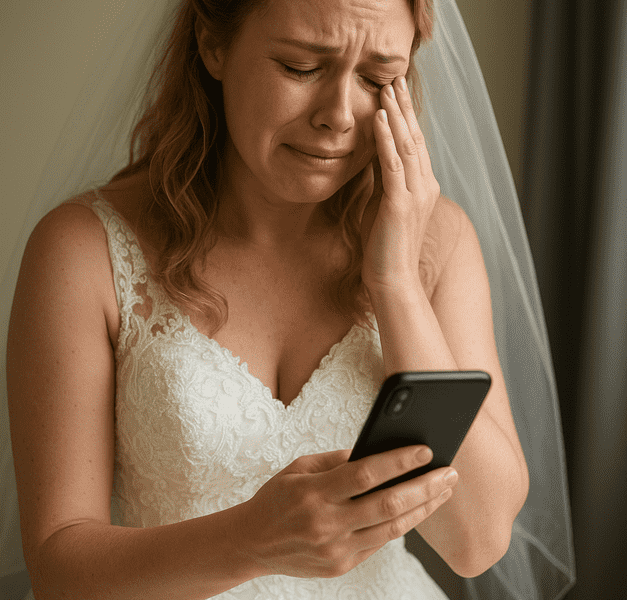
Before now, people often try these methods to collect event photos and videos

Asking Guests to Send Media on WhatsApp
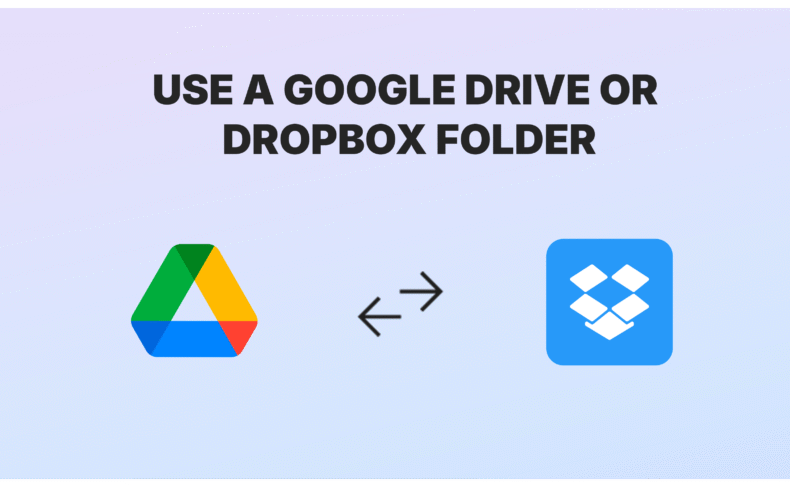
Shared Google Drive or Dropbox Folder
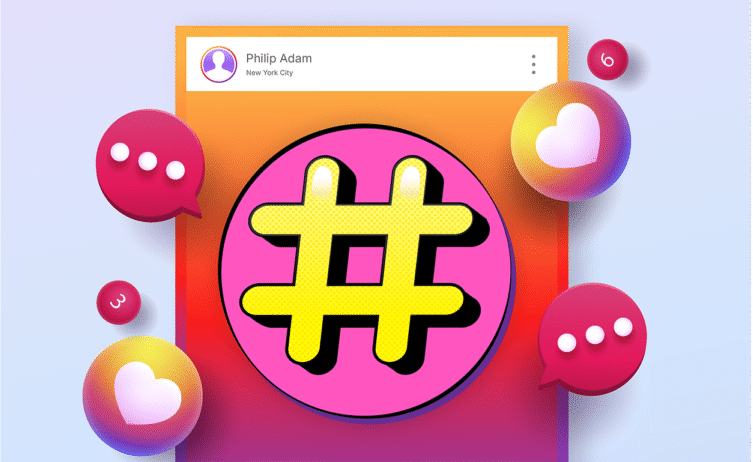
Using Social Media Hashtags
What if you could skip the stress and get all your event photos and videos in one organised place?
INTRODUCING...
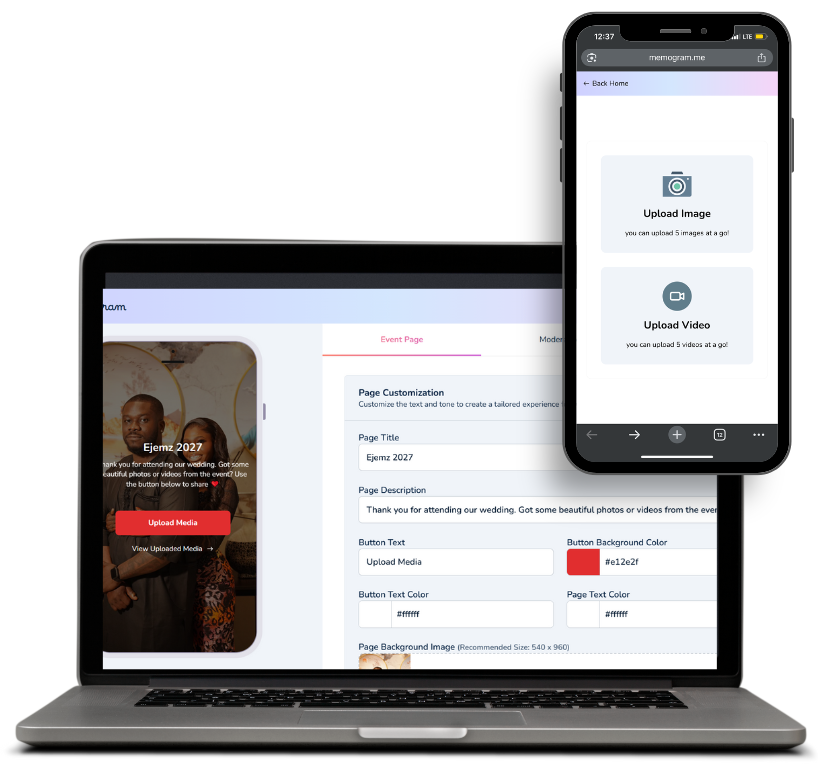
Here are Some Industry-Leading Features Packed Inside Memogram
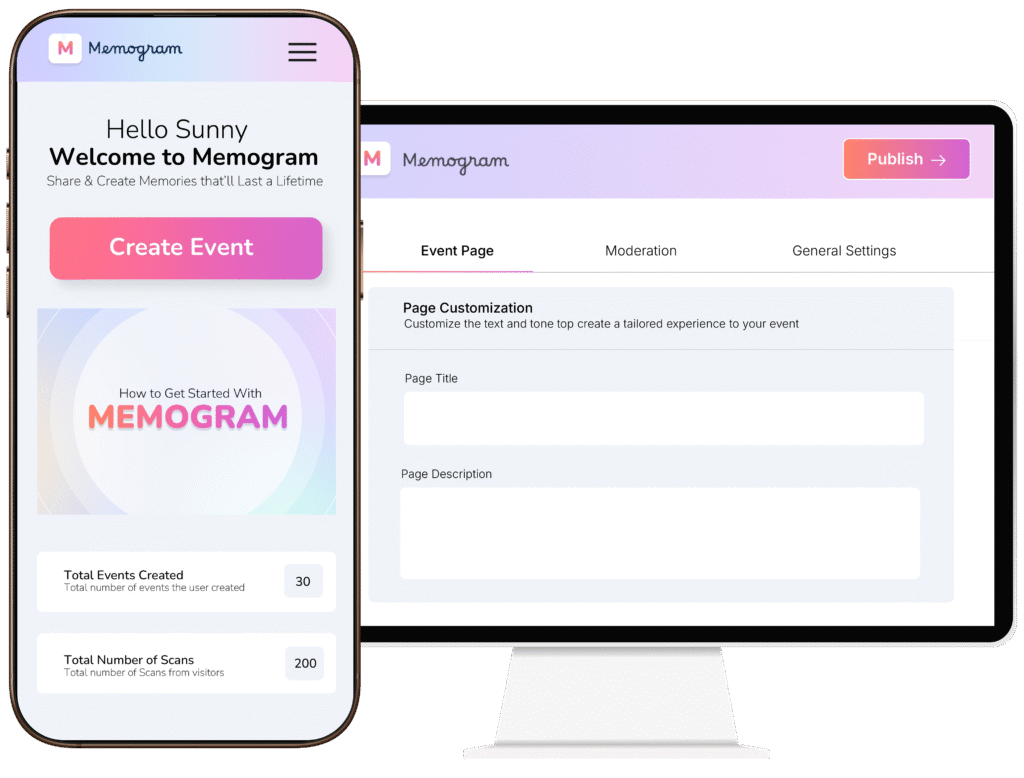
Event Creation & Customization
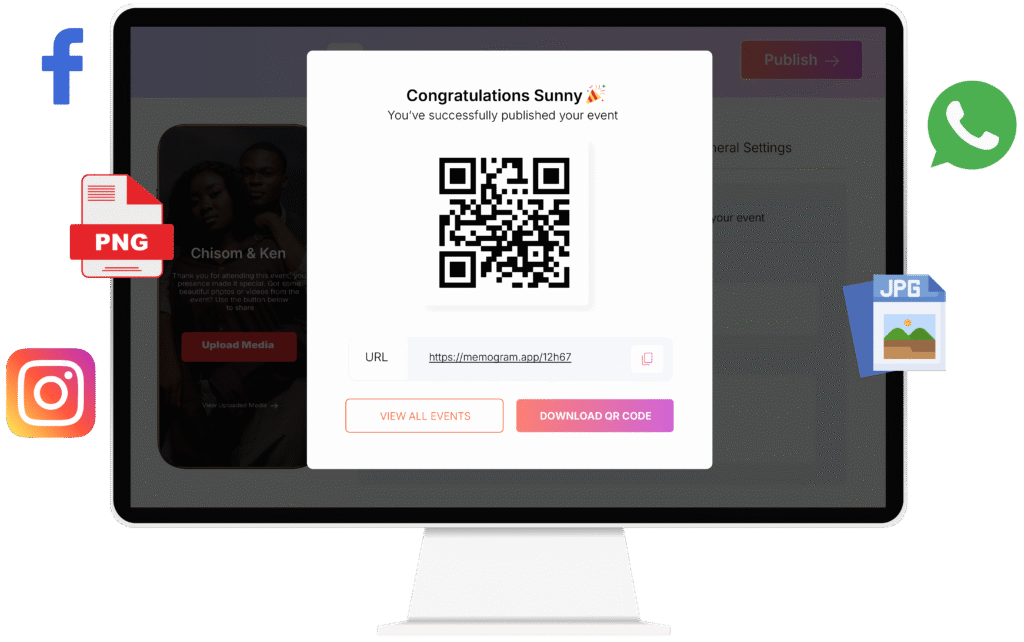
QR Code and Link Generation
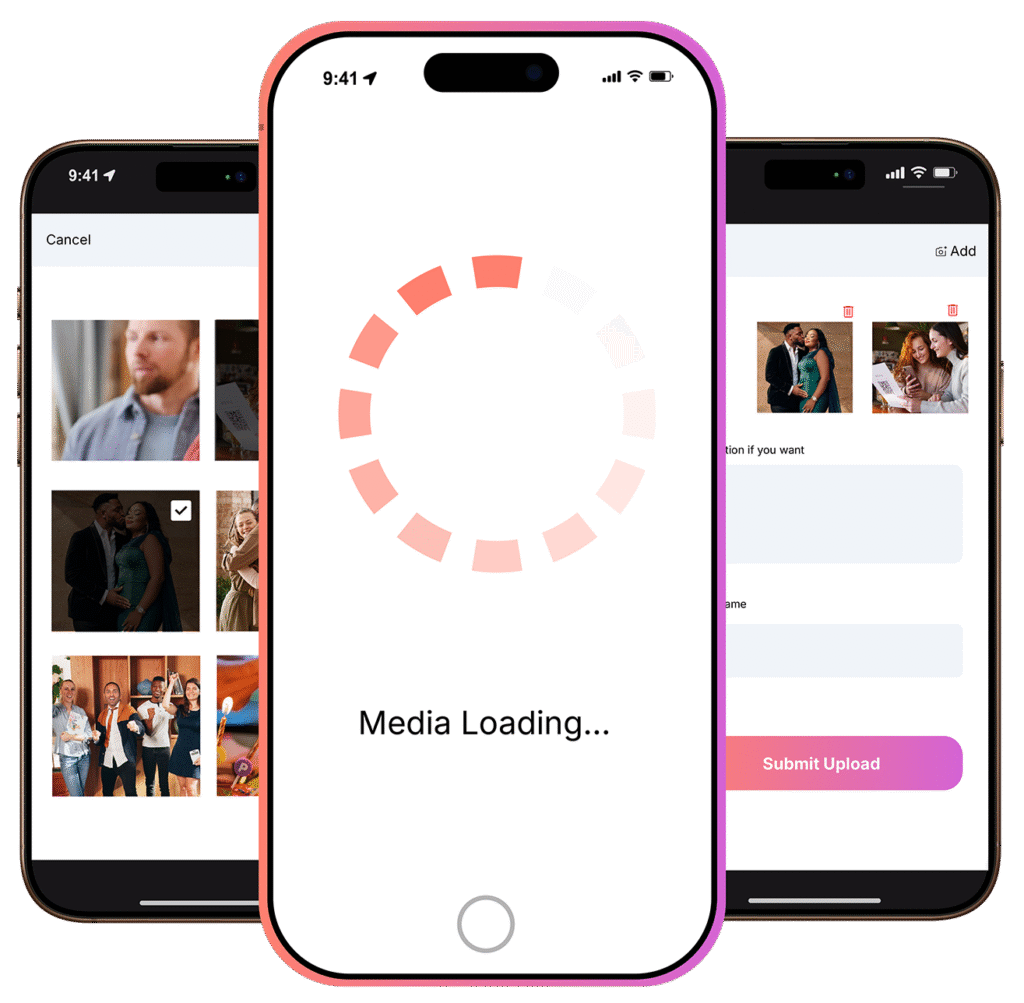
Seamless Media Uploading
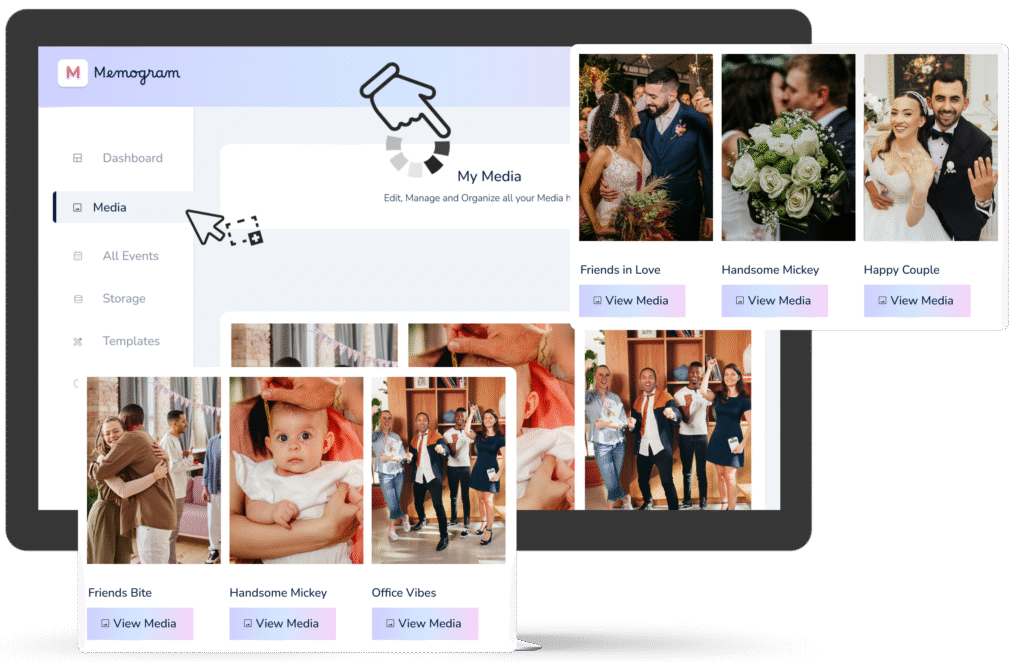
Centralized Media Gallery
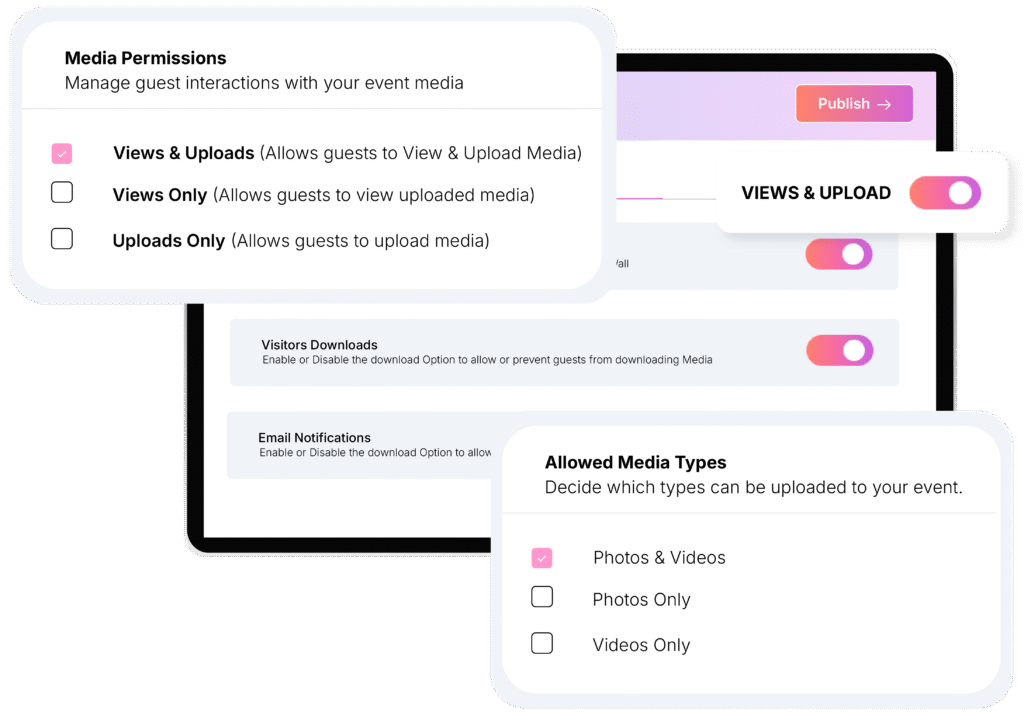
Instant Event Wall
No Signups or App Download Needed
This eliminates friction for older guests or less tech-savvy people, as it works instantly on any smartphone with internet access.
Password Protection
This is ideal for private events or to prevent unauthorized individuals from entering the media gallery.
Multi-Platform Support
Media uploads and updates are instantly synced across all devices, ensuring a consistent experience for all users.
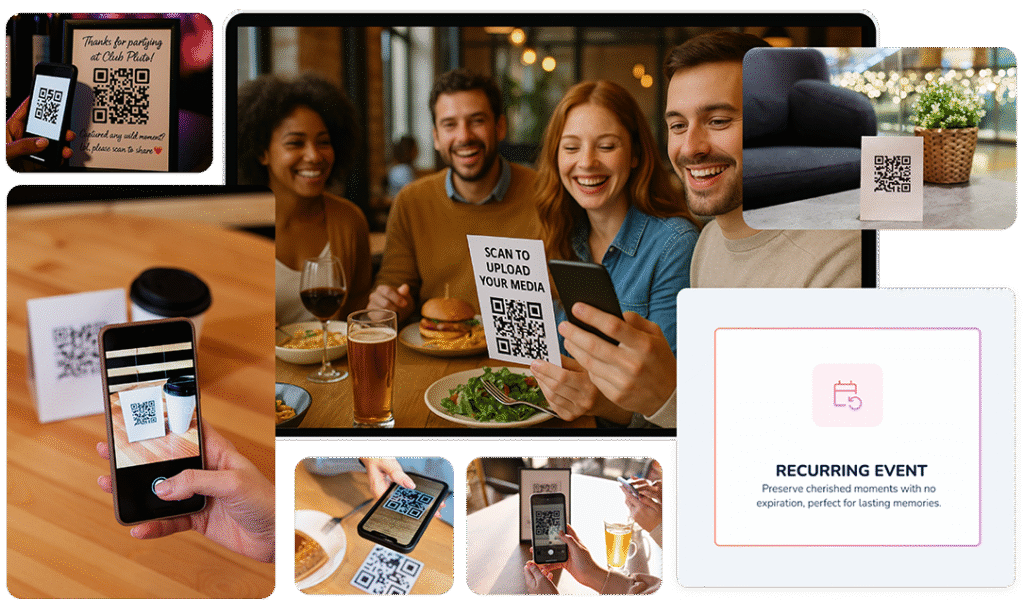
Reoccurring Events
Stunning Templates for Your Special Day
Stunning Templates for Your Special Day
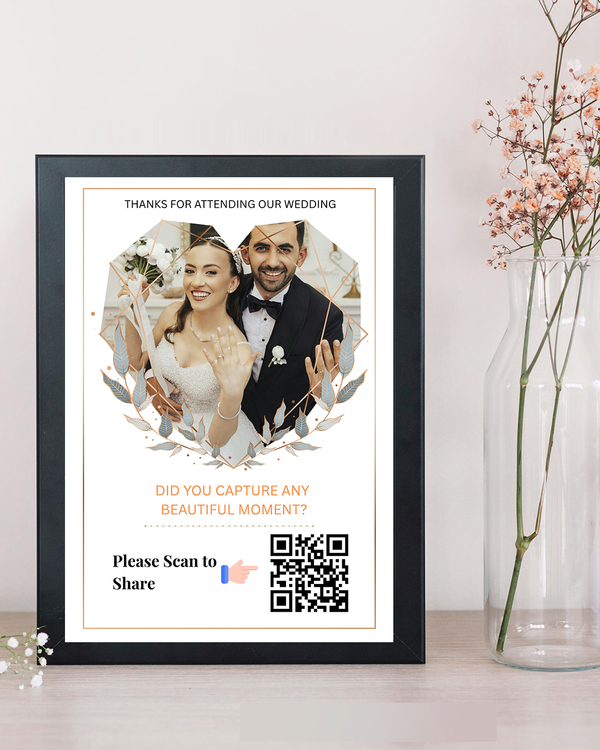
Table Tents
Add your QR code on table so clients can view and download your menu while at their tables.
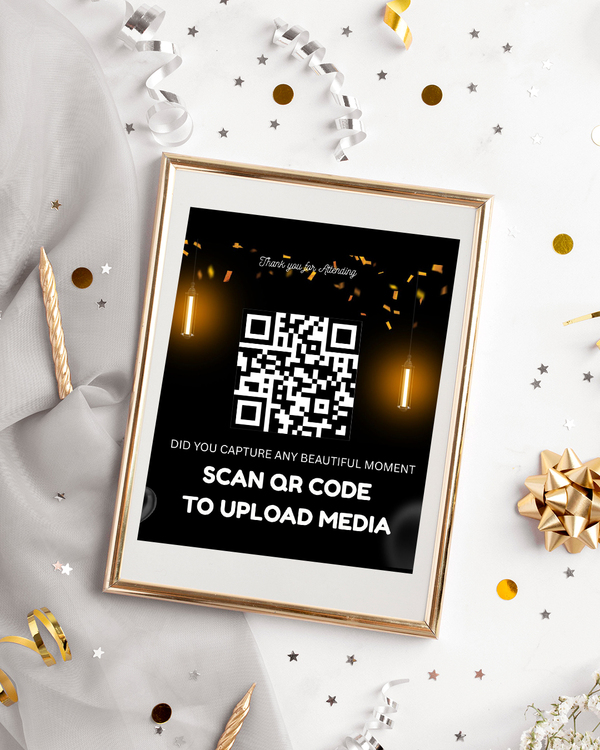
Tabletop Inserts
Present your dynamic QR code in your tabletop inserts to make them truly stand out on your tables.
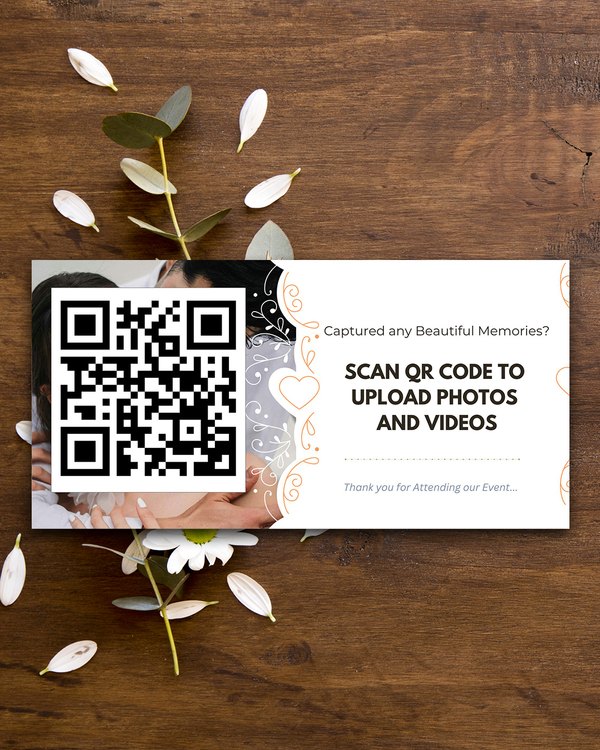
Flyers
Add your QR code menu to flyers so that clients in and outside of your restaurant can easily scan it.
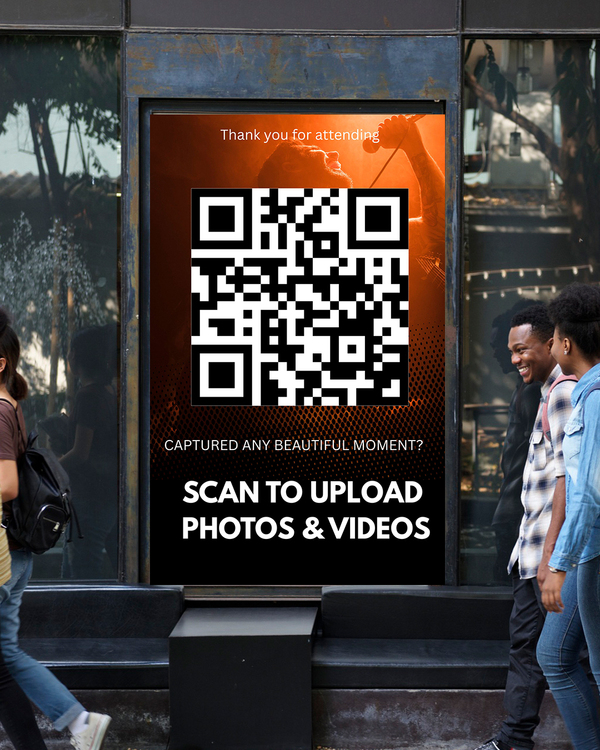
Windows & Walls Stickers
Create window and wall posters with the same QR code, so passers-by can view and download your menu right on their phones.
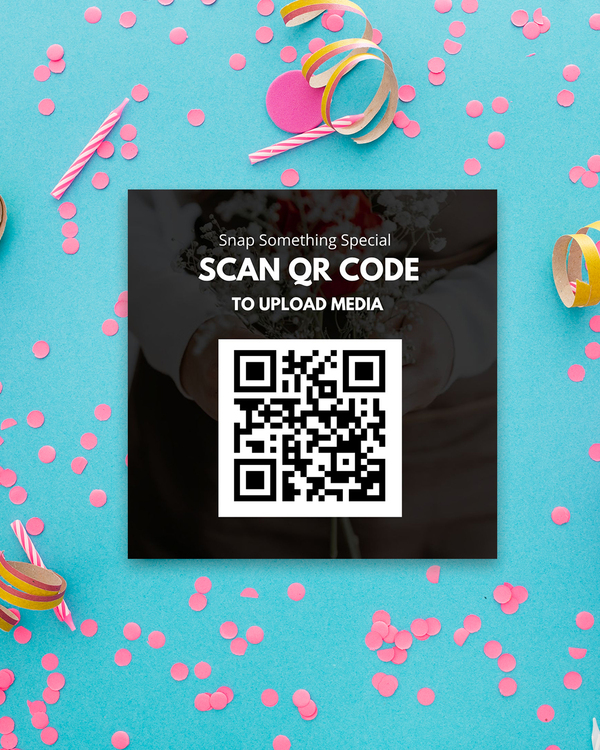
Packaging Labels
Add QR codes with your menu link to packaging labels so that clients who order food for delivery and pickup can access your pdf menu.
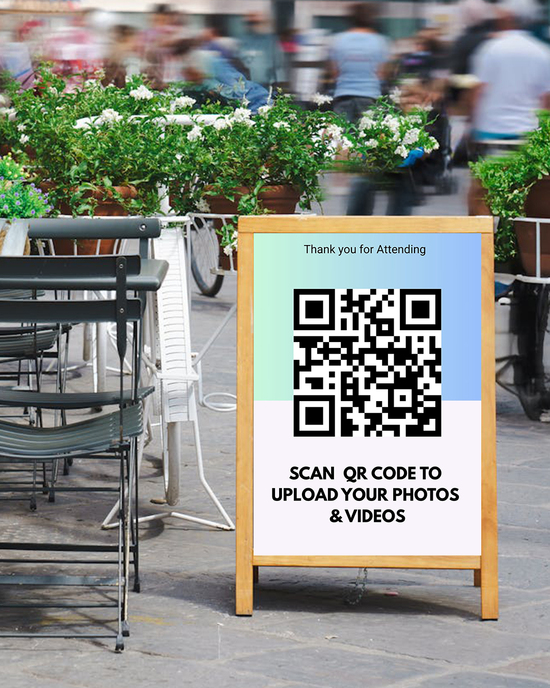
Sandwich Boards
Sandwich boards are the perfect eye catchers - use this to your advantage by showing off your QR code menu on yours.
Stunning Templates for Your Special Day
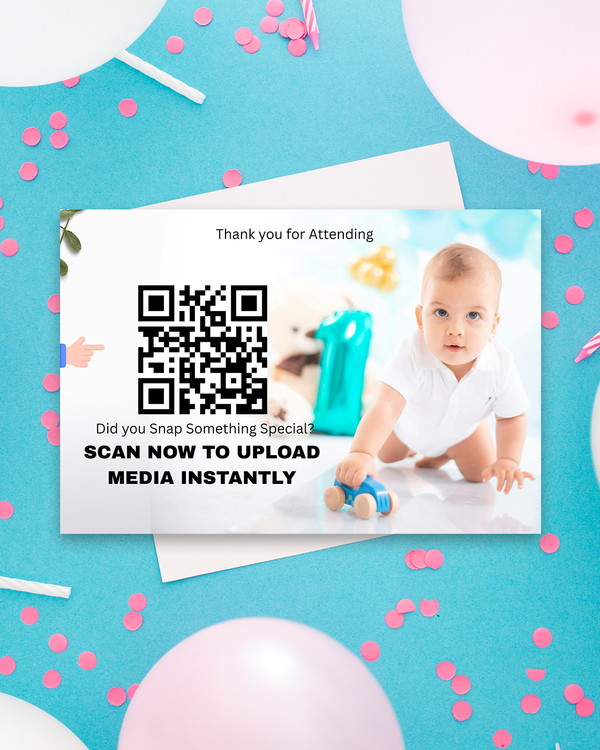
Choose from our curated collection of beautiful, customizable QR Code Banner designs.
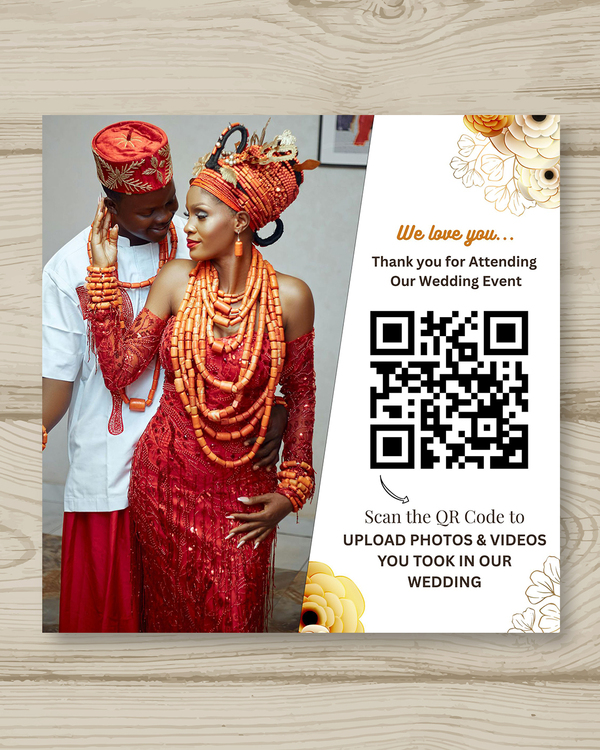
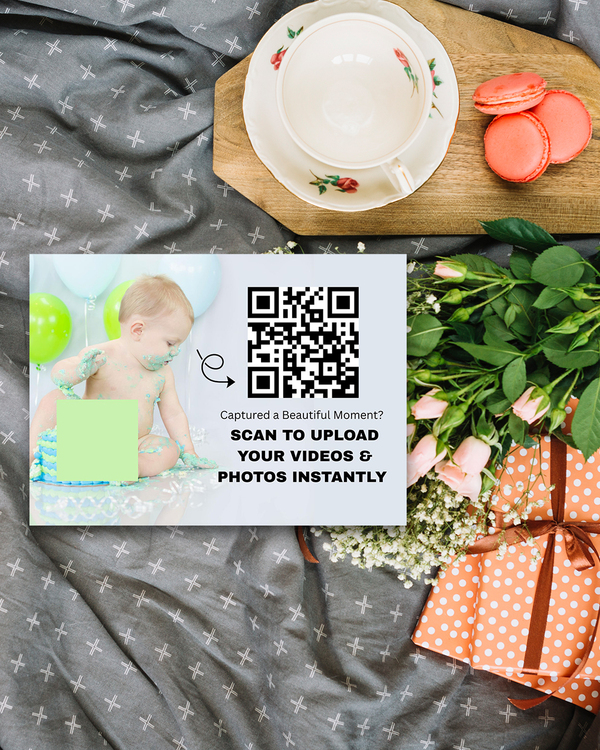
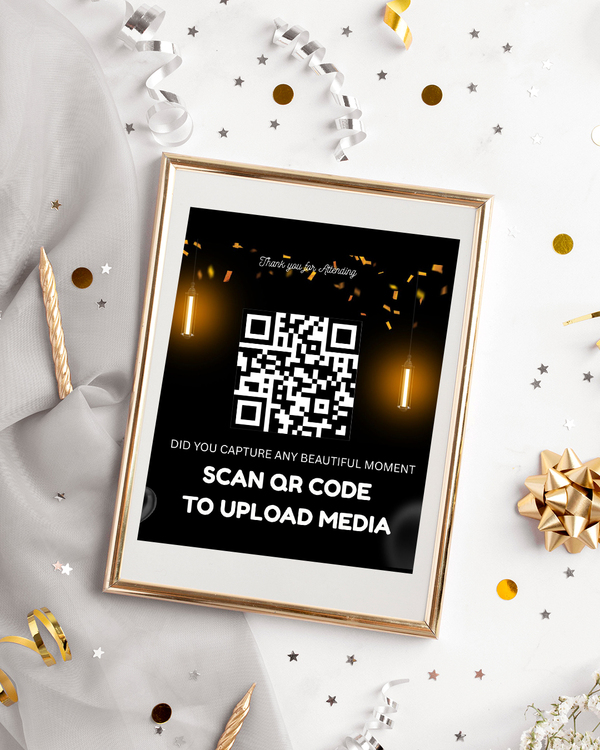
Weddings
Elegant designs for wedding invitations, table tags, signage, and flyers.
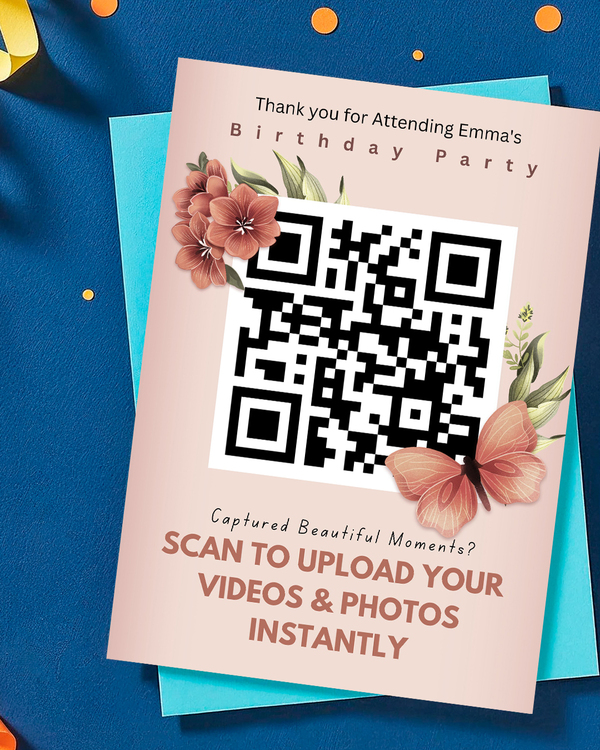
Birthdays.
Fun and colorful templates for birthday parties, banners, and cards.
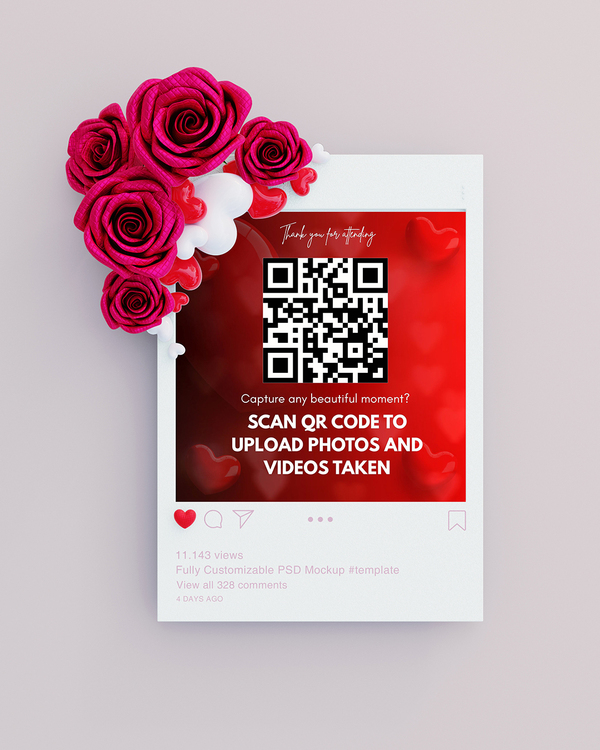
Anniversaries.
Elegant designs for wedding invitations, table tags, signage, and flyers .
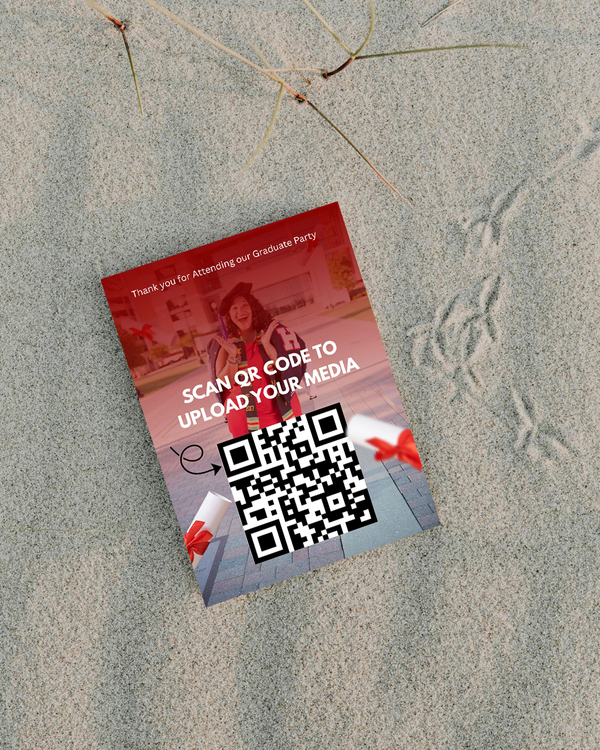
Graduation Parties.
Classy layouts for celebrating lasting love and milestones.
Corporate Events.
Professional designs for business launches, conferences, or networking events
Concerts & Shows.
Vibrant templates for performances, gigs, and entertainment promos..
Pricing...
Choose your Preferred Single Event Package
10 Posts
10 Posts
- Setup 1 Event
- 10 Posts from guests (photos only)
- Media expires 30 days after upload
- Option to Review & approve guest posts before they appear on media Wall
- Password protection for Event Page
Just like with Social Media Platforms (like Instagram), Each Photo or video Upload is a single Post. With this package, your Guests can Upload a Maximum of 10 Posts only.
₦10,997
30 Posts
30 Posts
- Setup 1 Event
- 10 Posts from guests (photos only)
- Media expires 30 days after upload
- Option to Review & approve guest posts before they appear on media Wall
- Password protection for Event Page
₦15,997
Just like with Social Media Platforms (like Instagram), Each Photo or video Upload is a single Post. With this package, your Guests can Upload a Maximum of 30 Posts only.
Popular Plan 💎
Unlimited Posts
Unlimited Posts
- Setup 1 Event
- 10 Posts from guests (photos only)
- Media expires 30 days after upload
- Option to Review & approve guest posts before they appear on media Wall
- Password protection for Event Page
₦19,997
Just like with Social Media Platforms (like Instagram), Each Photo or video Upload is a single Post. With this package, your Guests can Upload UNLIMITED Photos & Video Posts.
BASIC
$49
Annual Payment
Best for One-time
Celebrations
- Setup 5 Events Annually
- Unlimited Photos and Videos upload
- Media expires 30 days after upload
- Event Page expires 14 days after Event date
- Setup Reoccurring Events
- Password protection for Event Page
- Moderation Tools
- 100 Editable QR Code Banner Templates
PROFESSIONAL
$149
Annual Payment
Great for Event planners with multiple events
- Setup 20 Events Annually
- Unlimited Photos & Videos Upload
- Media Expires 30 days after upload
- Event page expires 14 days after Event date
- Setup Reoccurring Events
- Password protection for event Page
- Moderation Tools
- 100 Editable QR Code Banner Templates
AGENCY
$249
Annual Payment
Perfect for Businesses like restaurants, clubs, and venues with ongoing events or daily operations.
- Setup UNLIMITED Events
- Unlimited Photos & Videos Upload
- Advanced media storage - Never Expires
- Reoccurring Event Page NEVER Expires
- Setup Reoccurring Events
- Password protection for event Page
- Moderation Tools
- 100 Editable QR Code Banner Templates

What are Reoccurring Events?
Unlike one-time events that is setup with a specific Event Date, Reoccurring Events are events that happen regularly — like weekly parties, restaurant nights, concerts, open mic nights, or any gathering where people walk in frequently.
With Memogram’s Reoccurring Events plan, you can:
✅ Keep your QR code live all year round – No Expiration.
✅ Let guests scan and upload photos/videos anytime
✅ Never worry about Event page Expiring.
It’s perfect for businesses like restaurants, clubs, hotels/resorts, gyms, religious centers, and event venues that host frequent or ongoing experiences.
Do guests need to download an app to upload photos and videos?
No! Guests can upload their media instantly by scanning the QR code using their phone’s camera or browser—no app download required.
What Happens when a media upload Expires?
No matter the plan you choose, all uploaded media (photos and videos) will expire 30 days after the upload date.
For example, if a guest uploads a photo or video on January 1st, it will automatically expire and be permanently deleted from Memogram’s database on January 30th.
🔴 Once expired, media cannot be recovered.
To keep your precious memories safe, be sure to download them before the expiration date!
What Happens when an Event Page Expires?
Your Event Page is available based on the plan you choose.
Once it reaches its expiration date (calculated from your event date):
✅ Guests will no longer be able to access the upload page.
✅ No new photos or videos can be added.
Make sure to download all your collected memories or before your Event Page expires!
What is Media Storage?
Memogram lets you connect your Google Drive account, allowing you to automatically store media uploaded by your guests even after it expires on Memogram.
Can I download all photos and videos at once?
Can guests view and download each other's photos and videos?
Can businesses and event planners use Memogram?
Can I customize my event page?
Does this work anywhere in the world?
No! Guests can upload their media instantly by scanning the QR code using their phone’s camera or browser—no app download required.
Yes! You can personalize your event page with a custom event name, background image, description etc
Your event page is open and available for 14 days after the event Date chosen.
For example, if you choose 1st of January as your Event Date, it will remain active for uploads until the 14th of January.
Upon Page Expiration, No new Photo or Video can be uploaded by Guests.
You can reach out to the support Team via the Live chat option inside the Software or email [email protected]
All uploaded media (photos and videos) will expire 30 days after the upload date.
For example, if a guest uploads a photo or video on January 1st, it will automatically expire and be permanently deleted from Memogram’s database on January 30th.
Once expired, the media cannot be recovered.
To keep your precious memories safe, be sure to download them before the expiration date!
No matter the plan you choose, all uploaded media (photos and videos) will expire 30 days after the upload date.
For example, if a guest uploads a photo or video on January 1st, it will automatically expire and be permanently deleted from Memogram’s database on January 30th.
 Once expired, media cannot be recovered.
To keep your precious memories safe, be sure to download them before the expiration date!
Your Event Page is available based on the plan you choose.
Once it reaches its expiration date (calculated from your event date):
✅ Guests will no longer be able to access the upload page.
✅ No new photos or videos can be added.
Make sure to download all your collected memories or before your Event Page expires!
Memogram lets you connect your Google Drive account, allowing you to automatically store media uploaded by your guests even after it expires on Memogram.
Absolutely! Memogram provides a one-click bulk download feature so you can save all your event media instantly in high quality.
It depends on the host’s settings. The event host can choose whether guests can only upload media or also view and download shared content.
Yes! Businesses like event venues, wedding planners, and clubs can use Memogram to collect media from customers and guests, creating valuable engagement and promotional content.
Yes, our app works globally, across different devices (mobile phones, tablets, laptop and Desktops). All your guests need is an internet connection.
Q. Can I customize my event page?
Yes! You can personalize your event page with a custom event name, cover photo, and even branding (for businesses).
Unlike one-time events that is setup with a specific Event Date, Reoccurring Events are events that happen regularly — like weekly parties, restaurant nights, concerts, open mic nights, or any gathering where people walk in frequently.
With Memogram’s Reoccurring Events plan, you can:
✅ Keep your QR code live all year round – No Expiration.
✅ Let guests scan and upload photos/videos anytime
✅ Never worry about Event page Expiring.
It’s perfect for businesses like restaurants, clubs, hotels/resorts, gyms, religious centers, and event venues that host frequent or ongoing experiences.
BASIC
$49
Annual Payment
Best for One-time
Celebrations
- Setup 5 Events Annually
- Unlimited Photos and Videos upload
- Media expires 30 days after upload
- Event Page expires 14 days after Event date
- Setup Reoccurring Events
- Password protection for Event Page
- Moderation Tools
- 100 Editable QR Code Banner Templates
PROFESSIONAL
$149
Annual Payment
Great for Event planners with multiple events
- Setup 20 Events Annually
- Unlimited Photos & Videos Upload
- Media Expires 30 days after upload
- Event page expires 14 days after Event date
- Setup Reoccurring Events
- Password protection for event Page
- Moderation Tools
- 100 Editable QR Code Banner Templates
AGENCY
$249
Annual Payment
Perfect for Businesses like restaurants, clubs, and venues with ongoing events or daily operations.
- Setup UNLIMITED Events
- Unlimited Photos & Videos Upload
- Advanced media storage - Never Expires
- Reoccurring Event Page NEVER Expires
- Setup Reoccurring Events
- Password protection for event Page
- Moderation Tools
- 100 Editable QR Code Banner Templates
Our 100% Fair Refund Guarantee
Try Memogram for yourself
Scan the QR Code below or CLICK HERE to open the Upload page.
Upload photos/Videos from your Device to enjoy the Memogram Experience.
Scan with your phone’s camera OR any scanning app
Every Moment Captured. Every Memory Preserved
© Copyright 2025 Memogram. All Rights Reserved.