ATTENTION: Event Planners, Organizers and Host…

Collect all the beautiful pictures and Videos

Your guests will capture at your Next Event

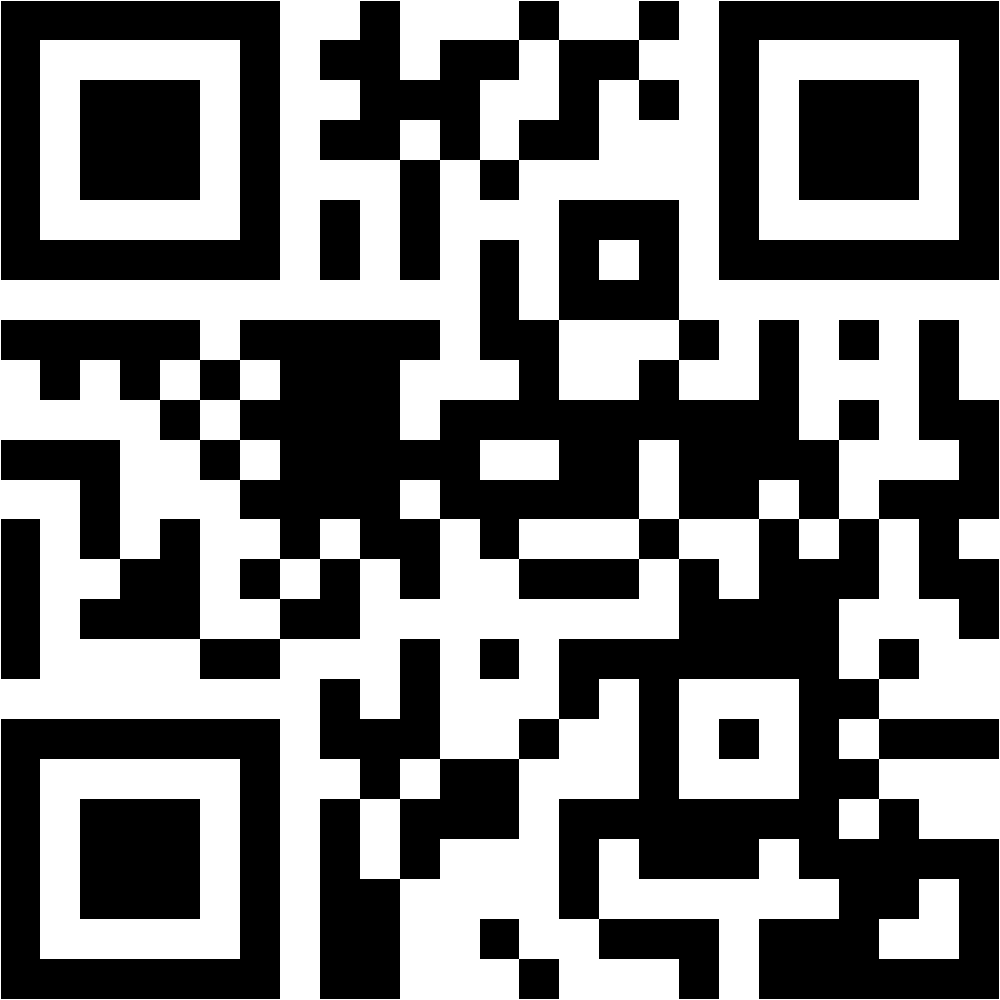
Using a Simple QR Code..

Collect all the beautiful pictures and Videos your guests will capture at your Next Event, using a Simple QR Code…

No More Begging guest for them after the event!

How does it work?

In Just  4 Simple Steps,  You Can Use Memogram at your Wedding, Birthday, Conference or any other Event

Step 1

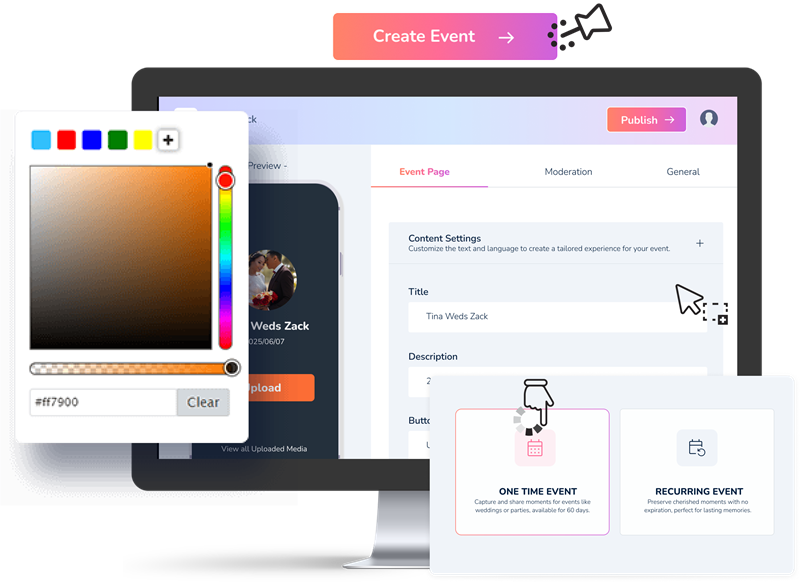
Setup your Event

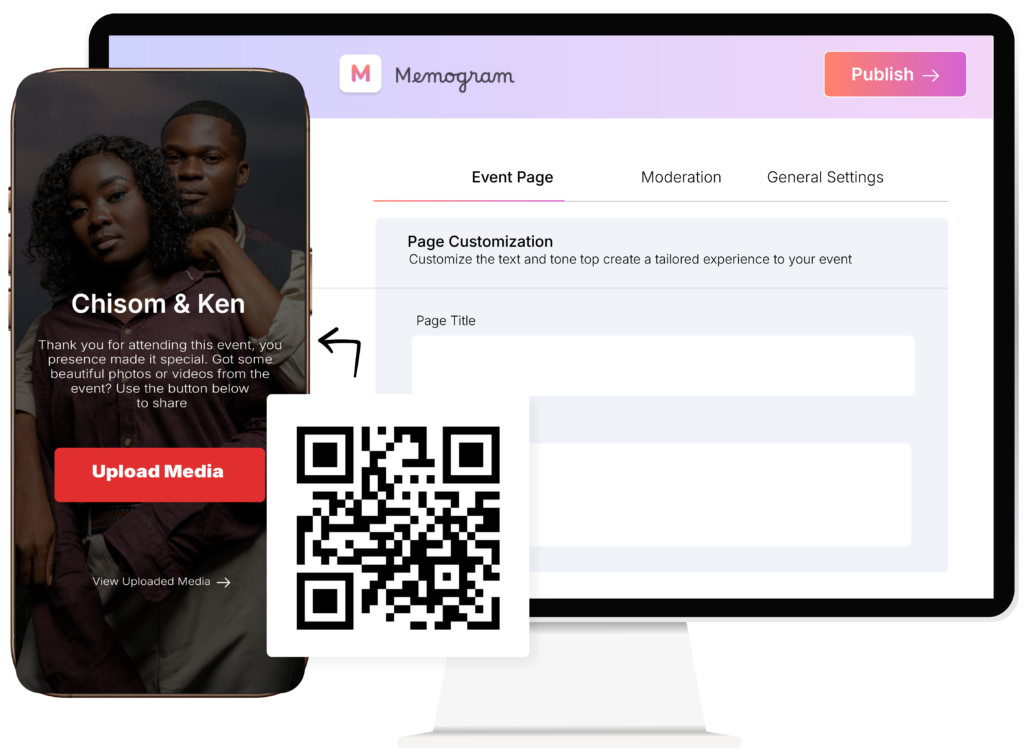
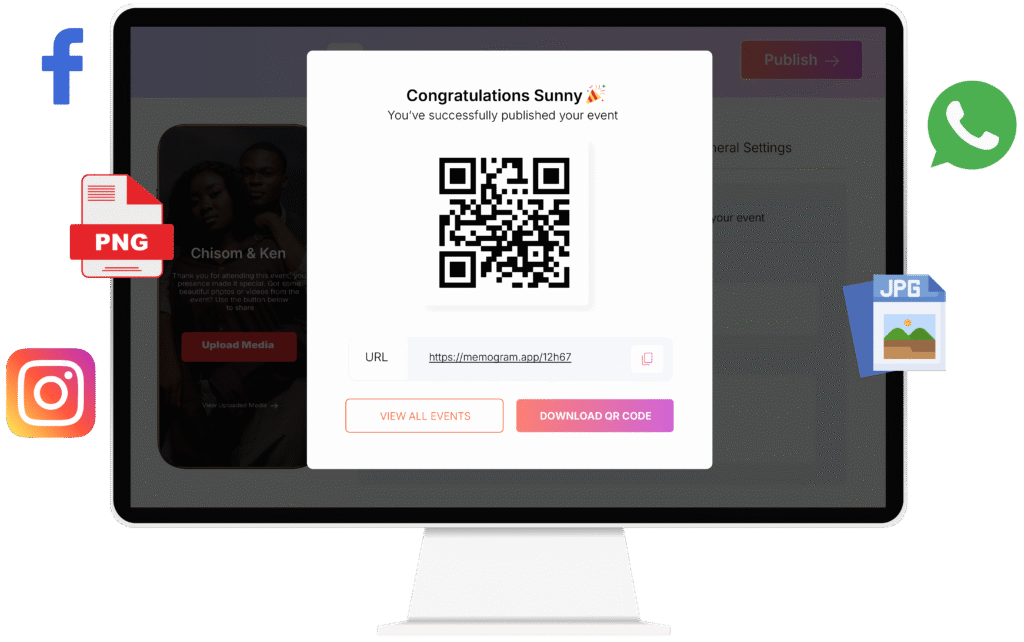
Create your event inside Memogram within 2 minutes. Optionally, you can Customize your date, image, title, background and other elements to make it unique. Generate a Unique QR Code and Link for sharing to guests.

Step 2

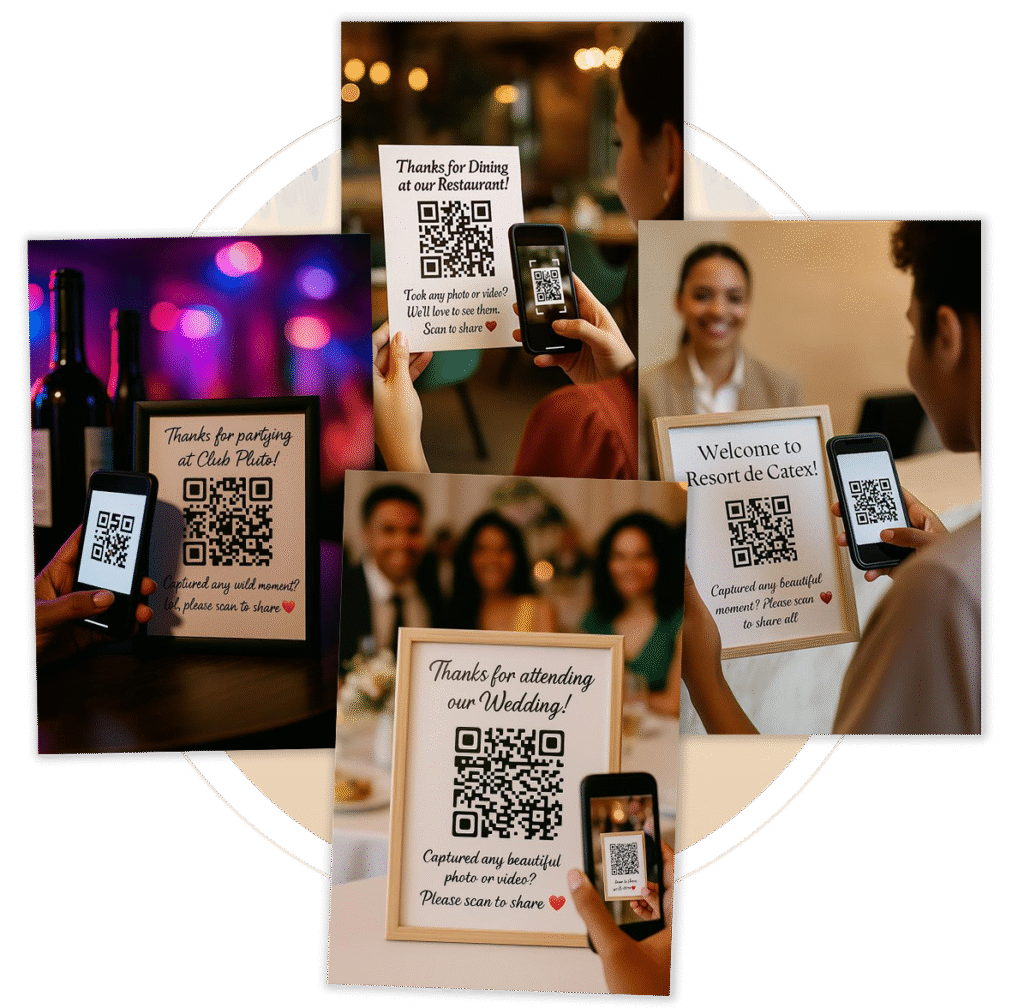
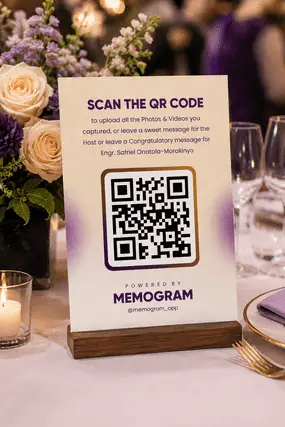
Display QR Code

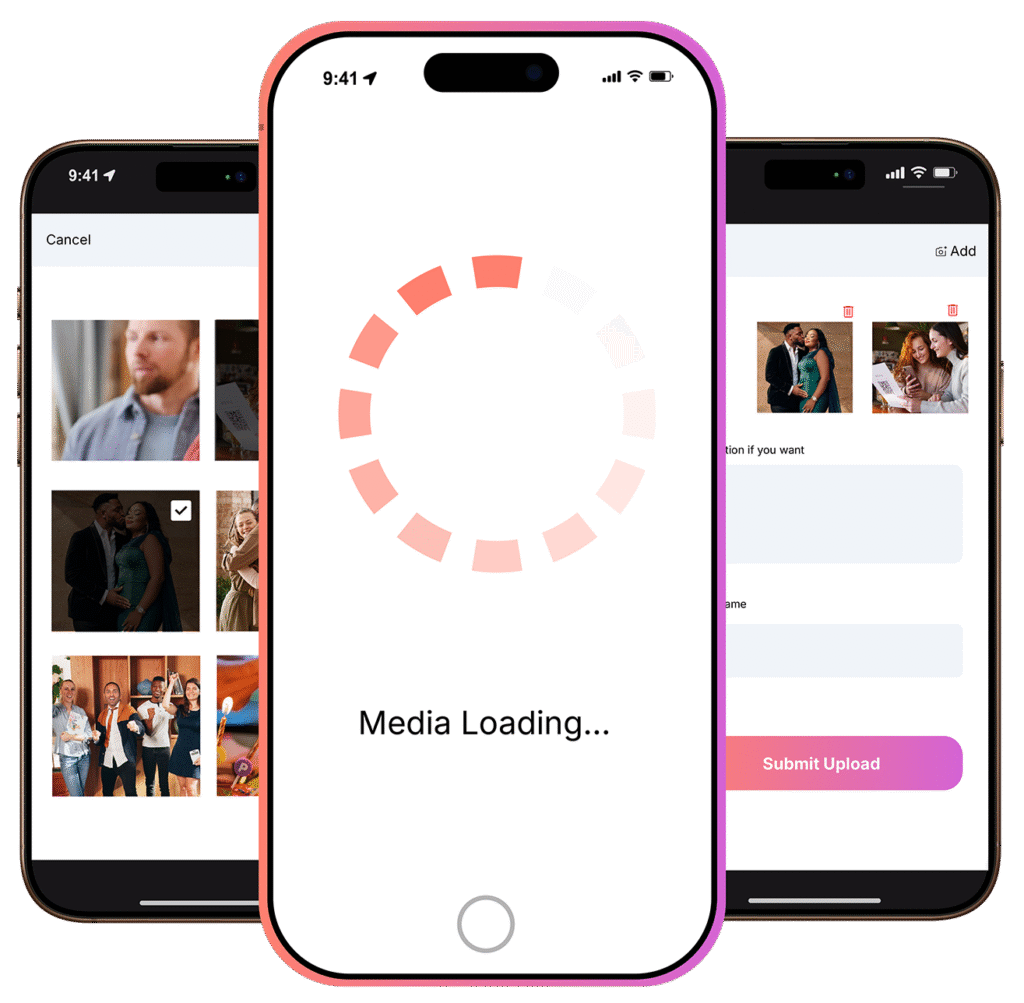
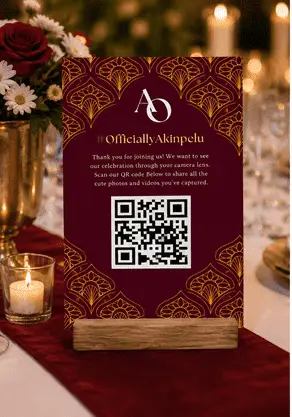
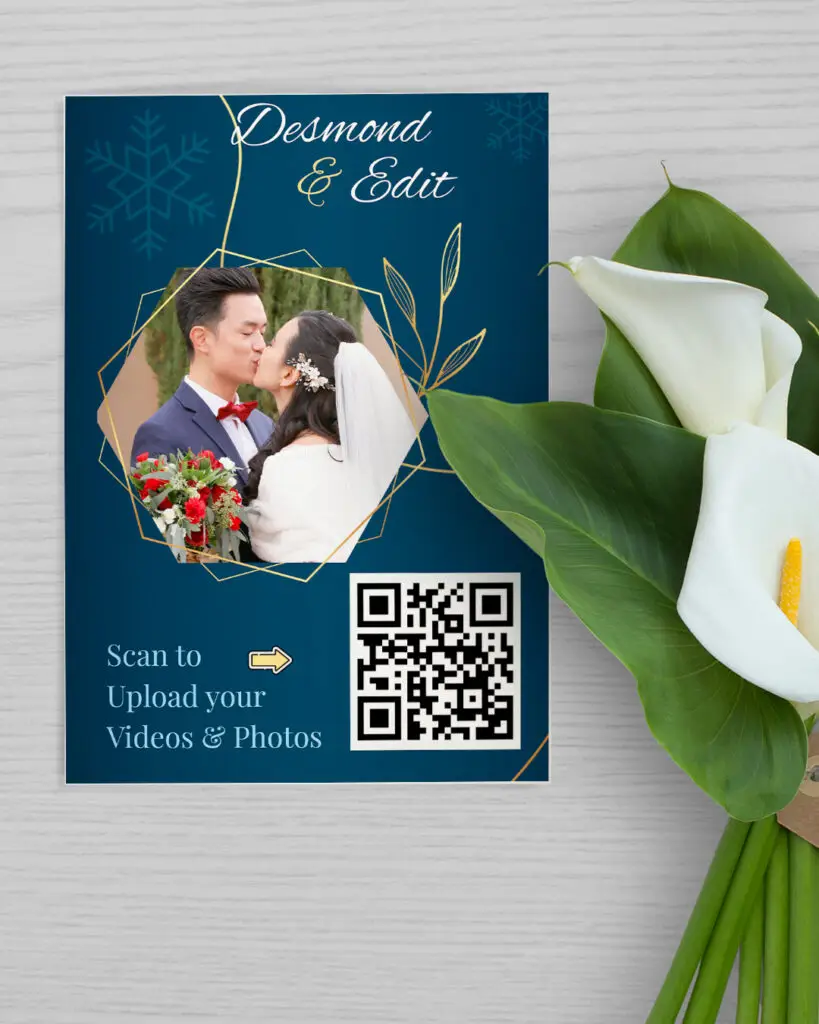
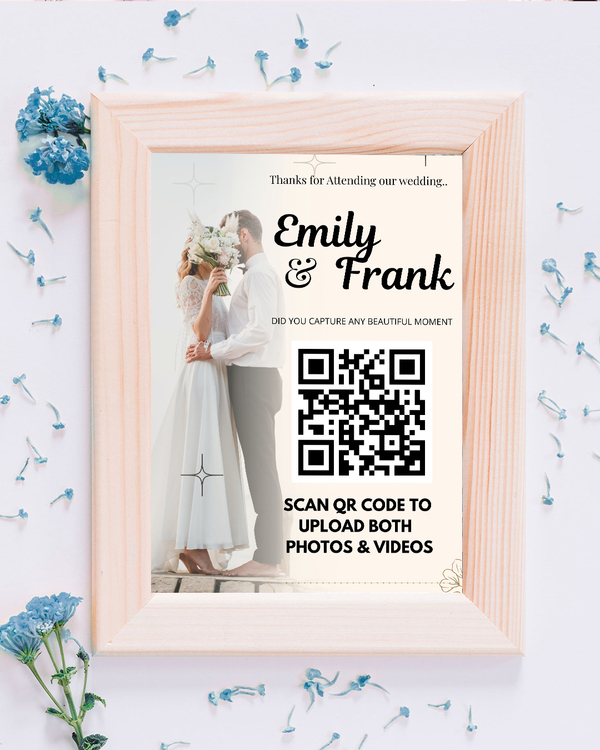
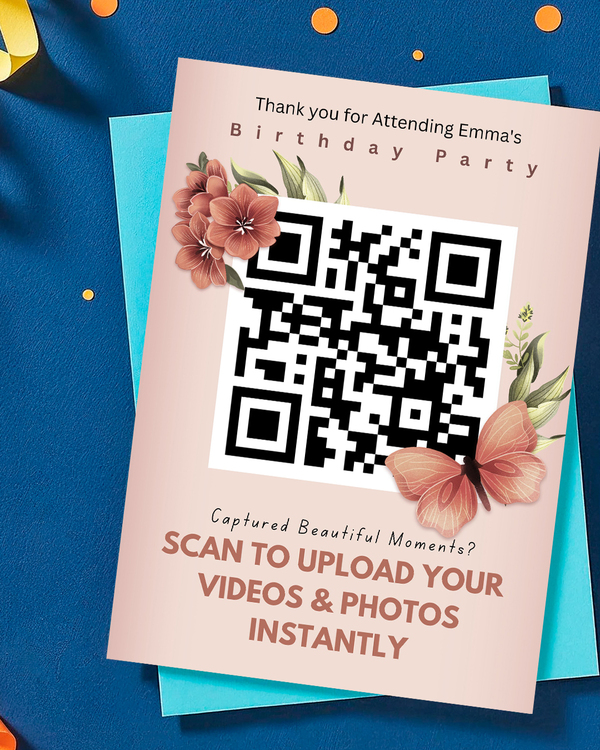
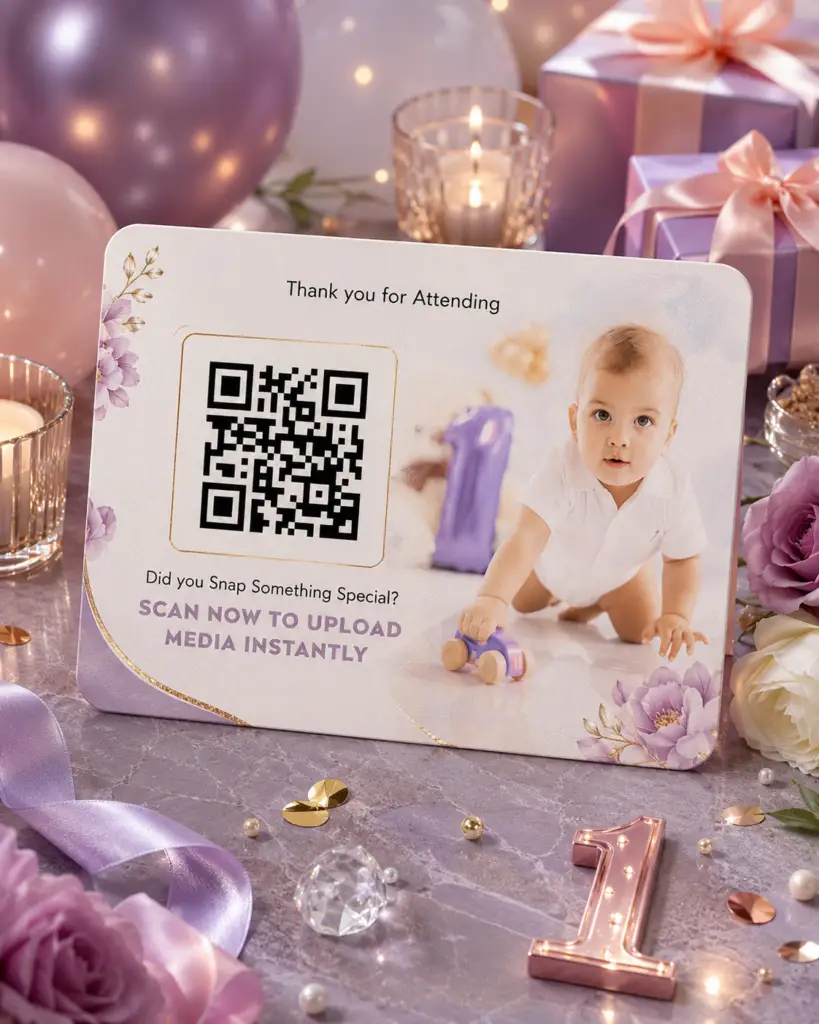
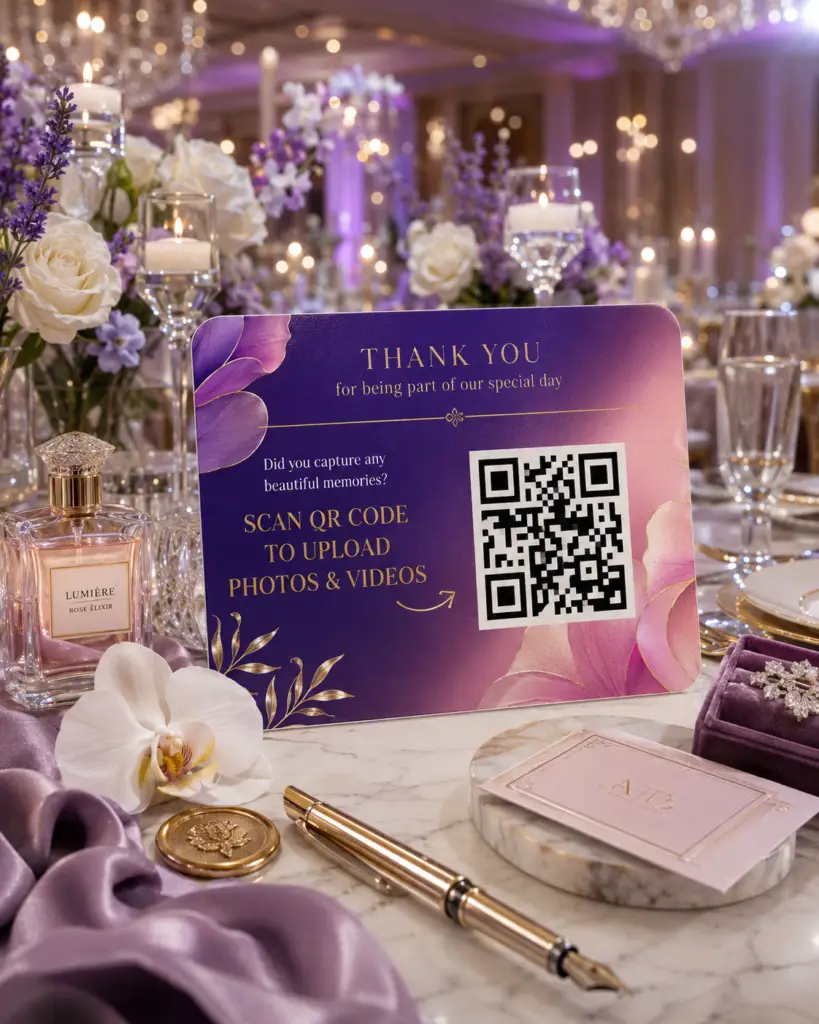
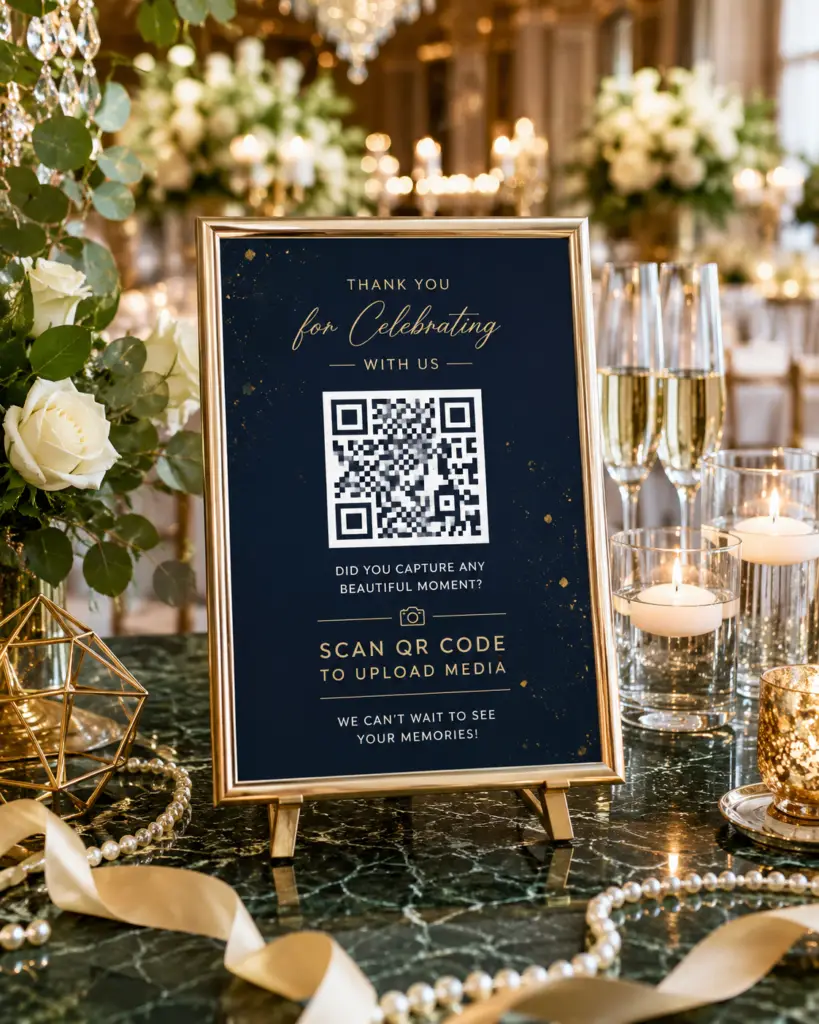
Display the QR code at the Event venue. Your guests simply scan the QR code and instantly upload the pictures and videos they’ve captured on their phones.

Step 3 (optional)

Display it all on a live slideshow

Want to spice up your Event? Display the photos and videos uploaded by your guests in real time on TVs, projectors, or LED screens at the venue. Your guests will love it sooooo much!

Step 4

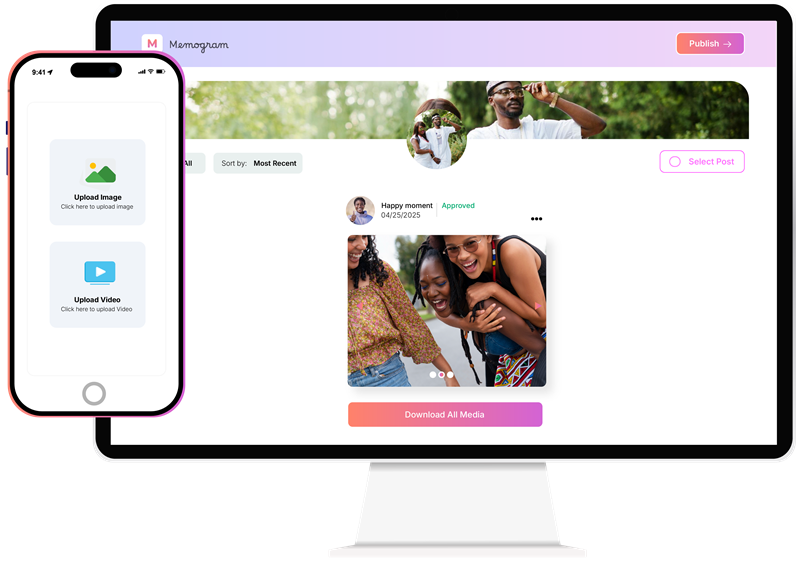
Publish to Social Media or Download

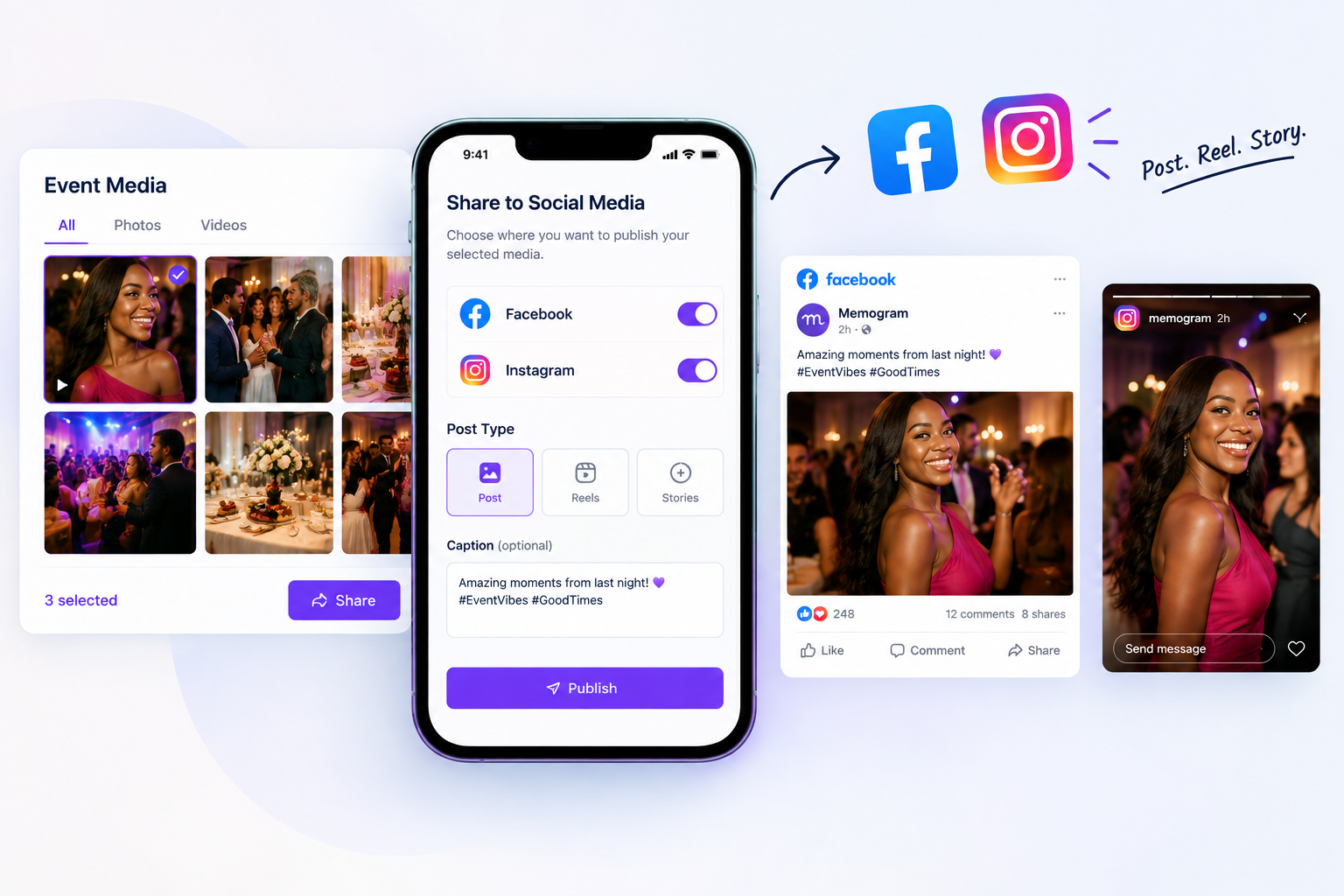
Publish upload media directly to Facebook, Instagram and TikTok as Stories, Reels or Post. You can also dowload the Media in bulk or individually.

Watch the Demo Below...

To see Memogram in Action

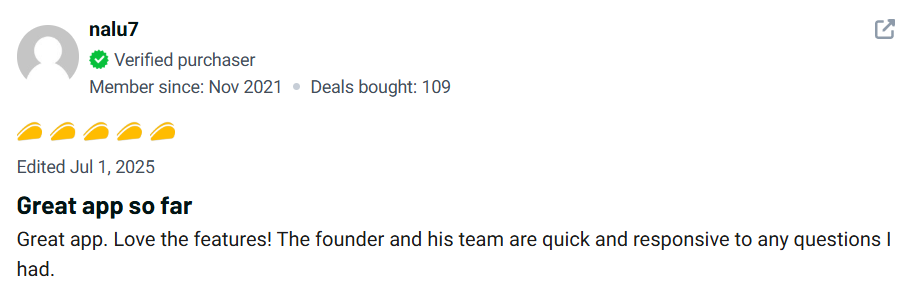
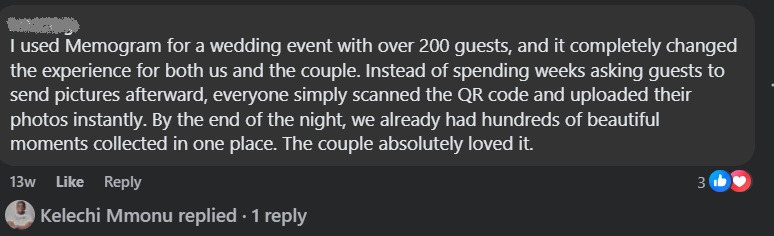
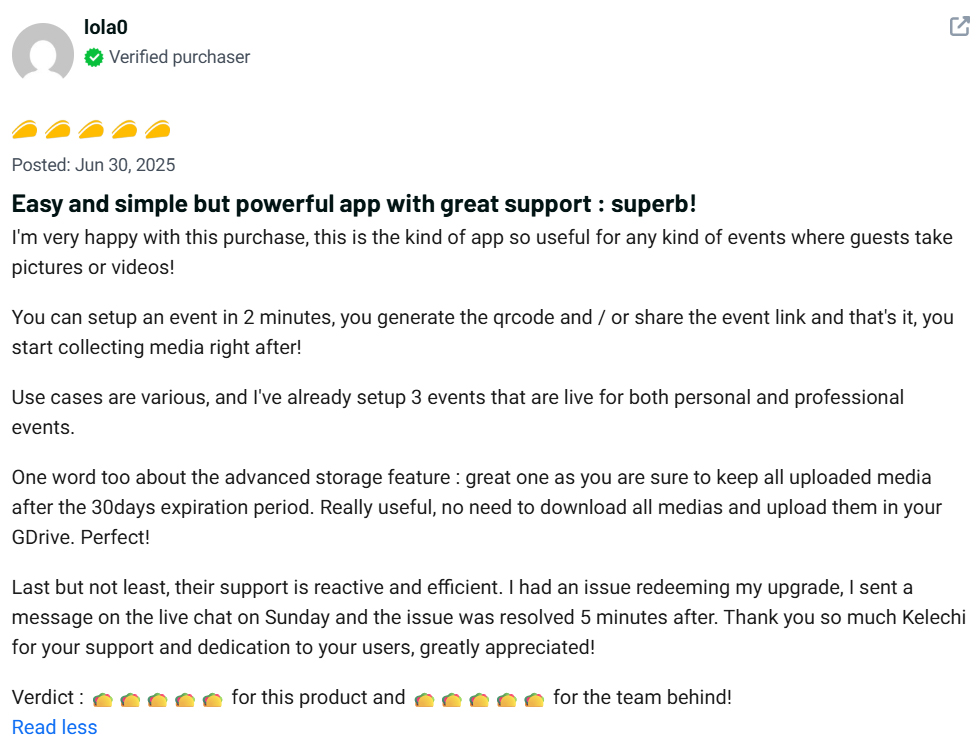
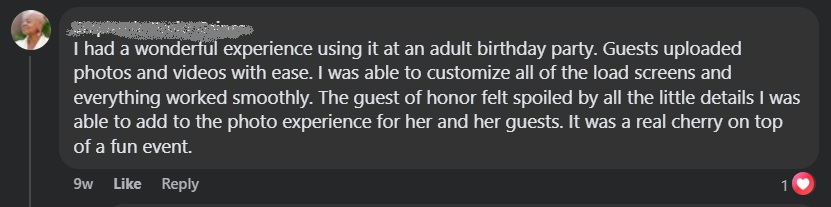
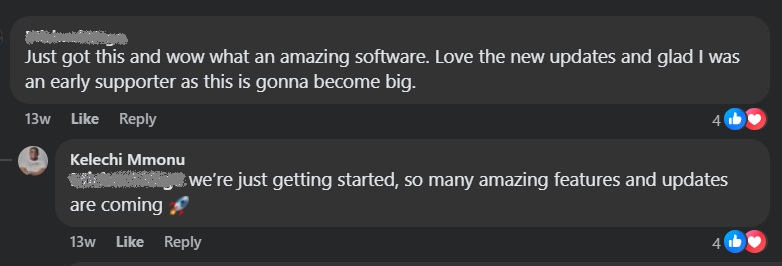
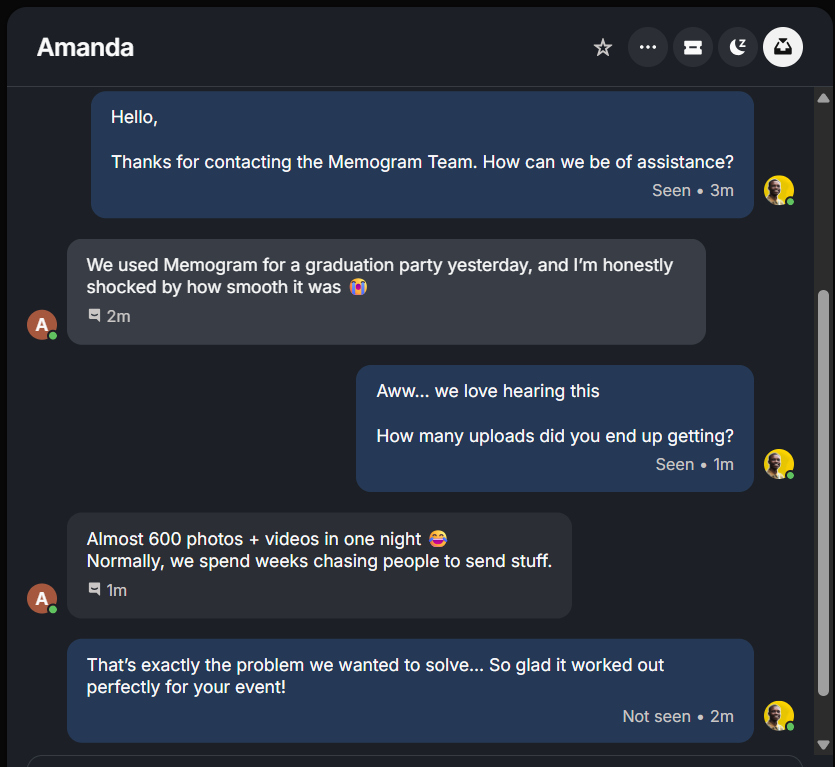
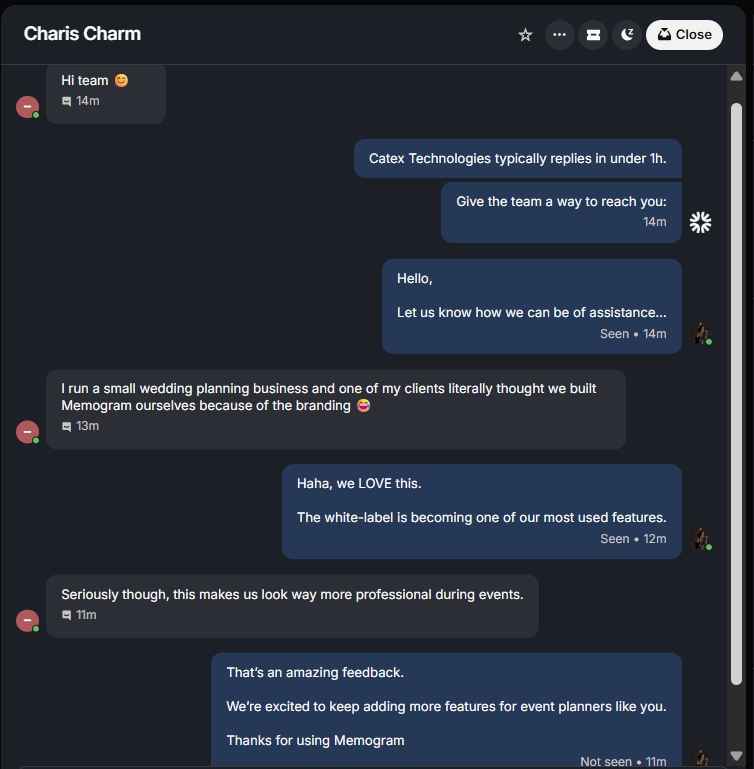
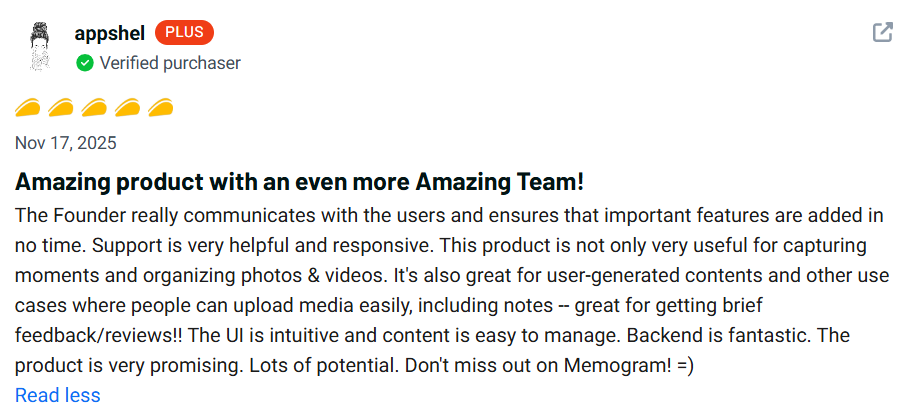
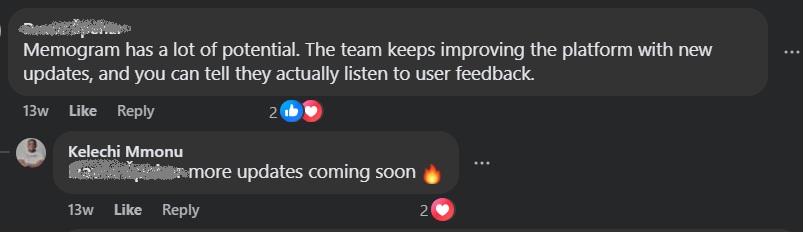
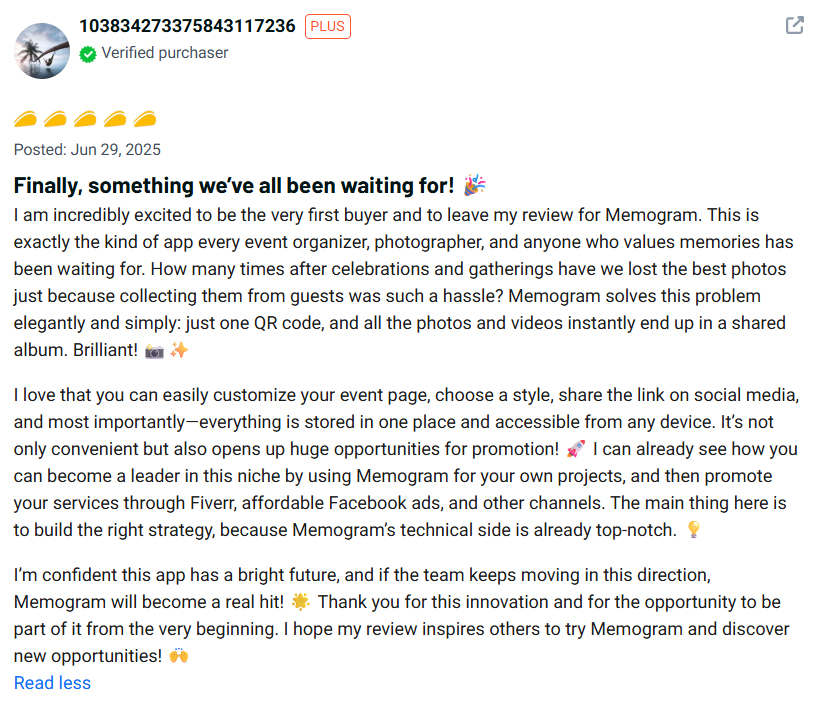
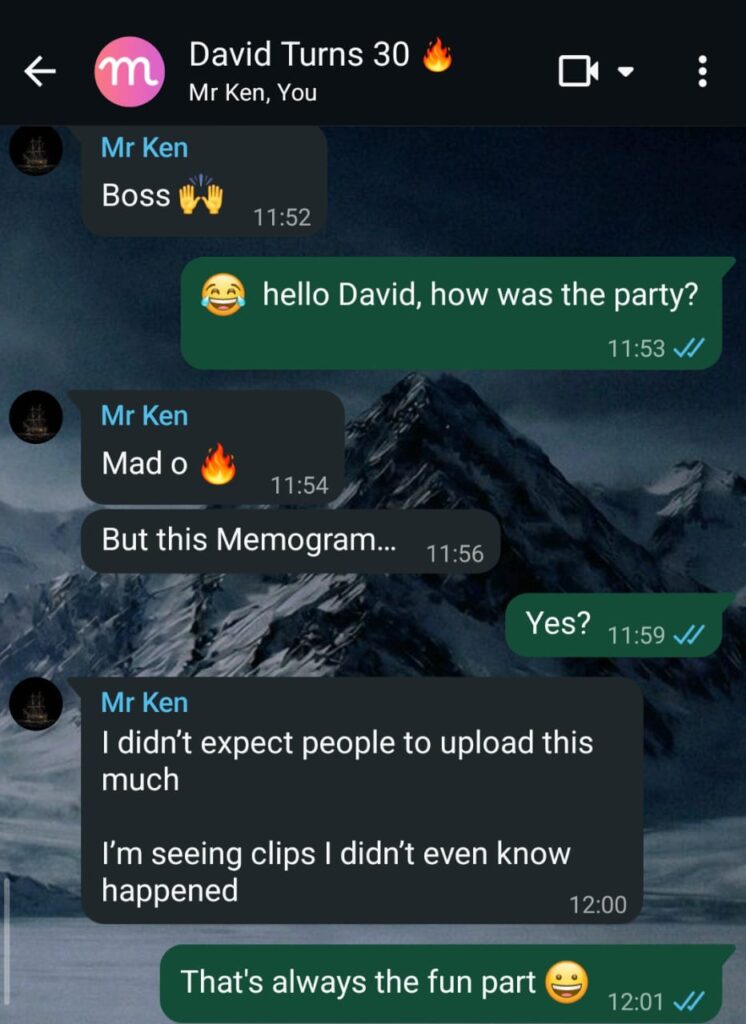
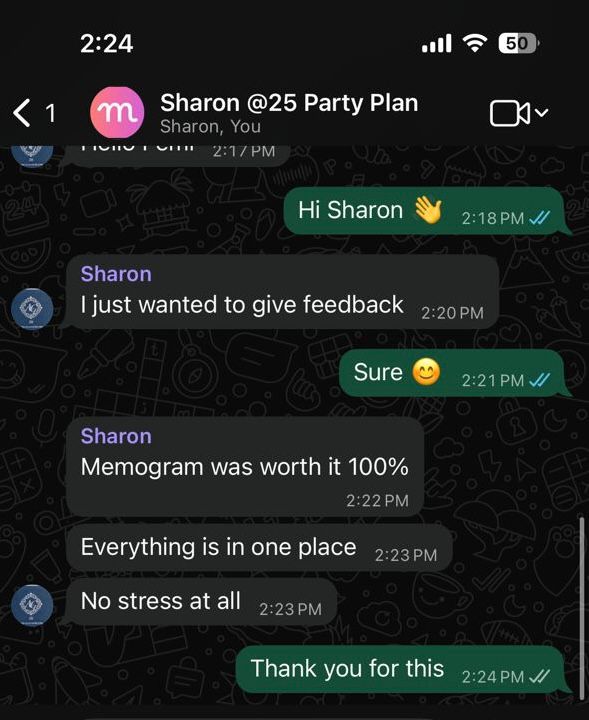
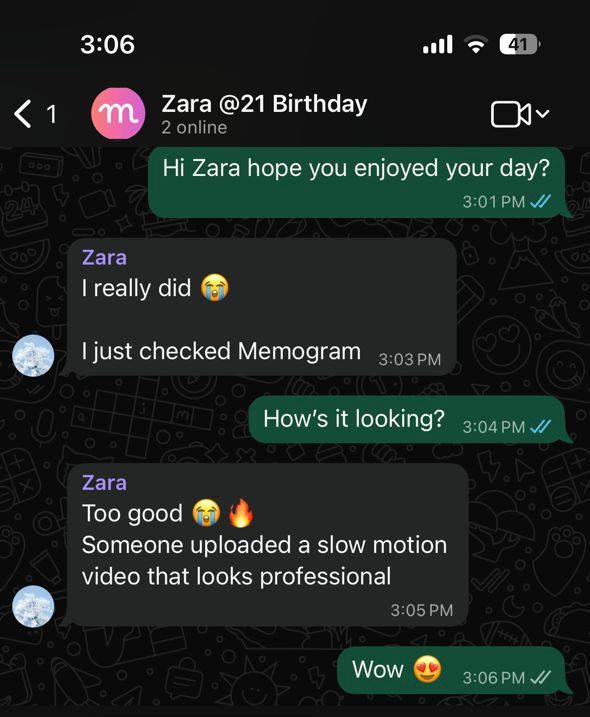
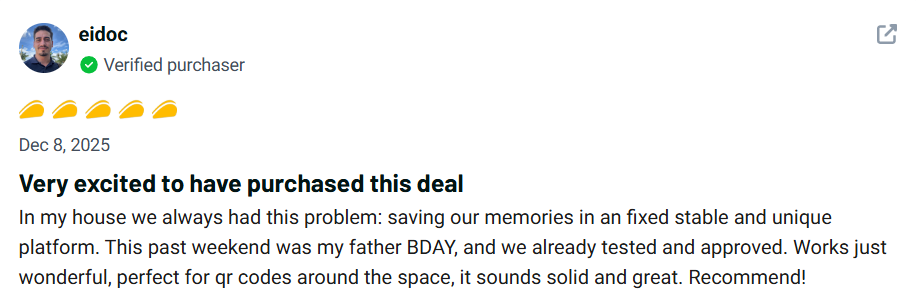
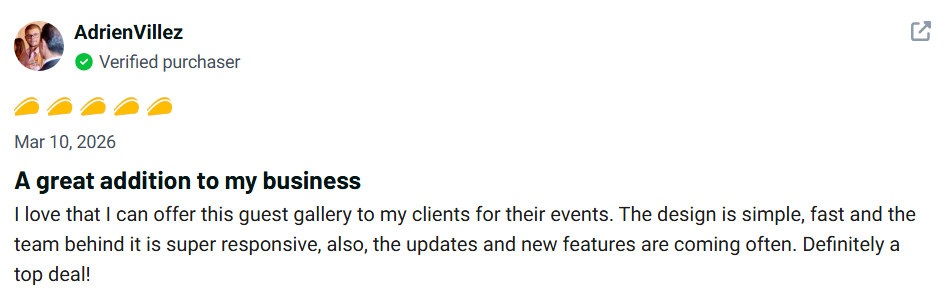
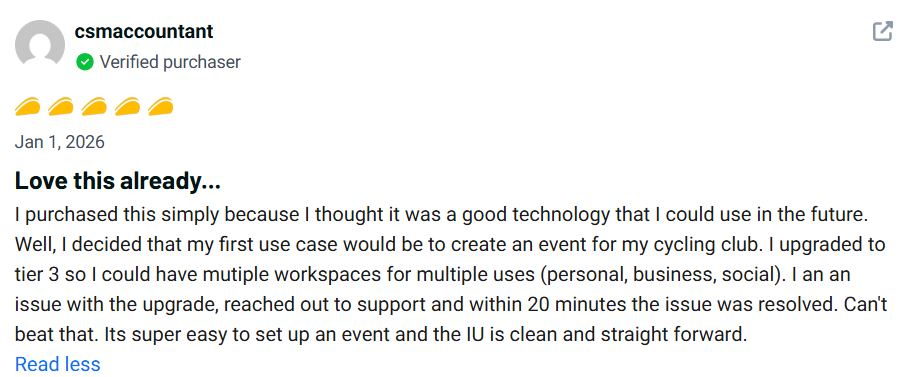
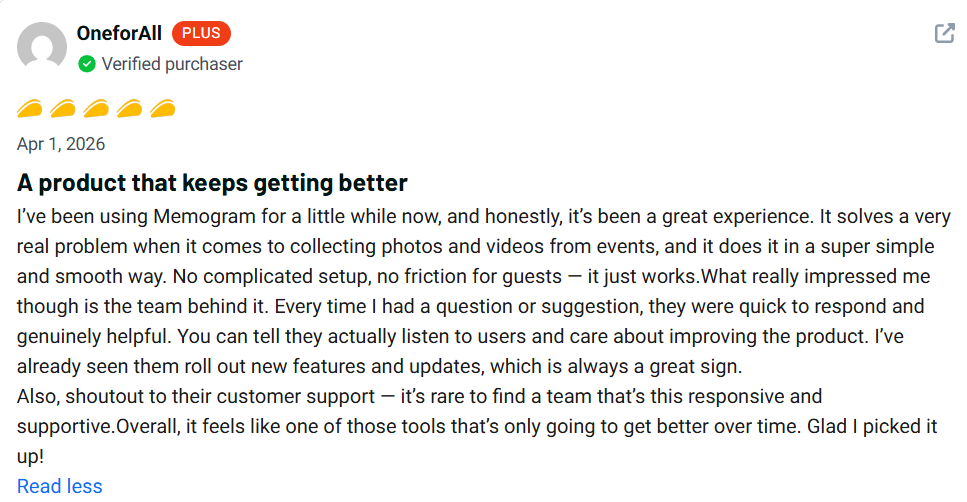
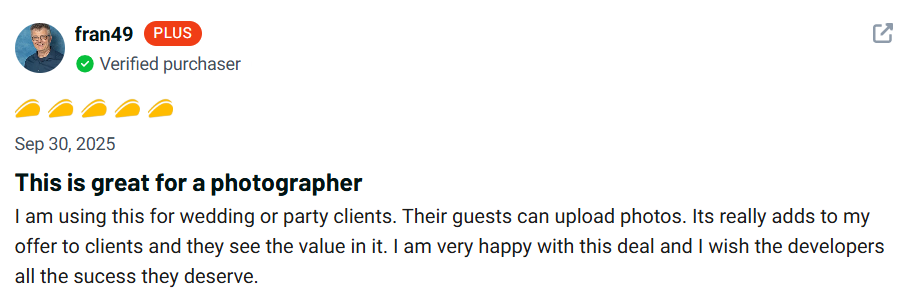
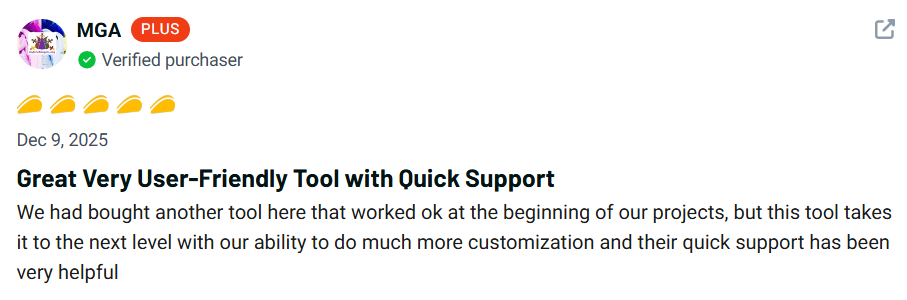
Here’s what our existing users have to say about Memogram…

Memogram has helped 200+ Businesses and Event organizers people capture, organize, and share their most precious memories.

Who is Memogram For?

Which Events are Best Suited for Memogram?

Memogram seamlessly gathers stunning memories across every celebration or event you host

Baby Showers & Gender Reveal Parties 👶

Capture every surprised reaction, the moment the gender is revealed, and all the joy from loved ones celebrating the new arrival.

Housewarming & Private Gatherings 🏡

Friends and family can share all the fun moments, house tour reactions, and celebratory moments of the new home.

Weddings & Engagement Parties 💍

Guests can capture their unique angles of the proposal, the bride-to-be’s reaction, and all the celebratory moments that follow.

Concerts & Music Festivals 🎶

Attendees can upload electrifying crowd moments, favorite performances, and exclusive backstage glimpses, creating an unforgettable event archive.

Award Nights & Gala Dinners 🏆

Guests can contribute red carpet photos, award presentation moments, and fun after-party moments, providing a full event experience recap.

Fashion Shows & Runway Events 👗

Capture unique angles of runway looks, behind-the-scenes preparations, and guests’ reactions to stunning designs.

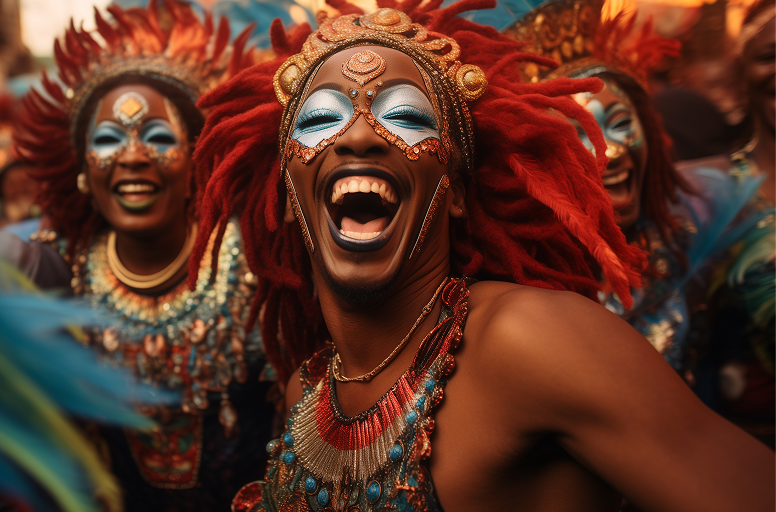
Traditional & Cultural Festivals 🎭

Document rich cultural moments, dance performances, masquerades, and traditional ceremonies with contributions from festival-goers.

School Reunions & Alumni Events 🎓

Gather nostalgic memories, old friends reuniting, and speeches, keeping all shared moments in one place for attendees.

Sporting Events & Tournaments ⚽

Capture crowd reactions, game highlights, victory celebrations, and fan experiences, creating a community-driven event archive.

Religious Gatherings & Crusades 🙏

Easily collect and share photos and videos from church services, revivals, or mosque gatherings, ensuring every special moment is preserved.

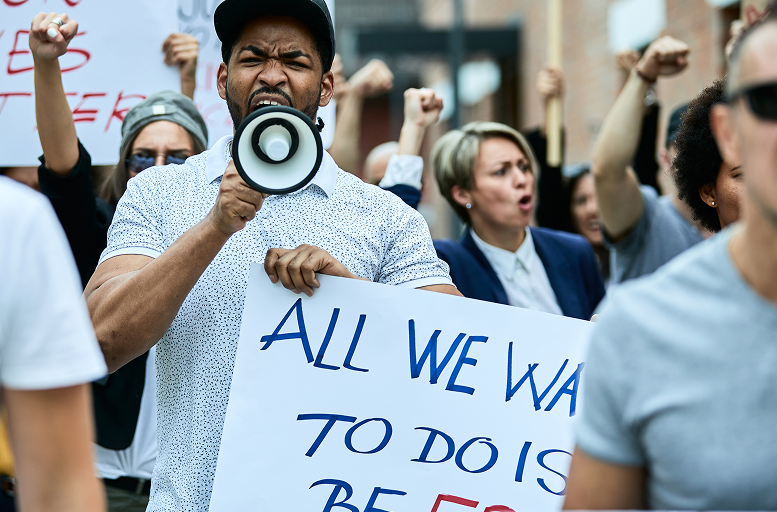
Political Rallies & Campaigns 🗳️

Collect media from supporters at campaign events, rallies, and debates, allowing campaign teams to have real-time audience engagement.

Here are some of the incredible Features and Tools inside Memogram…

Event Page Setup & Customization

In less than 2 minutes, create a personalized Media collection page for your Event. Customize the page with your event image, logos, banners, colors, fonts and more.

Choose from various themes or design templates to match your style. b

QR Code and Link Generation

Generate a unique QR code that can be printed, shared on invitations, or displayed digitally.

Guests scan the QR code with their phone’s camera or any QR Code Scanner App to instantly access the event’s media-upload platform.

Unique links are also generated, and can be shared across Social media platforms (Facebook, Instagram, Whatsapp etc)

Unlimited Photo & Video Uploads

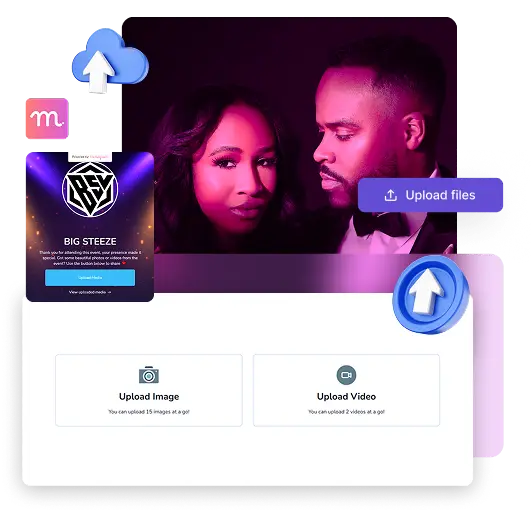
Let guests easily upload the photos and videos they capture, so no precious moment gets lost on their phones.

Bring everyone’s memories together in one beautiful gallery that you can relive, download, and share.

Unlimited Text & Audio Notes

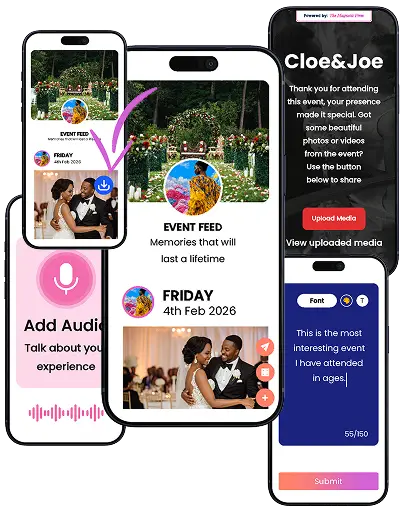
Let guests write a personal message or record a voice note to share their thoughts, wishes, and reactions alongside their photos and videos.

Capture the words and voices behind the memories, making the gallery even more personal and meaningful.

Social media Publishing

Publish your event’s best photos and videos directly to Facebook and Instagram as Posts, Reels, or Stories.

Turn guest-generated content into engaging social media content
without downloading and uploading manually.

Password Protection

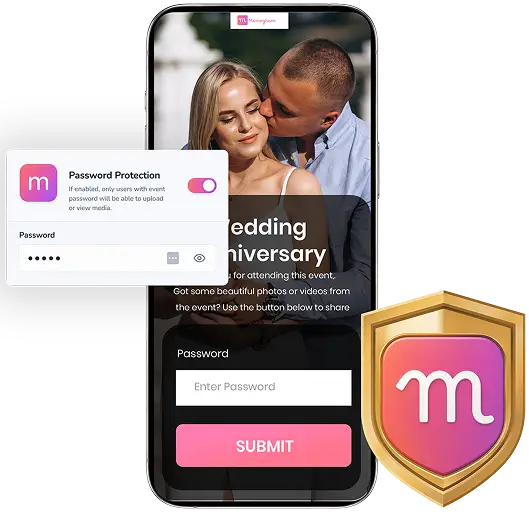
Control who can contribute to your event by adding a password to your event page.

Only guests with the password can upload photos, videos, or other content, giving you
greater control over who contributes to your event gallery.

Tag-Based Media Organization

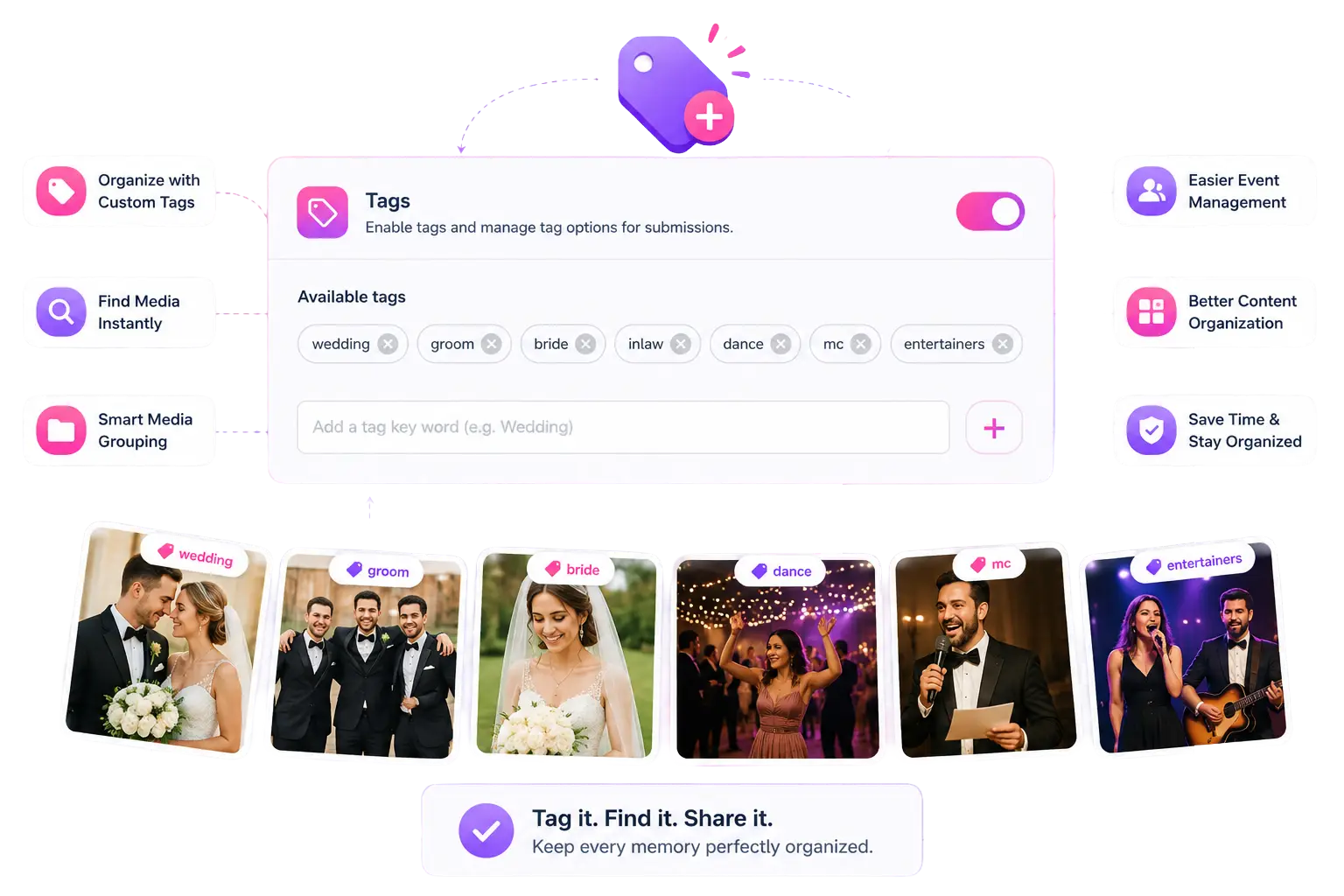
Create custom tags such as #family, #dance, #groom, #bridesmaid and more, relevant to your event.

Guests simply select the appropriate tag(s) when uploading, making it easy for hosts and attendees to instantly filter, find, and enjoy specific moments without scrolling through hundreds of photos and videos


Language Translation

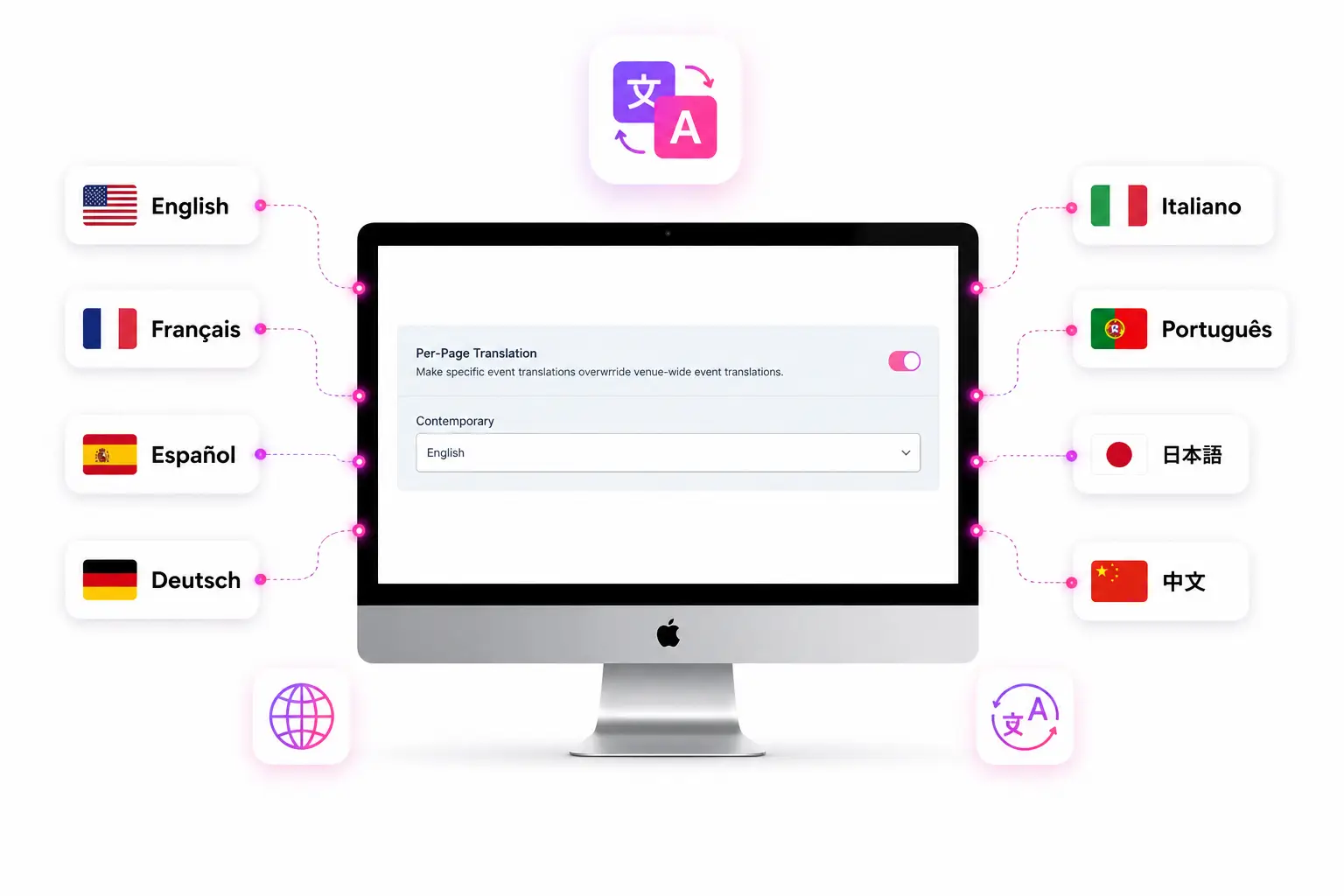
Allow guests from different countries to participate effortlessly by automatically translating your event page into multiple languages.

This creates a smoother experience, increases participation, and helps you collect more content, regardless of the language they speak.

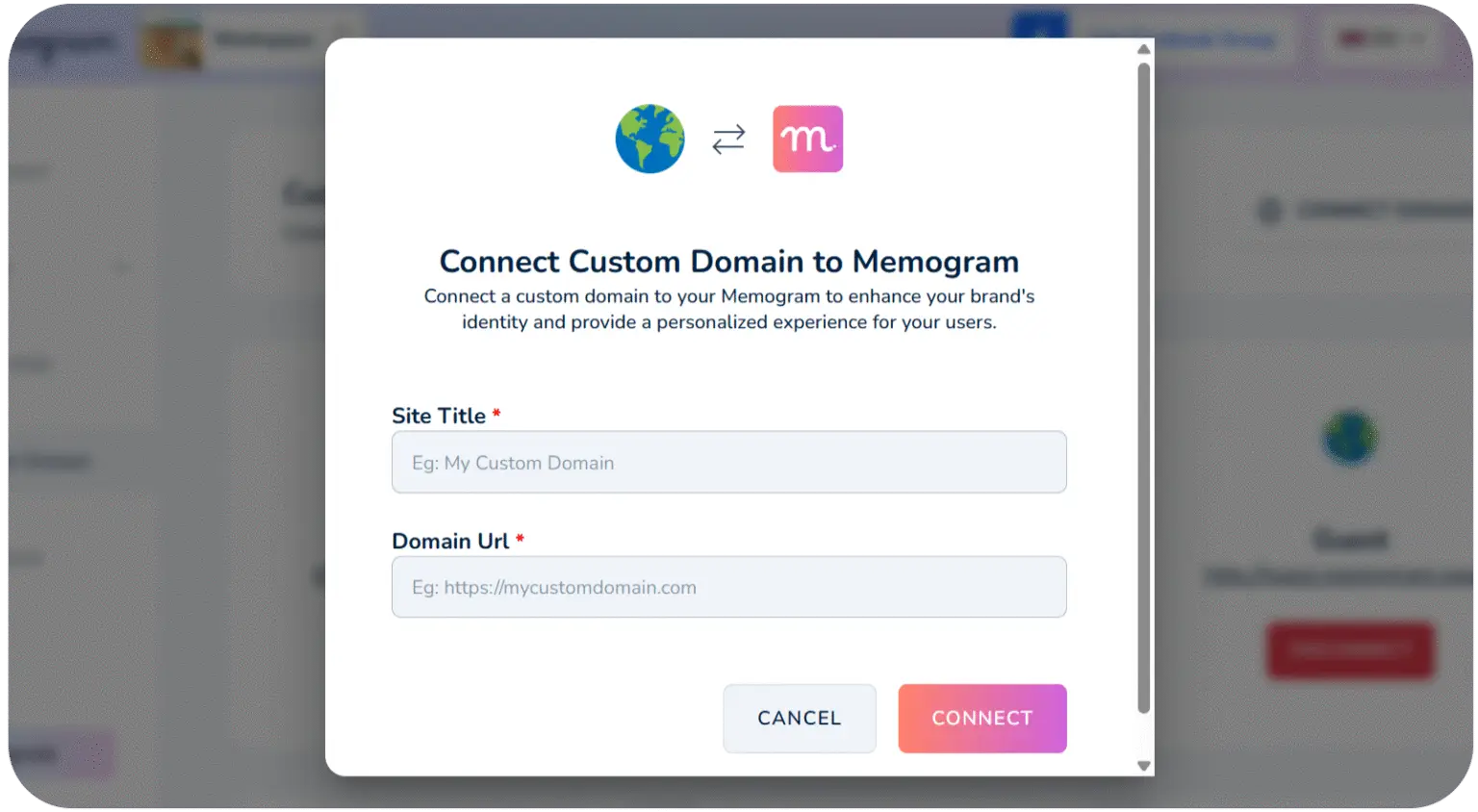
Custom Domain Connection

As an Event planner, you can connect your own domain to the event page instead of using Memogram’s default domain, thereby presenting it as your own proprietary setup, instantly increasing trust, credibility, and your ability to charge premium fees.

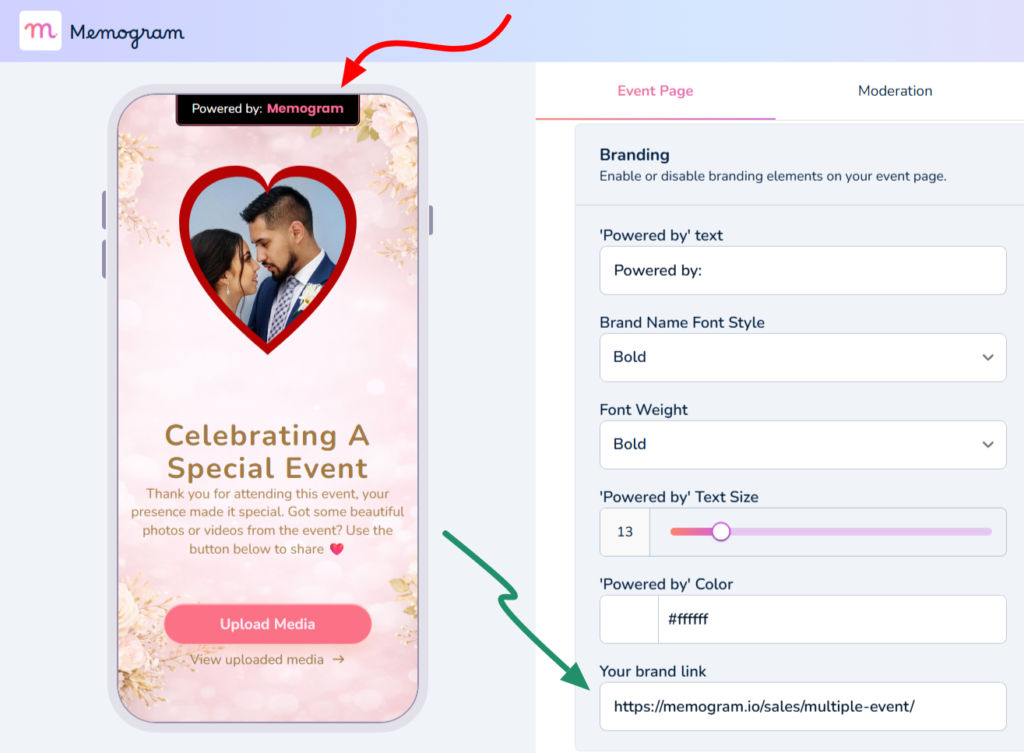
Remove “Powered by Memogram” Branding

Remove Memogram’s branding from your event page and replace it with your own brand name and identity.

This gives your guests a
more professional, personalized experience that feels completely like your own platform.

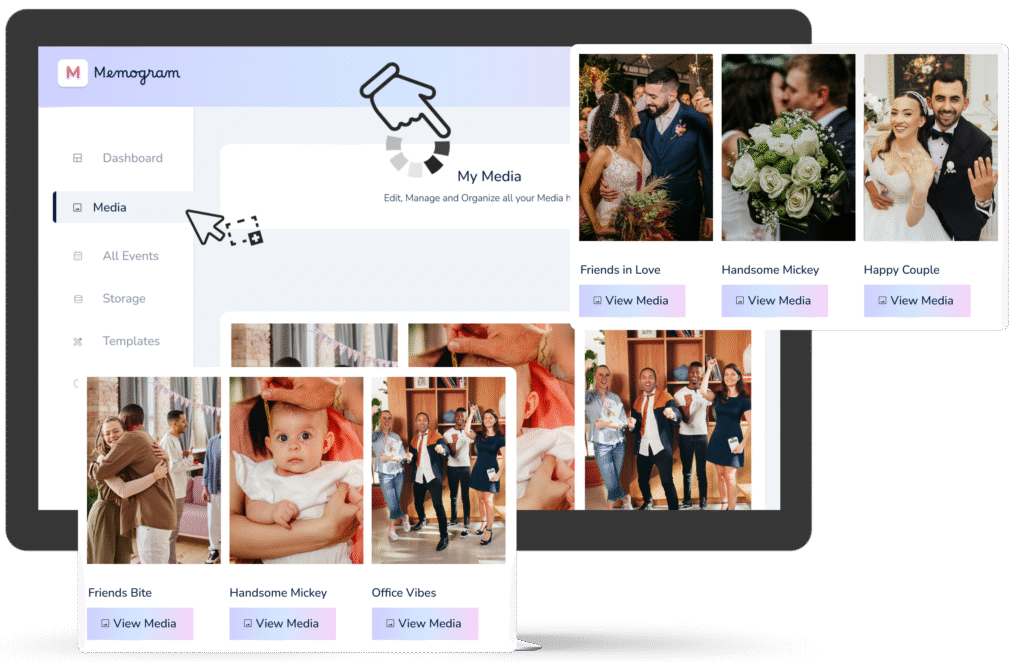
Centralized Media Gallery

All uploaded photos and videos are stored in a central, easy-to-navigate gallery that’s accessible to the celebrant and authorized users.
Photos and videos are also automatically optimized for quality, while retaining their original resolution.
EXCLUSIVE BONUS:

100+ DFY, Fully Editable QR Code Card Templates (Worth $497)

Get instant access to over 100 professionally designed QR code card templates for weddings, restaurants, conferences, hotels, nightclubs, corporate events, and more. Simply customize with your QR code and details, then print or display – no design skills required

Try Memogram Risk-Free For The Next 7 Days

We didn’t build Memogram to become another unused Software product that you own

We’re so confident you’ll love Memogram that every purchase comes with a solid 7-day money-back guarantee.

Take your time to explore Memogram, test the features, and get everything ready before your big day.

If you’re not completely satisfied, simply contact our support team within 7 days of your purchase and request a full refund – provided your request is made at least 24 hours before your scheduled event date.

No stress. No risk. Just peace of mind.

One event. One price. Every memory.

Everything included

Choose The Number Of Events Below:

1
… /Event

Checking secure payment provider...

Frequently Asked Questions

Memogram is a platform that allows event hosts to collect and share photos and videos taken by guests during events. Guests can upload media by scanning a unique QR code or visiting a link, without the need to download an app.
While those options may seem convenient, they often result in lost files, compressed media, poor organization, and low participation. Memogram provides a centralized, professional system that makes it easier for customers and guests to upload content while helping you collect, organize, and manage everything in one place.

Guests can upload media by scanning the event’s unique QR code with their phone’s camera or any QR code scanner app, which directs them to the event’s media-upload platform.

Yes, Memogram allows you to personalize your event page with unique themes, colors, and layouts to match the style of your event.

Yes, Memogram provides a one-click bulk download feature, allowing you to save all your event media instantly in high quality.

It depends on the host’s settings. The event host can choose whether guests can only upload media or also view and download shared content.

It depends on the host’s settings. The event host can choose whether guests can only upload media or also view and download shared content.

Memogram’s Screencast (Photo Wall) feature allows you to display all photos and videos uploaded by your guests on a large screen in real-time. You can set it up using a TV, projector, or any screen with internet access, and a device that can open a web browser.
No, guests can upload their media instantly by scanning the QR code using their phone’s camera or browser—no app download required.

Frequently Asked Questions
Q. Do guests need to download an app to upload photos and videos?
No! Guests can upload their media instantly by scanning the QR code using their phone’s camera or browser—no app download required. 

Q. Can I customize my event page?

Yes! You can personalize your event page with a custom event name, background image, description etc

Q. How long is the event page Active for?

Your event page is open and available for 14 days after the event Date chosen.

For example, if you choose 1st of January as your Event Date, it will remain active for uploads until the 14th of January.

Upon Page Expiration, No new Photo or Video can be uploaded by Guests.

Q. How do I reach out to the support Team if I have any more questions?

You can reach out to the support Team via the Live chat option inside the Software or email [email protected] 

Q. How long do I have to download the Media uploaded by my Guests?

All uploaded media (photos and videos) will expire 30 days after the upload date.

For example, if a guest uploads a photo or video on January 1st, it will automatically expire and be permanently deleted from Memogram’s database on January 30th.

Once expired, the media cannot be recovered.

To keep your precious memories safe, be sure to download them before the expiration date!