Memogram Vs. Drop Event
| FEATURES | MEMOGRAM | DROP EVENT |
|---|---|---|
| Guest Upload via QR Code / Link | ✅ | ✅ |
| No Guest Signup Required | ✅ | ✅ |
| Photo uploads | ✅ | ✅ |
| Video uploads | ✅ | ✅ |
| Text note / Captions uploads | ✅ | ❌ |
| Feed view (guests can see others’ uploads) | ✅ | ❌ |
| Manually Approve Guest Uploads | ✅ | ❌ |
| Upload from camera / gallery | ✅ | ✅ |
| Live ScreenCast / Slideshow | ✅ | ✅ |
| Media Download (photos and videos) | ✅ | ✅ |
| Bulk ZIP download (host) | ✅ | ❌ |
| Advanced media storage - Never Expires | ✅ | Limited |
| Password Protection For Feed Page | ✅ | ❌ |
| Set Password to Manage Feed Media | ✅ | ❌ |
| Full moderation controls (approve/hide) | ✅ | ❌ |
| Privacy Controls (Private Link) | ✅ | ❌ |
| Customizable QR Code Banner Templates | ✅ | ❌ |
| Media Upload Terms and Conditions(T&C) Agreement | ✅ | ❌ |
| Analytics | ✅ | ❌ |
| Event Page Translation | ✅ | ❌ |
| Custom Domain Setup | ✅ | ❌ |
| Whitelabel Event pages | ✅ | ❌ |
| Unlimited Workspaces | ✅ | ❌ |
| Unlimited Sub User Access | ✅ | ❌ |
This comparison was last updated on November 6, 2025, using publicly available information. For the most accurate and up-to-date details, please confirm details on DropEvent’s website before making any purchase. If you represent DropEvent and notice any inaccuracies, please contact us at [email protected] so we can review and update the information promptly.
Try Memogram for yourself
Scan the QR Code below or CLICK HERE to open the Upload page.
Upload photos/Videos from your Device to enjoy the Memogram Experience.

Scan with your phone’s camera OR any scanning app
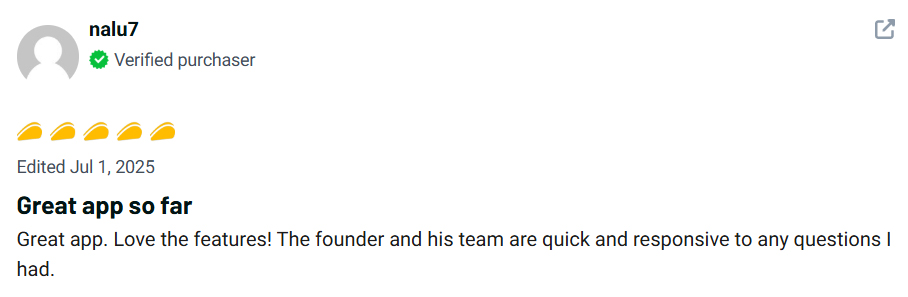
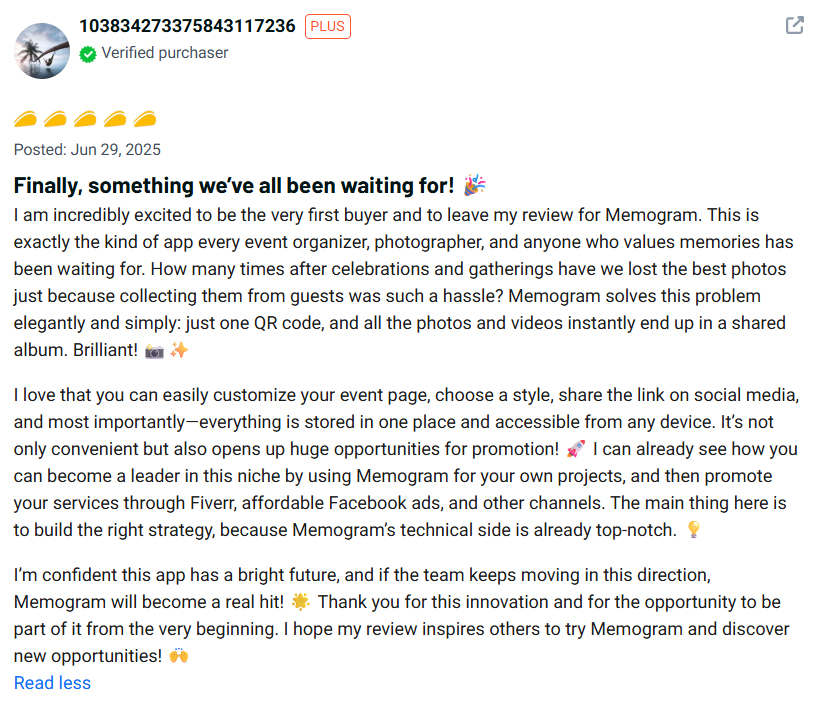
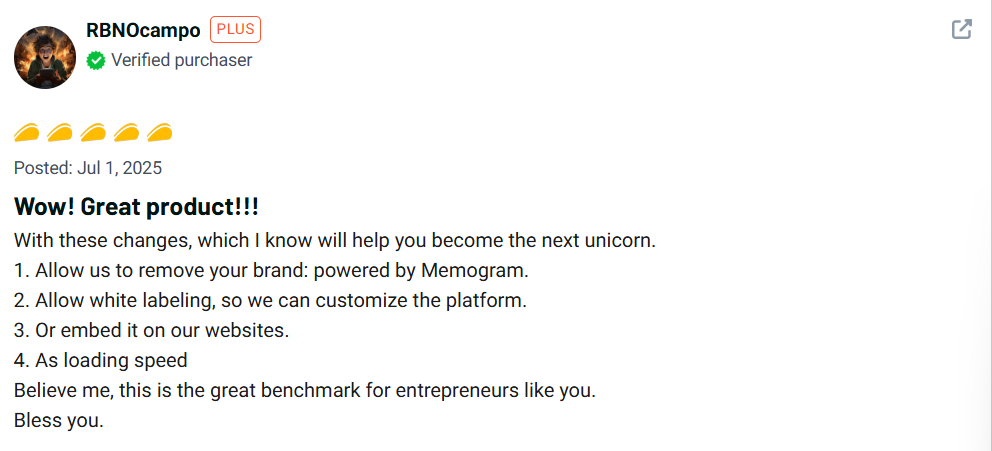
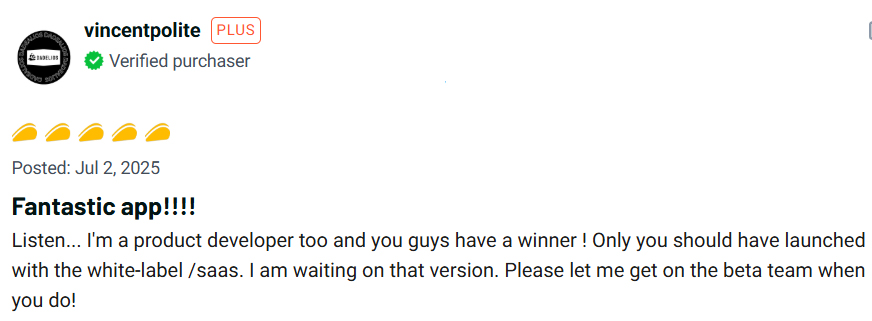
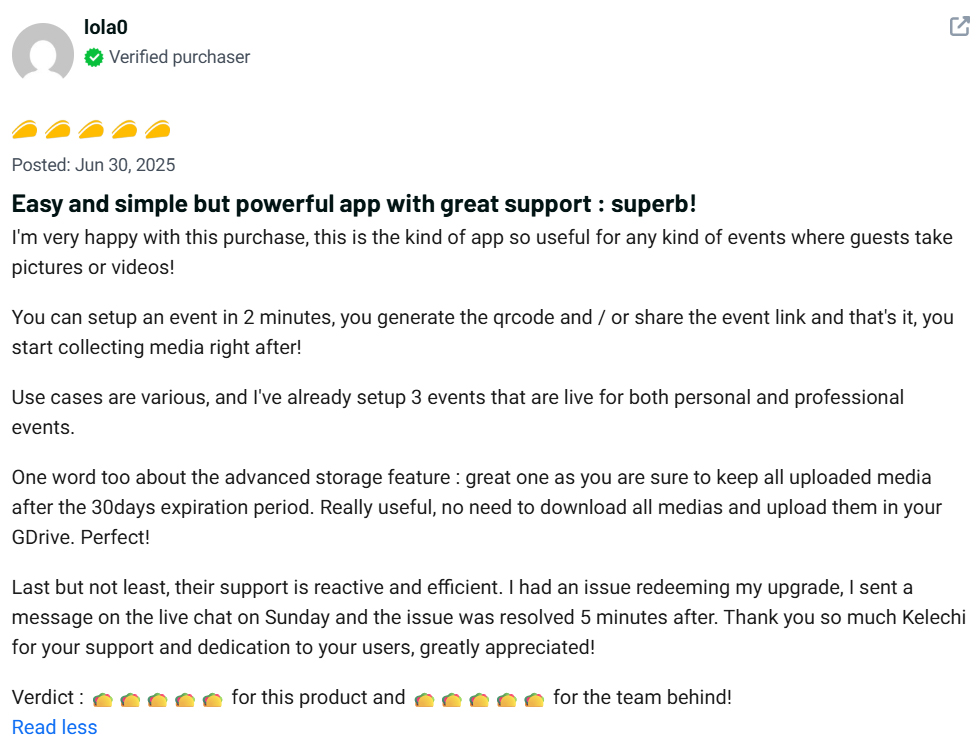
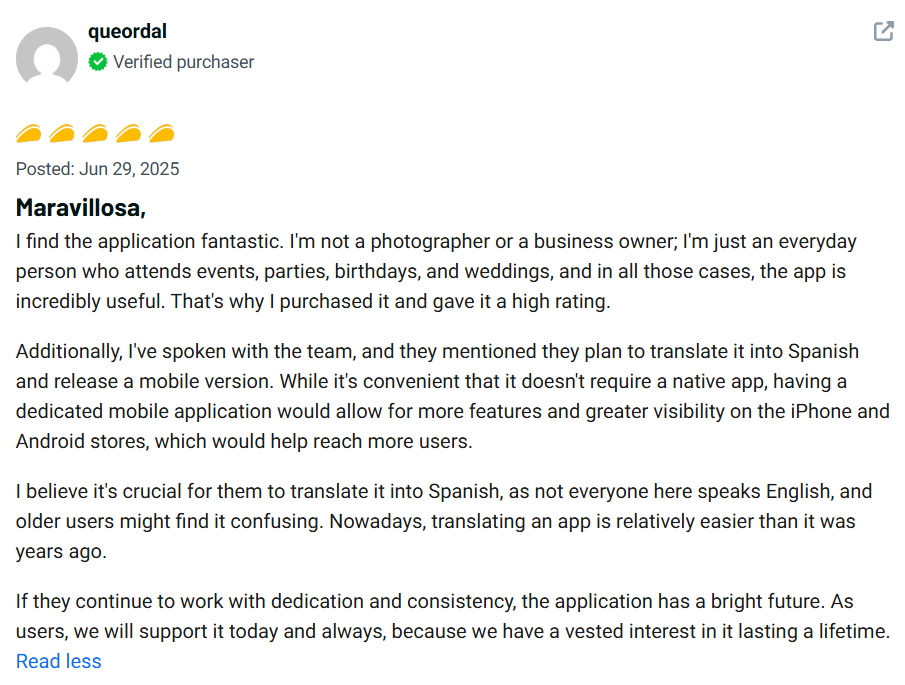
See What Our Users Are Saying!


Do guests need to download an app to upload photos and videos?
What Happens when a media upload Expires?
No matter the plan you choose, all uploaded media (photos and videos) will expire 30 days after the upload date.
For example, if a guest uploads a photo or video on January 1st, it will automatically expire and be permanently deleted from Memogram’s database on January 30th.
🔴 Once expired, media cannot be recovered.
To keep your precious memories safe, be sure to download them before the expiration date!
What Happens when an Event Page Expires?
Your Event Page is available based on the plan you choose.
Once it reaches its expiration date (calculated from your event date):
✅ Guests will no longer be able to access the upload page.
✅ No new photos or videos can be added.
Make sure to download all your collected memories before your Event Page expires!